Last updated: July 20, 2026
Ultimate AWS Lambda Python Tutorial with Boto3
AWS Lambda is a Function-as-a-Service offering from Amazon Web Services. AWS Lambda essentially created the serverless compute category in 2014 with the launch of Lambda. AWS Lambda provides on-demand execution of code without the need for an always-available server to respond to the appropriate request.
AWS Lambda functions are run in containers that are dynamically created and deleted as needed based upon your application's execution characteristics, allowing you to pay for only the compute you use rather than the constant availability of services like EC2.
Why Lambda with Python?
The 2020 Stack Overflow Developer Survey named Python one of the most beloved languages. Python has a strong foothold in a number of different industries, from web development to artificial intelligence and data science. It's only natural, then, that many developers would like to rely on Python when working with their serverless functions. In this article, we'll discuss using Python with AWS Lambda, exploring the process of testing and deploying serverless Python functions.
Given that the power of serverless technology is in the uniformity of its containers, there are some restrictions on the runtime and environment when working with Python in Lambda. The first is related to how Lambda deploys code itself – you'll encounter extensive duplication of the deployed code itself. Additionally, Lambdas only support specific Python runtimes – see the list here.
In terms of the execution environment, there are a couple of things to be aware of:
- You are only given limited access to the operating system layer, meaning that you cannot rely upon operating-system-level packages.
- Lambda containers are extremely short-lived and are regularly recycled for use elsewhere in the system. This means you cannot debug your application based on operating system aspects, such as local file storage, unless you ensure the function context doesn't exist.
What is Boto3?
To make integration easy with AWS services for the Python language, AWS has come up with an SDK called boto3. It enables the Python application to integrate with S3, DynamoDB, SQS, and many more services. In Lambda functions, it has become very popular to talk to those services for storing, retrieving, and deleting data.
In this article, we will try to understand boto3 key features and how to use them to build a Lambda function.
Tips from the Experts
1. Optimize cold start performance
Python generally has good cold start performance, but package size and imports can still impact startup times. Minimize package size by excluding unnecessary libraries and dependencies. Use AWS Lambda Layers to include only the necessary parts of Boto3 or other heavy libraries, and defer imports to the function handler when possible.
2. Handle connection management efficiently
Boto3 uses connections that can be expensive to create on every function invocation. Use connection pooling by reusing clients and resources outside the handler function to reduce the overhead of connection initialization, especially in high-throughput scenarios.
3. Monitor and optimize memory usage
Python's memory management can lead to inefficiencies, especially when processing large objects or handling high concurrency. Use CloudWatch metrics to monitor your Lambda's memory usage and adjust your memory allocation to balance performance and cost. Under-allocating memory can lead to performance bottlenecks and increased latency.
4. Implement data validation and sanitization
When processing inputs from services like S3 or APIs, validate and sanitize data to prevent security vulnerabilities or runtime errors. This is especially important for Lambda functions triggered by external events, where input data might be unpredictable or malformed.
5. Utilize custom resource classes and high-level abstractions
While Boto3 offers low-level API access, consider using custom resource classes or high-level abstractions provided by the SDK. This can simplify code, reduce the risk of errors, and make your application more maintainable by abstracting repetitive tasks.
6. Use environment variables for configuration
Configure Lambda functions using environment variables to manage application settings, such as environment-specific values or toggles for feature flags. Keep the configuration flexible by allowing updates without code changes, and encrypt sensitive variables with AWS KMS for added security.
Boto3 Key Features
Resource APIs
Resource APIs provide resource objects and collections to access attributes and perform actions. It hides the low-level network calls. Resources represent an object-oriented interface to AWS. It provides the resource() method of a default session and passes in an AWS service name. For example:
123sqs = boto3.resource('sqs')s3 = boto3.resource('s3')
Every resource instance has attributes and methods that are split up into identifiers, attributes, actions, references, sub-resources, and collections.
Resources can also be split into service resources (like sqs, s3, ec2, etc.) and individual resources (like sqs.Queue or s3.Bucket). Service resources do not have identifiers or attributes; otherwise the two share the same components.
Identifiers
An identifier is a unique value used by a resource instance to call actions.
Resources must have at least one identifier, except for the service resources (e.g., sqs or s3).
For example:
12# S3 Object (bucket_name and key are identifiers)obj = s3.Object(bucket_name='boto3', key='test.py')
Action
An action is a method that makes a service call. Actions may return a low-level response, a list of new resource instances, or a new resource instance. For example:
1messages = queue.receive_messages()
References
A reference is just like an attribute. It may be None or a related resource instance. The resource instance does not share identifiers with its reference resource. It is not a strict parent-to-child relationship. For example:
123instance.subnetinstance.vpc
Sub-resources
A sub-resource is similar to a reference. The only difference is that it is a related class rather than an instance. When we instantiate sub-resources, it shares identifiers with their parent. It is a strict parent-child relationship.
123queue = sqs.Queue(url='...')message = queue.Message(receipt_handle='...')
Collections
A collection provides an iterable interface to a group of resources. A collection helps iterate over all items of a resource. For example:
1234sqs = boto3.resource('sqs')for queue in sqs.queues.all():print(queue.url)
Waiters
A waiter is similar to an action. A waiter will poll the status of a resource to check if the resource has reached a particular state. If it reaches the polled state, it will execute, or else it will keep polling unless a failure occurs. For example, we can create a bucket and use a waiter to wait until it is ready to use to retrieve objects:
1bucket.wait_until_exists()
Service-specific High-level Features
Boto3 comes with several other service-specific features, such as automatic multi-part transfers for Amazon S3 and simplified query conditions for DynamoDB.
Building an AWS Lambda Application with Python Using Boto3
Now, we have an idea of what Boto3 is and what features it provides. Let's build a simple Python serverless application with Lambda and Boto3.
The use case is when a file gets uploaded to an S3 bucket, a Lambda function is triggered to read this file and store it in a DynamoDB table. The architecture will look like this:
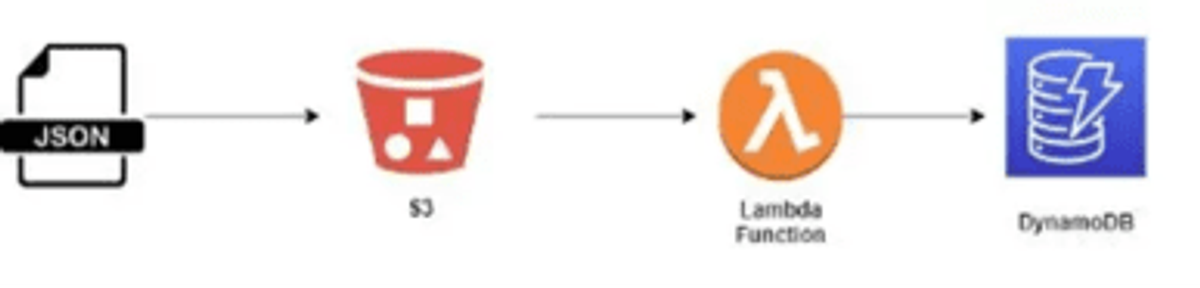
We want to use the Python language for this use case so we will take advantage of the boto3 SDK to speed up our development work.
Step 1: Create a JSON File
Let's first create a small JSON file with some sample customer data. This is the file we would upload to the S3 bucket. Let's name it data.json.
1234567{"customerId": "xy100","firstName": "Tom","lastName": "Alter","status": "active","isPremium": true}
Step 2: Create S3 Bucket
Now, let's create an S3 bucket where the JSON file will be uploaded. Let's name it boto3customer. We have created the bucket with all the default features for this example.
Step 3: Create DynamoDB Table
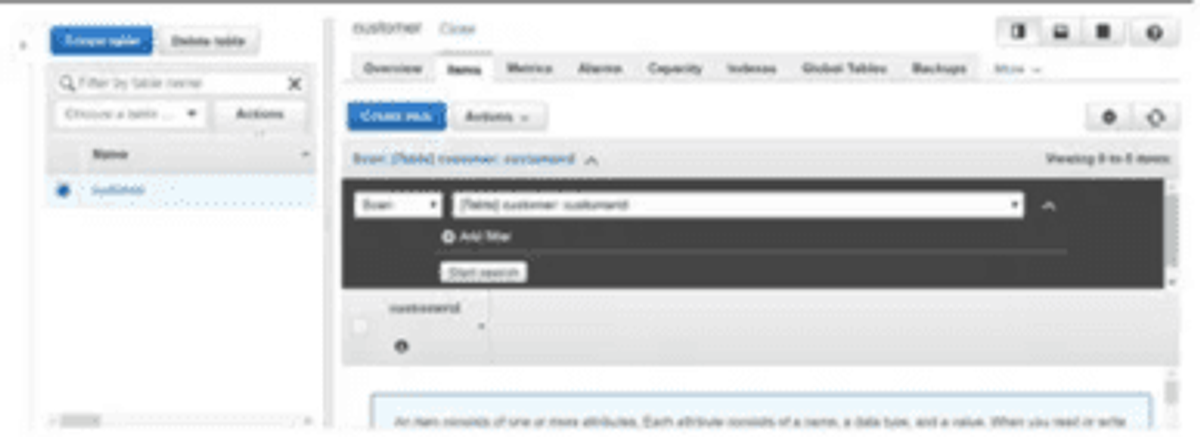
Let's create a DynamoDB table (customer) where we will upload the JSON file. Mark customerId as a partition key. We need to ensure that our data.json file has this field while inserting it into the table, otherwise it will complain about the missing key.
Step 4: Create Lambda Function
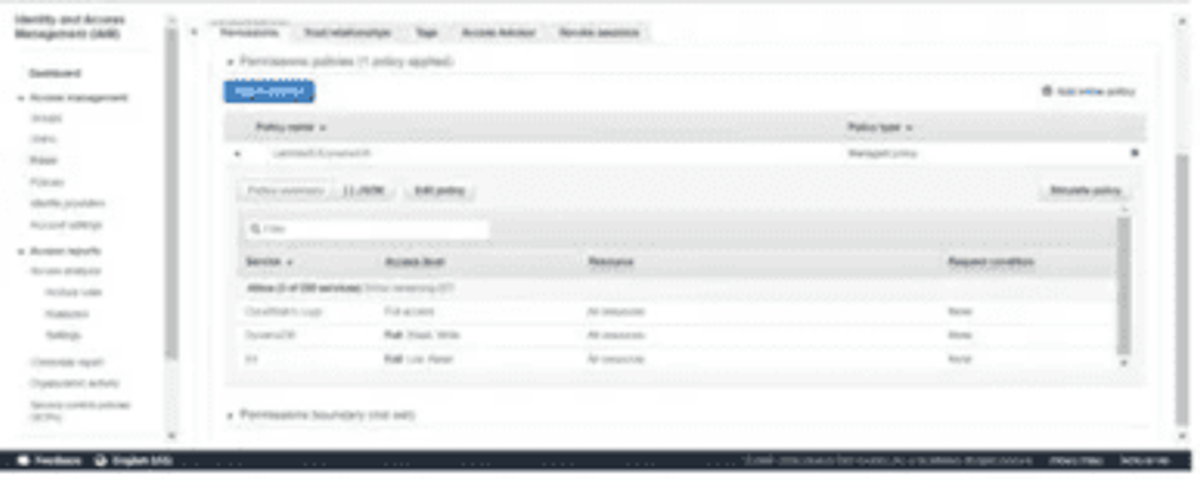
Here, we need to first create an IAM role that has access to CloudWatch Logs, S3, and DynamoDB to interact with these services. Then, we will write code using boto3 to download the data, parse it, and save it into the customer DynamoDB table. Then, create a trigger that should integrate the S3 bucket with Lambda so that once we push the file in the bucket, it should be picked up by the Lambda function.
Let's first create an IAM role. The IAM role needs to have at least read access to S3, write access to DynamoDB, and full access to the CloudWatch Logs service to log every event transaction:
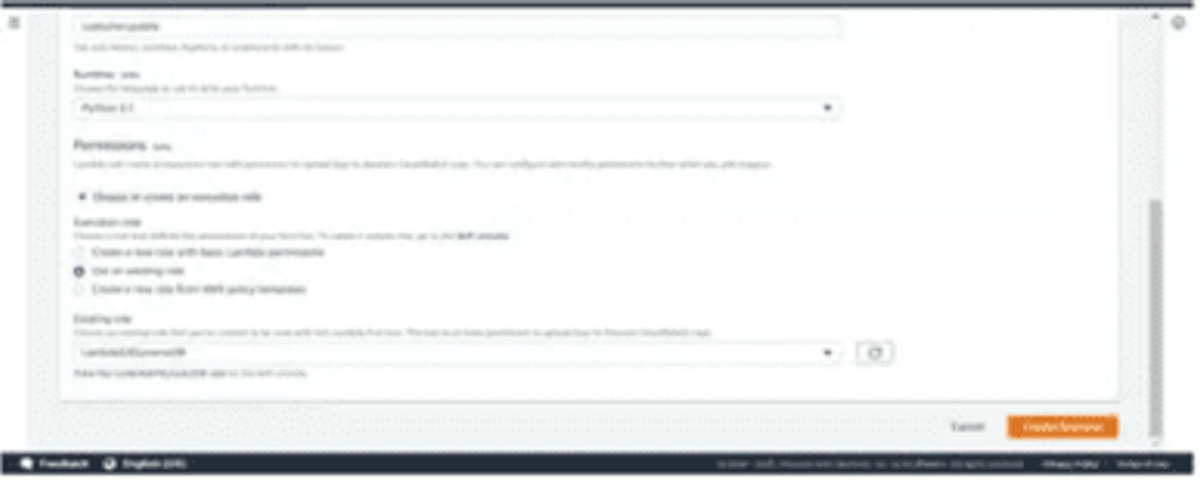
Now, create a function. Give a unique name to it and select Python 3.7 as the runtime language:
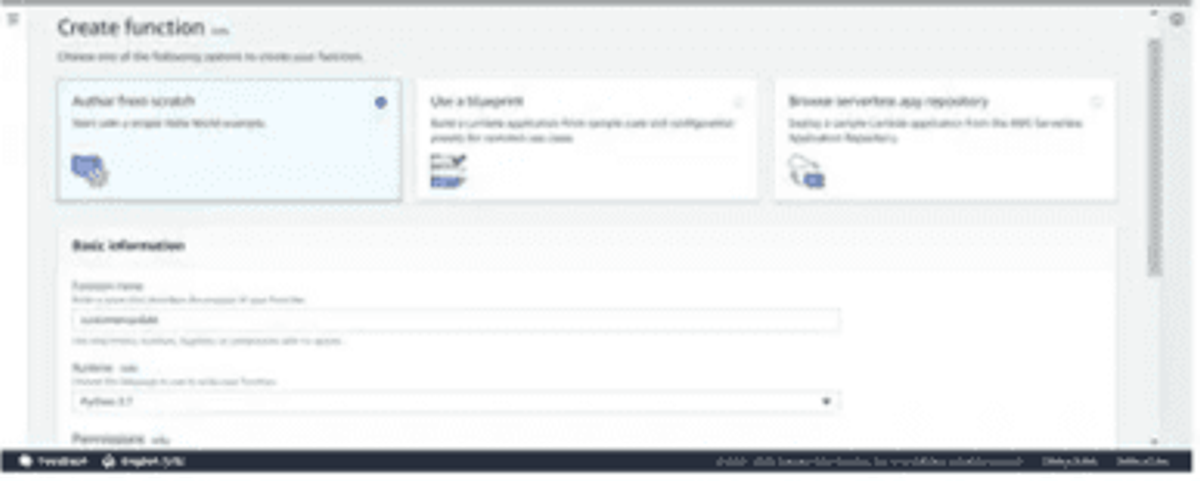
Now, select the role LambdaS3DynamoDB we created in the earlier step and hit the Create function button:
Now follow the below steps for the Lambda function:
- Write the Python code using the boto3 resource API to load the service instance object.
- An event object is used to pass the metadata of the file (S3 bucket, filename).
- Then using action methods of s3_client, load the S3 file data into the JSON object.
- Parse the JSON data and save it into the DynamoDB table (customer).
1234567891011121314151617181920import jsonimport boto3dynamodb = boto3.resource('dynamodb')s3_client = boto3.client('s3')table = dynamodb.Table('customer')def lambda_handler(event, context):# Retrieve File Informationbucket_name = event['Records'][0]['s3']['bucket']['name']s3_file_name = event['Records'][0]['s3']['object']['key']# Load Data in objectjson_object = s3_client.get_object(Bucket=bucket_name, Key=s3_file_name)jsonFileReader = json_object['Body'].read()jsonDict = json.loads(jsonFileReader)# Save data in DynamoDB tabletable.put_item(Item=jsonDict)
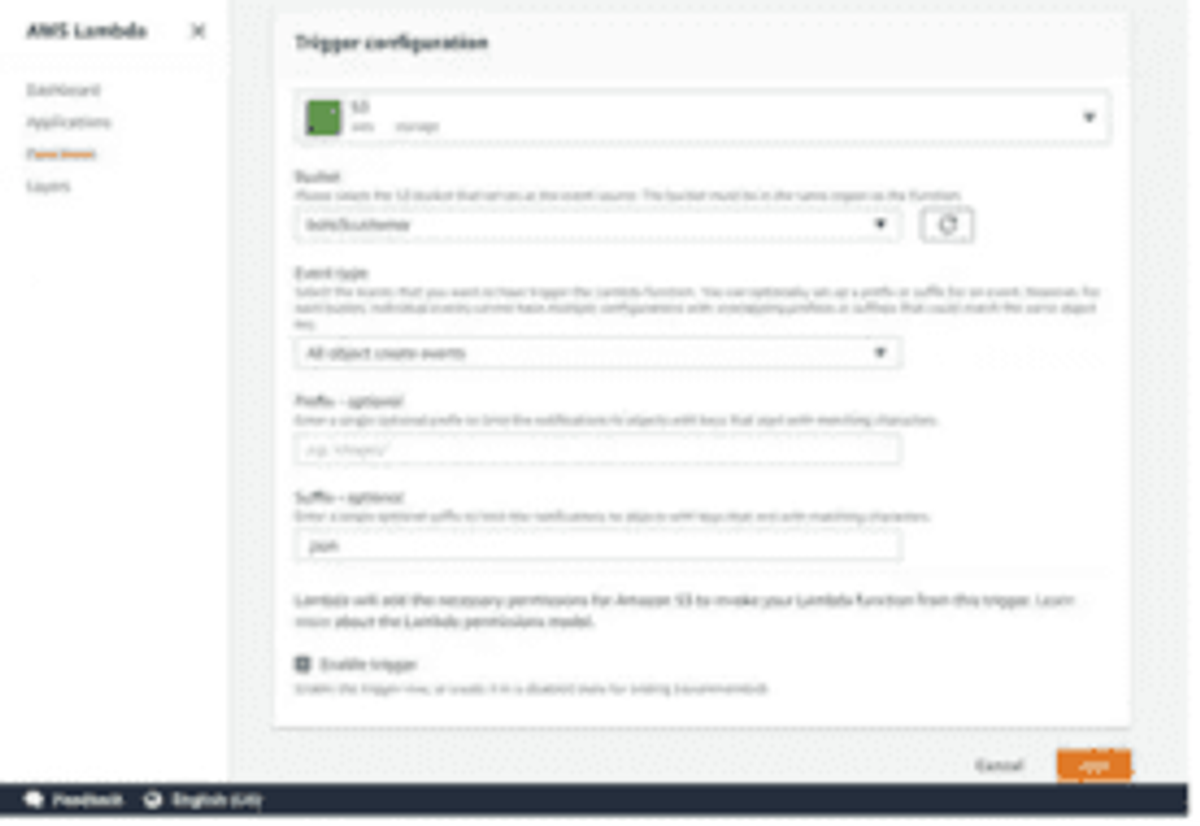
Next, Create an S3 Trigger
- Select the bucket name created in the earlier step.
- Select the event type as "All object create events".
- Enter suffix as
.json. - Click the Add button.
The Lambda function is now ready with all the configurations and setup.
Test the Lambda Function
Let's test this Lambda function customer update.
- First, we need to upload a JSON file to the S3 bucket boto3customer.
- As soon as the file gets uploaded in the S3 bucket, it triggers the customer update.
- It will execute the code that receives the metadata of the file through the event object and loads this file content using boto3 APIs.
- Then, it saves the content to the customer table in DynamoDB.
We can see the file content got saved in the DynamoDB table.
This completes our use case implementation of a serverless application with Python runtime using the boto3 library.
Tips and Tricks for Working with Python in AWS Lambda
AWS Lambda functions provide a powerful tool in developing data flow pipelines and application request handlers without the need for dedicated server resources, but these functions are not without their downsides. The following tips and tricks may help:
- Make extensive use of unit testing – given the distributed nature of serverless functions, having verification in place is important for peace of mind when deploying your functions that run infrequently. While unit and functional testing cannot fully protect against all issues, it gives you the confidence you need to deploy your changes.
- Beware of time limits – AWS Lambda functions contain inherent time limits in execution. These can go as high as 900 seconds but default to 3. If your function is likely to require long run times, ensure you configure this value properly.
- Leverage the pattern – It's easy enough to take a simple Flask app and translate it into a monoservice Lambda function, but there are a lot of potential efficiency gains to be made from moving a step or two beyond the basics. Take the time to rebuild your application to take advantage of the event-driven nature of Lambda processing, and you can improve user experience with minimal effort.
- Make use of observability tools – It's powerful to have everything under your control, but it can also be distracting and time-consuming. Tools like Dash0 can provide you with automated tracing and debugging, removing the need to develop these tools from your backlog.
Summary
AWS Lambda is a powerful tool for event-driven and intermittent workloads. The dynamic nature of Lambda functions means that you can create and iterate on your functionality right away, instead of having to spend cycles getting basic infrastructure running correctly and scaling properly.
Python brings a powerful language with a robust environment into the serverless realm and can be a powerful tool with some careful application of best practices. In addition to general development practices focused on maintainability, observability tools like Dash0 can expand your serverless metrics reporting and give you the power you need to drive user value as quickly as possible.