
Last updated:
Set Attributes
A Set step sets an attribute or an OTLP field to a value. It creates the attribute when it is missing and overwrites it otherwise. Use it to enrich records, for example to tag every record from a service with its environment, or to change a field such as a span's status.
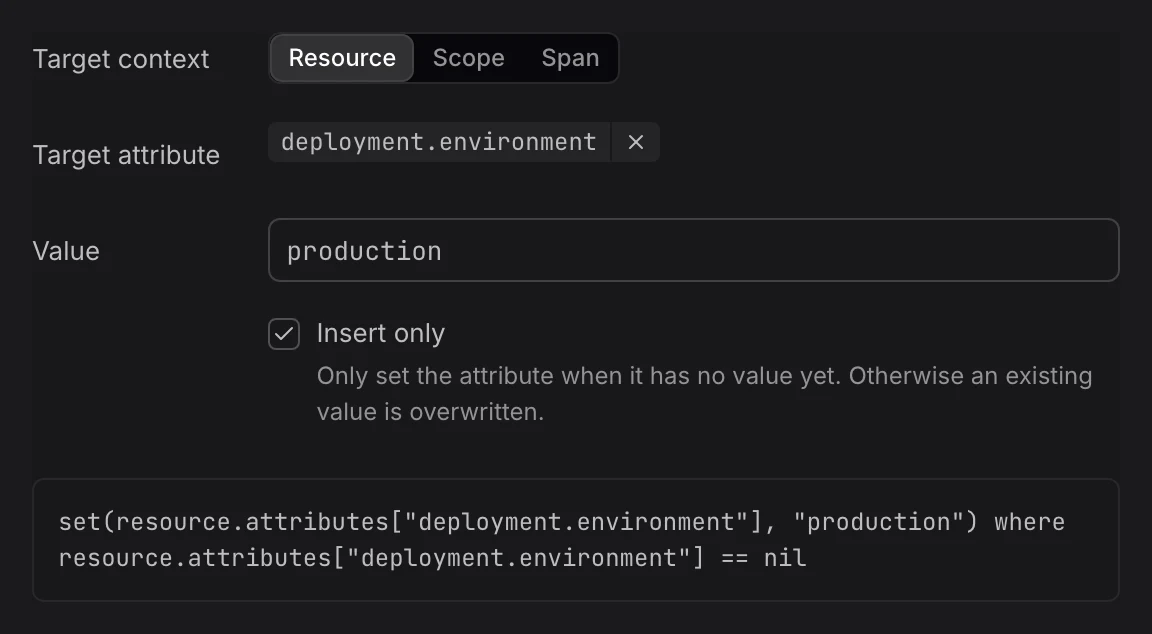
Add a Set Step
- In the rule editor, click + Transformation. New steps start as Set. You can also hover an attribute in Input sample data, click Add a transformation step, and pick Set. To add a new attribute, click Add an attribute with a transformation step next to a section of the sample.
- Fill in the fields:
- Target context: Where to write: Resource, Scope, or the record, such as Span or Log record.
- Target attribute: The attribute to set, for example
deployment.environment.name. To set a field of the record, use itsotel.key, for exampleotel.span.status.code. - Value: The value to write.
- Insert only: Only set the attribute when it has no value yet. Otherwise an existing value is overwritten.
- Check the Output panel: the attribute shows as added, or as modified with its previous value.
Values
Dash0 reads the type of the value from what you type:
- Numbers:
42and0.5are written as numbers. - Booleans and empty values:
true,false, andnilare written as is. - Field values: On an OTLP field, a value such as
STATUS_CODE_ERRORorSEVERITY_NUMBER_WARNis written as that field's value. - Text: Anything else is written as text, for example
productionorGET.
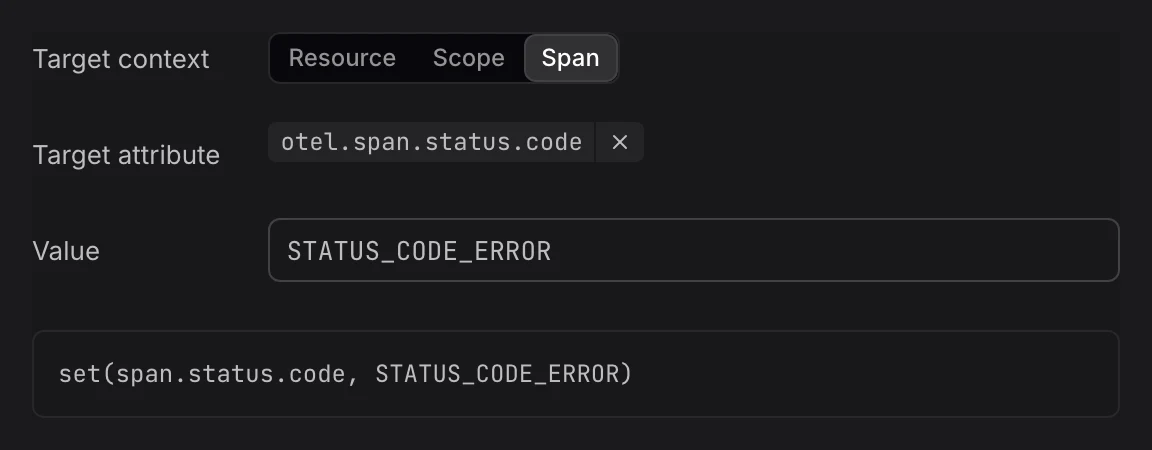
The fields you can set are:
- Spans:
otel.span.name,otel.span.kind,otel.span.status.code, andotel.span.status.message. - Logs:
otel.log.body,otel.log.severity_number, andotel.log.severity_text. - Metrics:
otel.metric.name,otel.metric.unit, andotel.metric.description.
Insert only isn't available on fields, because a field always has a value.
Example
Setting deployment.environment.name on the resource to production, with Insert only, writes this OpenTelemetry Transformation Language (OTTL) statement:
set(resource.attributes["deployment.environment.name"], "production") where resource.attributes["deployment.environment.name"] == nilFurther Reading
-
About Signal Transformation. Add a transform rule and learn the parts of the rule editor.
-
Copy Attributes. Set an attribute to the value of another attribute or field.
-
Delete Attributes. Remove an attribute, or reset a field to its default.