
Last updated: October 2, 2026
Filter by Log AI Attributes
Filter logs by inferred severity and AI-extracted attributes in the Log Explorer.
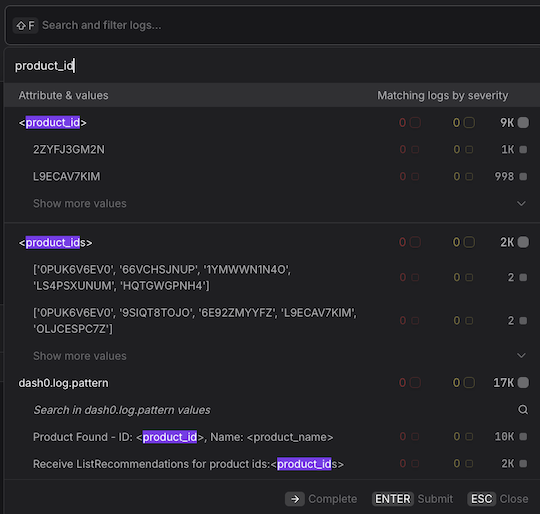
Log AI adds additional attributes to your log records that you can filter by:
- Inferred Severity. Filter to see only log records where the severity was determined by Log AI rather than present in the original data.
- Inferred Messages and Attributes. Filter to see records where Log AI extracted structured data from the log body.
These are available as filter options in the Log Explorer.
Further Reading
- About Log AI — Learn what Log AI does and how it structures unstructured logs
- About Logging — Explore and analyze logs in Dash0
- Triage Log AI Attributes — Run pattern analysis using AI-extracted attributes
- Group Log AI Attributes — Group logs by AI-extracted attributes for deeper analysis
- View Log AI Severities — View which log severity values were inferred by Log AI