
Last updated: September 24, 2026
View Session Details
The session detail panel provides a focused view of a single user session, showing the user's identity, a timeline of events, and the complete page flow including cross-tab navigation.
Access the session detail panel by clicking any session row in the Sessions tab.
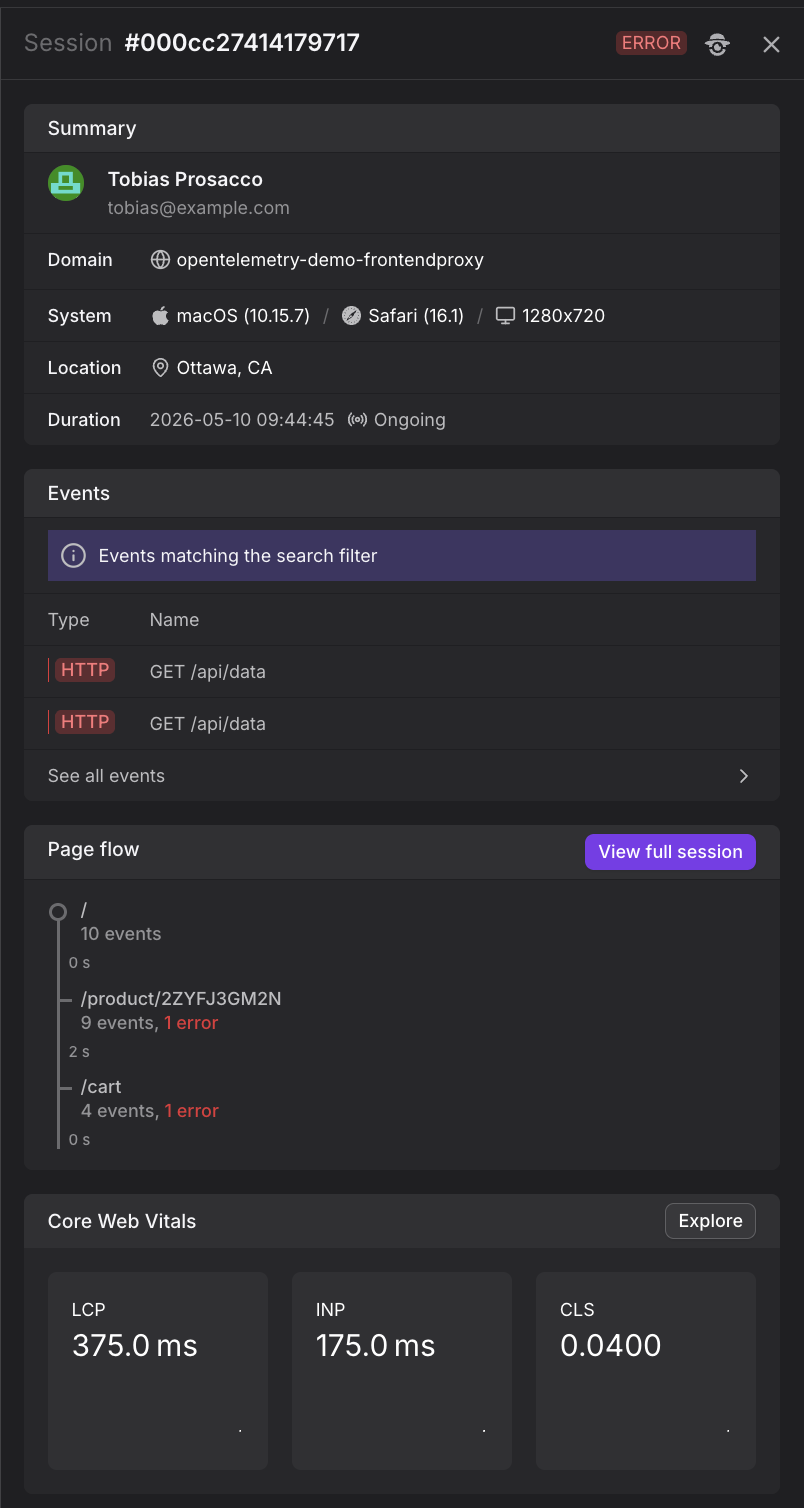
What the Session Detail Panel Shows
The panel contains several key sections:
Summary
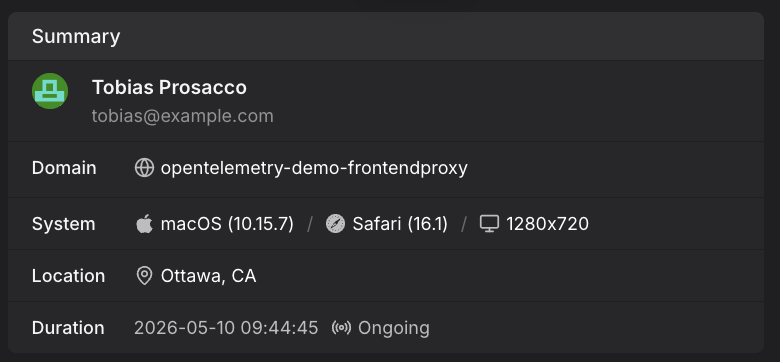
The user's name, email, operating system, browser, screen resolution, geographic location, and the session start time and duration.
Matched Events
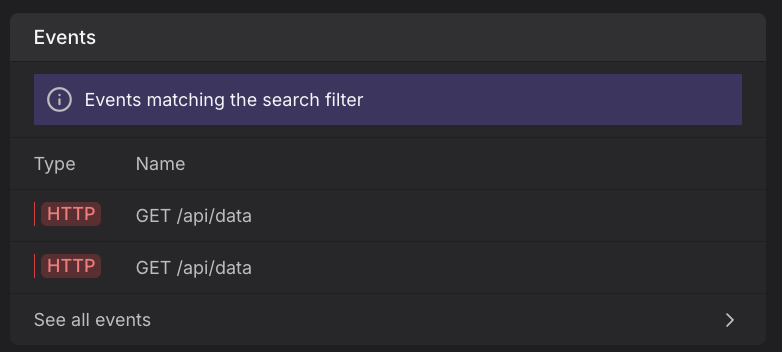
A list of events from this session that match the current search filter — showing the event type badge and a human-readable title (e.g., "LCP measured at 49 ms", "Finished loading after 100 ms").
This section only appears when you have active filters applied.
Click See all events to open the full event list in the Web Events Explorer.
Page Flow
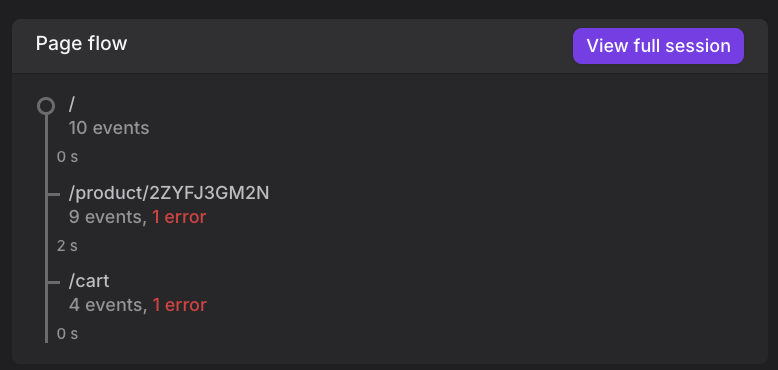
A compact timeline of the pages visited during the session, with the time spent on each page and any tab switches indicated.
The page flow makes it possible to reconstruct exactly what the user did — including how they navigated between tabs — without needing to watch a video replay.
Switching between tabs within the same session is tracked and shown inline in the flow, so you can see when a user opened a new tab, what they loaded there, and when they switched back.
The session detail panel provides a focused summary of key information. For a complete event-by-event timeline with full trace correlation and network timing details, you can open the full session view. Click View full session to open a complete, chronological event-by-event view of the session. This view shows every event captured during the session — page views, HTTP requests, web vitals, JavaScript errors, and custom events. For more details, see View the Full Session.
Core Web Vitals
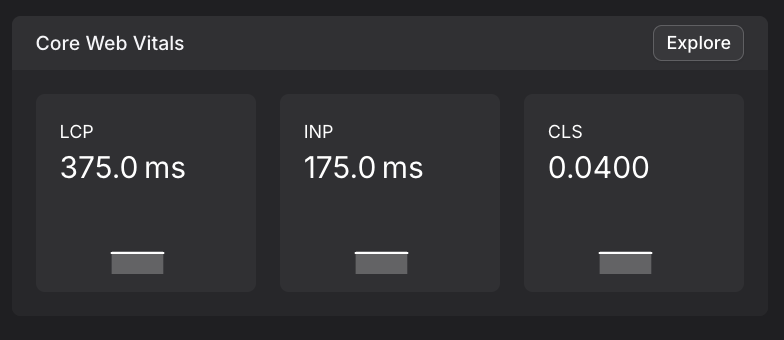
A summary of the Core Web Vitals (LCP, INP, CLS) measured during this session, showing how this specific user's experience compared to your overall web vital scores.
For more information about Core Web Vitals, see Understand Web Vitals and Analyze Web Vitals.
Further Reading
- About Web Events. Describes the underlying event stream that powers session investigation.
- Understand Sessions. Covers how sessions are defined, tracked across multiple browser tabs, and expired.
- Correlate Sessions with Backend Traces. Complete end-to-end debugging workflow from session to backend trace.
- Investigate Sessions. Shows how to use the Sessions tab to browse individual sessions, filter by attributes, and open the session detail panel.
- View the Full Session. Complete event-by-event session view with all event types.