
Last updated:
About Creating Dashboards
Dashboards provide customizable visualizations of your telemetry data. Create dashboards to monitor services, track key metrics, and share observability insights with your team.
Dash0 provides several ways to create and manage dashboards. Choose the method that fits your workflow best.
Generate with Agent0
Agent0 automatically generates dashboards from natural language descriptions. Describe what you want to visualize, and Agent0 creates the dashboard with panels, queries, and appropriate visualizations based on your actual telemetry.
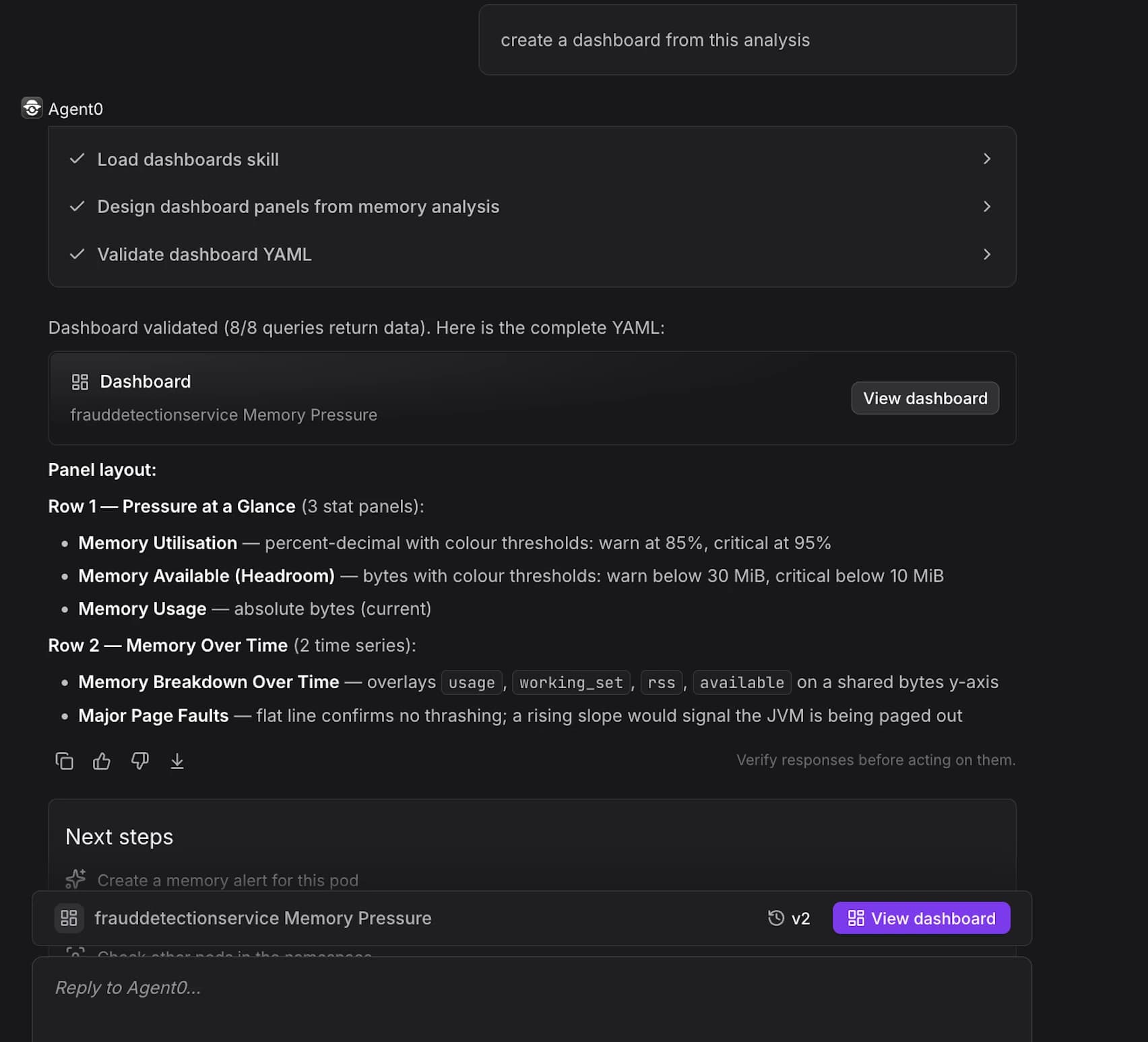
See Generate Dashboards with Agent0 for details.
Create from Scratch
Build dashboards step-by-step using the dashboard editor with full control over panel configuration, layouts, variables, and every other aspect of the dashboard.
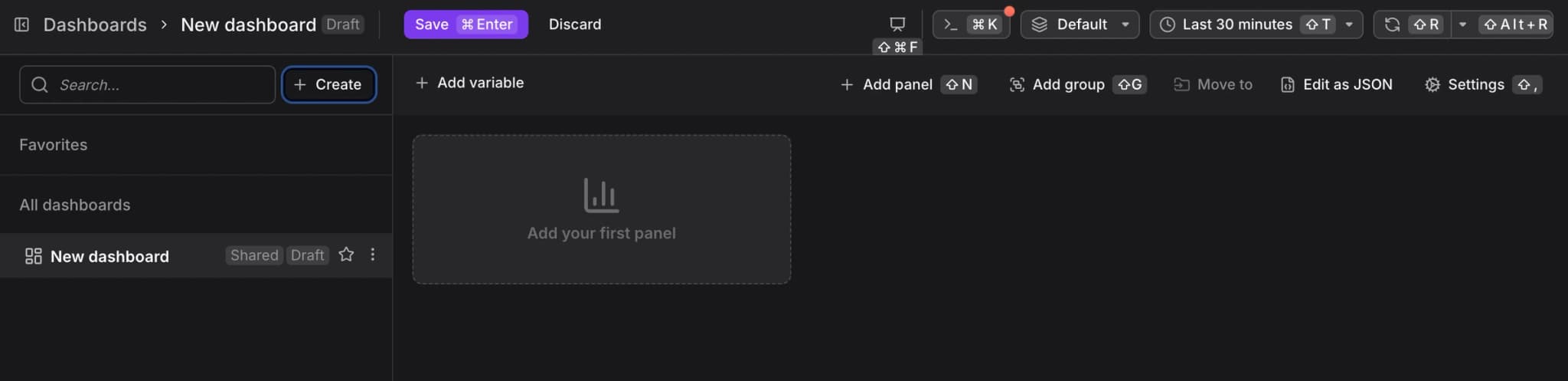
See Create Dashboards from Scratch for a complete step-by-step guide.
Install Pre-configured Dashboards
Dash0 provides pre-configured dashboards through the Integration Hub. Installing an integration (e.g., Java, PostgreSQL, Kubernetes) makes ready-made dashboards available immediately.
This is the fastest way to get started with dashboards and provides immediate visibility into your metrics.
Manage Dashboards as Code
Instead of creating dashboards interactively, you can manage them as infrastructure as code using:
- Dash0 Operator for Kubernetes — Define dashboards as Dash0Dashboard custom resources.
- Dash0 Terraform Provider — Manage dashboards in Terraform configurations.
- Dash0 CLI — Script dashboard operations for automation.
See Manage Dashboards as Code for details.
Further Reading
- About Dashboards — Overview of Dash0's dashboard capabilities
- Add Panels — Create visualizations within dashboards
- Add Variables — Create dashboard-level filters
- Control Sharing and Access — Configure permissions
- Export Dashboards — Export for version control and migration