
Last updated:
About Adding Variables
A variable turns a fixed dashboard question — "Show me errors for the checkout service" — into a selectable one — "Show me errors for the service I pick from a dropdown." Instead of editing every panel by hand to look at a different service, environment, or endpoint, you define a variable once and reuse it across every panel. When you change the selection, all panels that reference the variable update at the same time. The selection is also encoded in the dashboard URL, so a Deeplink URL preserves the values you had selected when you share it.
How Variables Flow
A variable moves through three roles:
- The dashboard author defines the variable once on the dashboard (there is a shortcut from the panel editor as well).
- Each panel decides whether to reference — or bind — the variable in their queries.
- The dashboard user picks a value from the variable's control in the toolbar. Every bound panel re-runs its query with the new selection.
Create a Variable
-
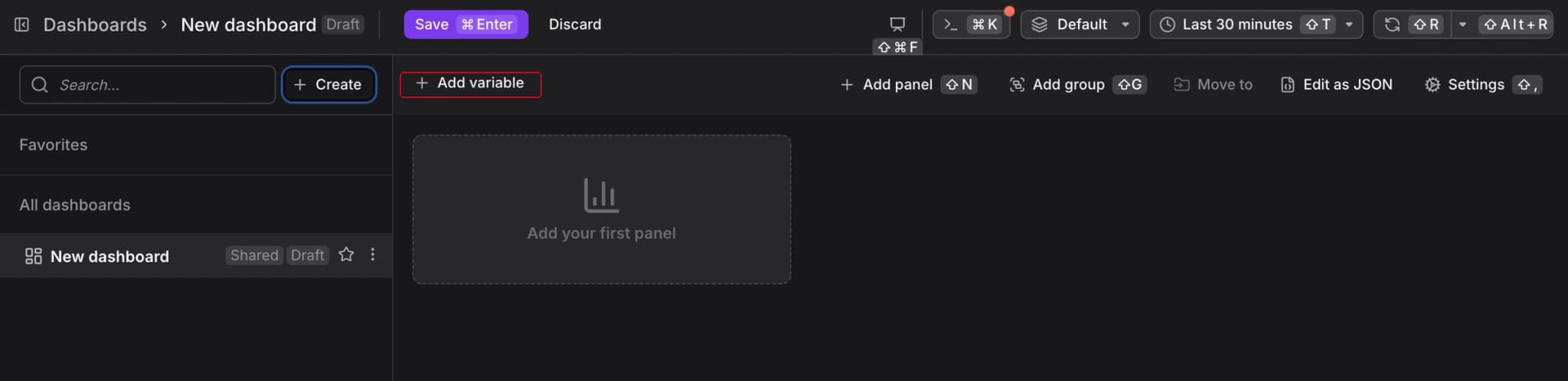
Click Add variable in the dashboard toolbar.
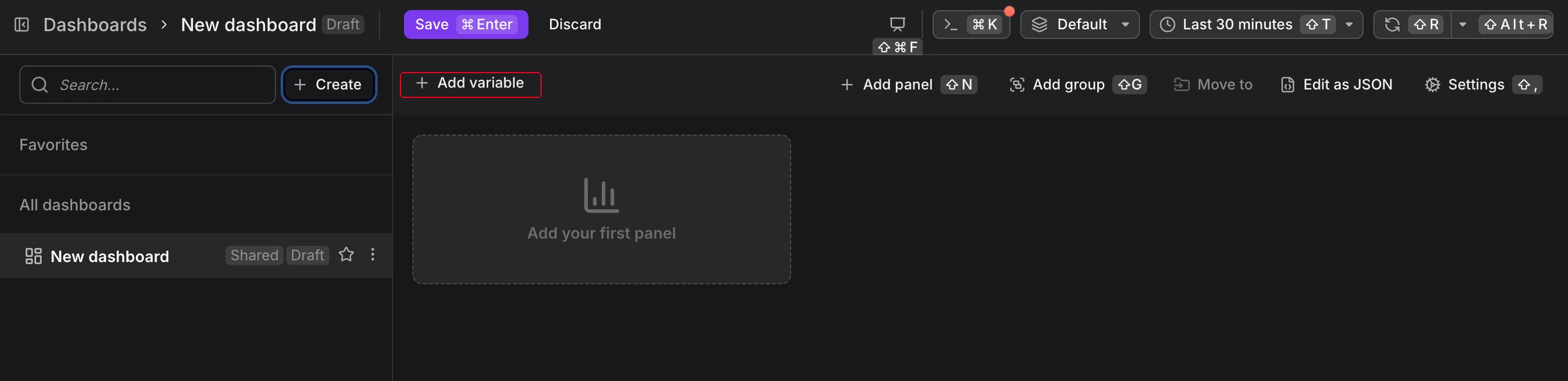
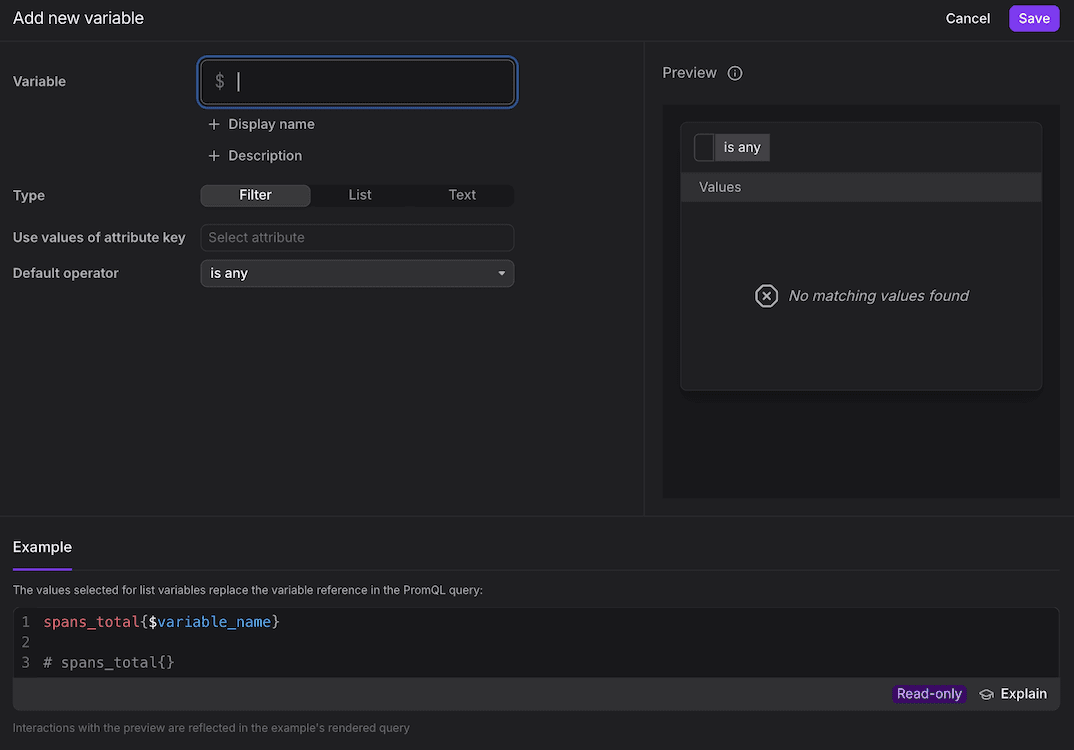
The Add new variable dialog opens.
-
Choose the variable type: filter, list, or text.
-
Configure the type-specific fields (see the type-specific pages linked in Further Reading).
-
Set the display name and default value, then save.
Choose a Variable Type
Dash0 has three types of dashboard variables. Each one gives the dashboard user a different kind of control, and each one interpolates differently into a PromQL query.
-
Filter variables: The recommended default. To the user, a filter variable looks like an attribute-aware filter chip — the same experience as filtering in Tracing or Logging. The user picks an attribute value and, if they want, a different operator. Filter variables are unique to Dash0 and can depend on other filter variables to narrow the valid values: pick
env=productionfirst, and theclustervariable narrows to clusters that actually exist in production. In PromQL, a filter variable interpolates into the entire label matcher — operator and value both come from the selection:promql{otel_metric_name="dash0.spans", $variable_name} -
List variables: To the user, a list variable is a single- or multi-select dropdown of predefined options. The variable interpolates only to the values; the surrounding label key and operator come from the query:
promql{otel_metric_name="dash0.spans", my_label=~"$variable_name"}Dash0 evaluates
=~as an unanchored regex search, so a selected value can also match within a longer label value. Add^and$around the interpolated expression when you need to match complete label values. See Regex Label Matchers for details. -
Text variables: To the user, a text variable is a free-form text box. The value is substituted verbatim wherever
$variable_nameappears in a query — including inside string literals or path fragments:promql{otel_metric_name="dash0.spans", my_label=~"/$variable_name/"}Because Dash0 searches for the regex anywhere in the label value, this pattern does not need surrounding
.*.Use text variables as a fallback when neither a filter nor a list variable fits.
For list and text variables, the operator applied to the interpolated value — and whether you get to choose it — depends on the panel's query mode. See Bind a Variable to a Query for the full rules.
Which Type Should I Pick?
Pick the strongest variable type that fits. The more structure the variable gives the dashboard user, the harder it is for them to type an invalid value or miss a matching one.
When you need a variable, reach for the types in this order:
- Filter variables first. They are the most powerful: attribute-aware, dependency-aware, and they still let the user change the match operator for complex matches. The experience matches Dash0's explorers, so users already know how to drive them.
- List variables next, when you need a fixed enumeration of options, or when you can express the criteria in PromQL but not as a filter variable.
- Text variables last, as a fallback for free-form text or values you reference in queries.
Bind Variables in Queries
Once defined, reference the variable in any panel's PromQL query using the $variable_name substitution syntax. When a user changes the selection, every panel that binds the variable updates automatically.
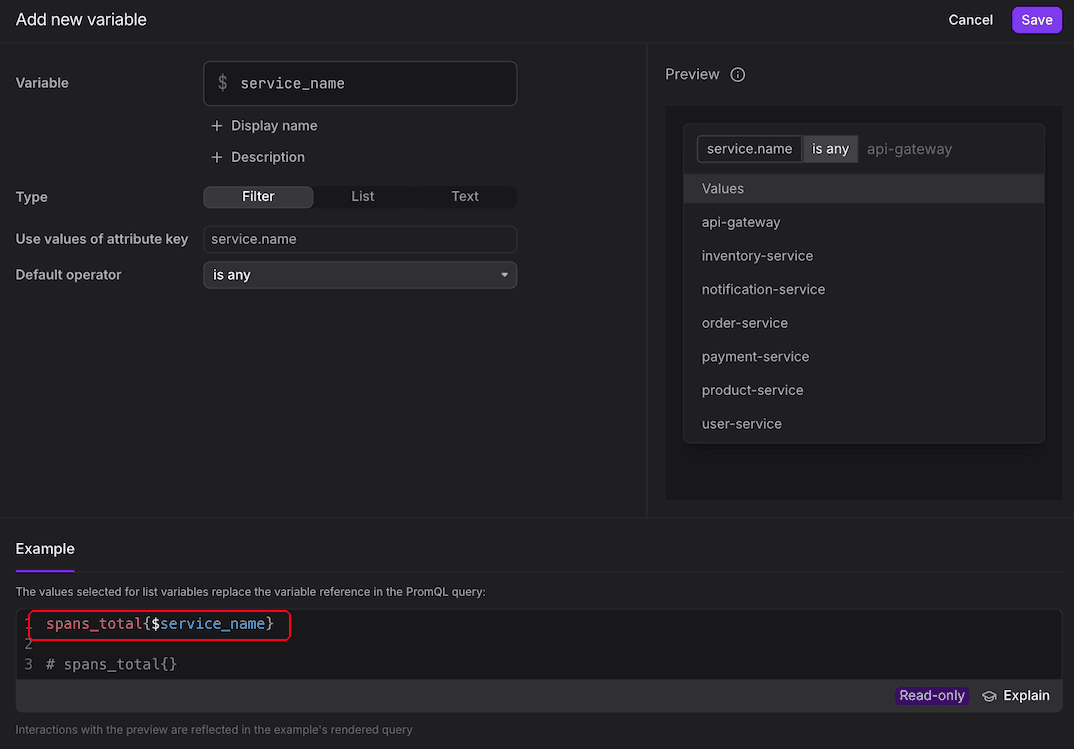
Each variable type interpolates differently, and the panel's query mode (visual Query Builder vs. PromQL) changes what you can and must do at the bind site. A filter variable expands into the entire label matcher; a list variable interpolates only to values and requires a matching operator; a text variable substitutes verbatim and can be interpreted literally or as a regex. Before binding a variable in a query. Consult Bind a Variable to a Query for the rules that apply to your type and mode.
For the click-by-click walkthrough and more details, see Bind a Variable to a Query.
Further Reading
- Build Queries — Write the PromQL that references your variables
- Bind a Variable to a Query — Wire a variable's selection into a panel's PromQL
- Deeplink URLs — Share dashboards with variable selections preserved
- Use Filter Variables — Create attribute-based filters with automatic dependencies
- Use List Variables — Offer a fixed or query-driven list of selectable values
- Use Text Variables — Reuse a single text value across panels