
Last updated:
Generate Dashboards with Agent0
Agent0 generates dashboards from natural language descriptions. Describe what you want to visualize, and Agent0 creates the dashboard with panels, queries, and visualizations based on your actual telemetry.
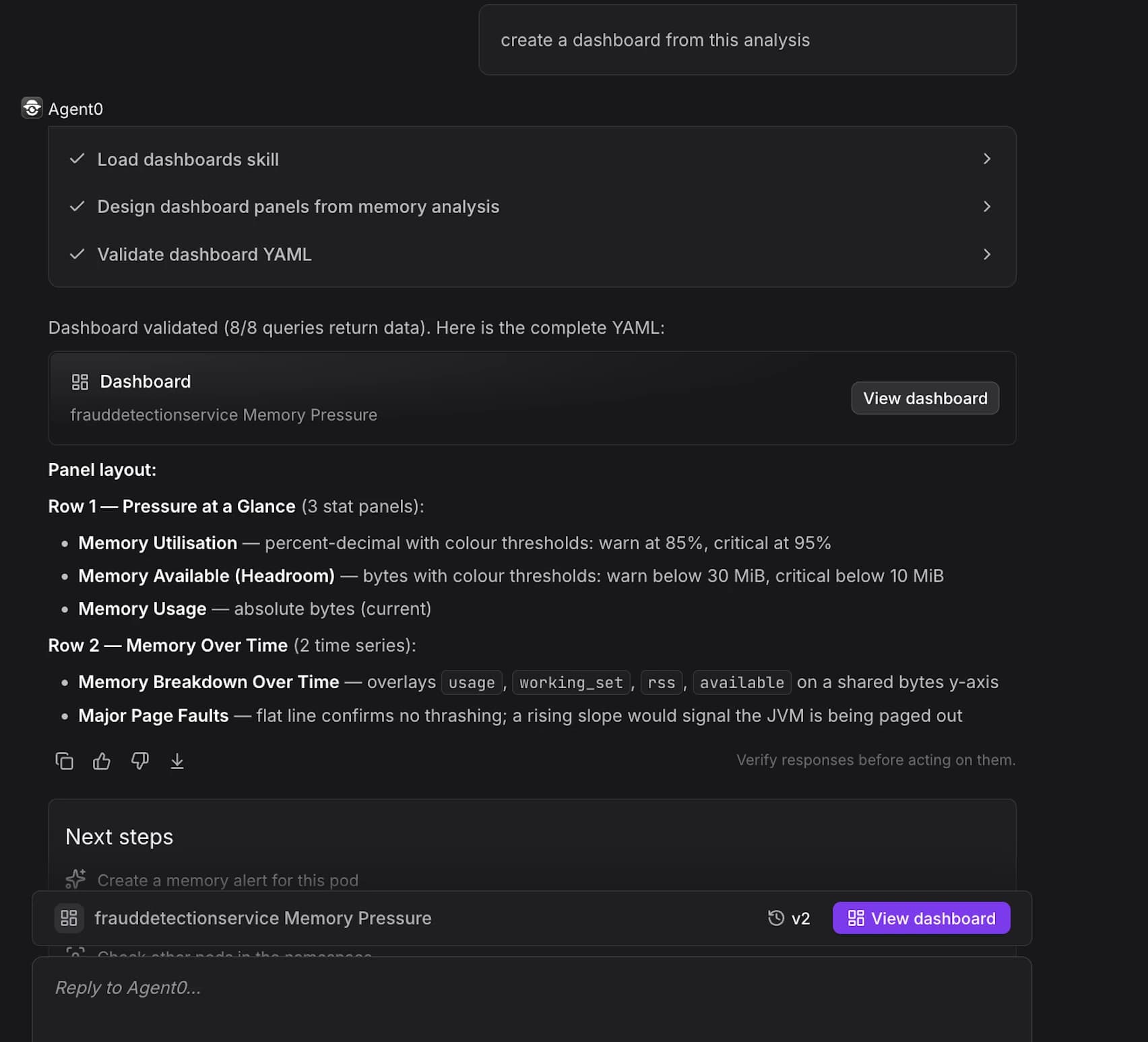
How It Works
Agent0 analyzes your natural language description and automatically:
- Generates valid PromQL queries based on your telemetry
- Selects appropriate visualization types (time series, pie chart, gauge, etc.)
- Configures panel layouts and groupings
- Sets meaningful panel titles and descriptions
- Validates that the underlying queries return real data before creating the dashboard
No broken panels are emitted — if a query doesn't resolve, Agent0 reports the failure rather than creating a non-functional dashboard.
Open Agent0
Access Agent0 from:
-
Agent0 Chat page — https://app.dash0.com/agent0
-
Command palette — Press
⌘K(Mac) orCtrl+K(Windows/Linux) from any page -
In-page buttons — Look for Agent0 buttons in explorers and chart views
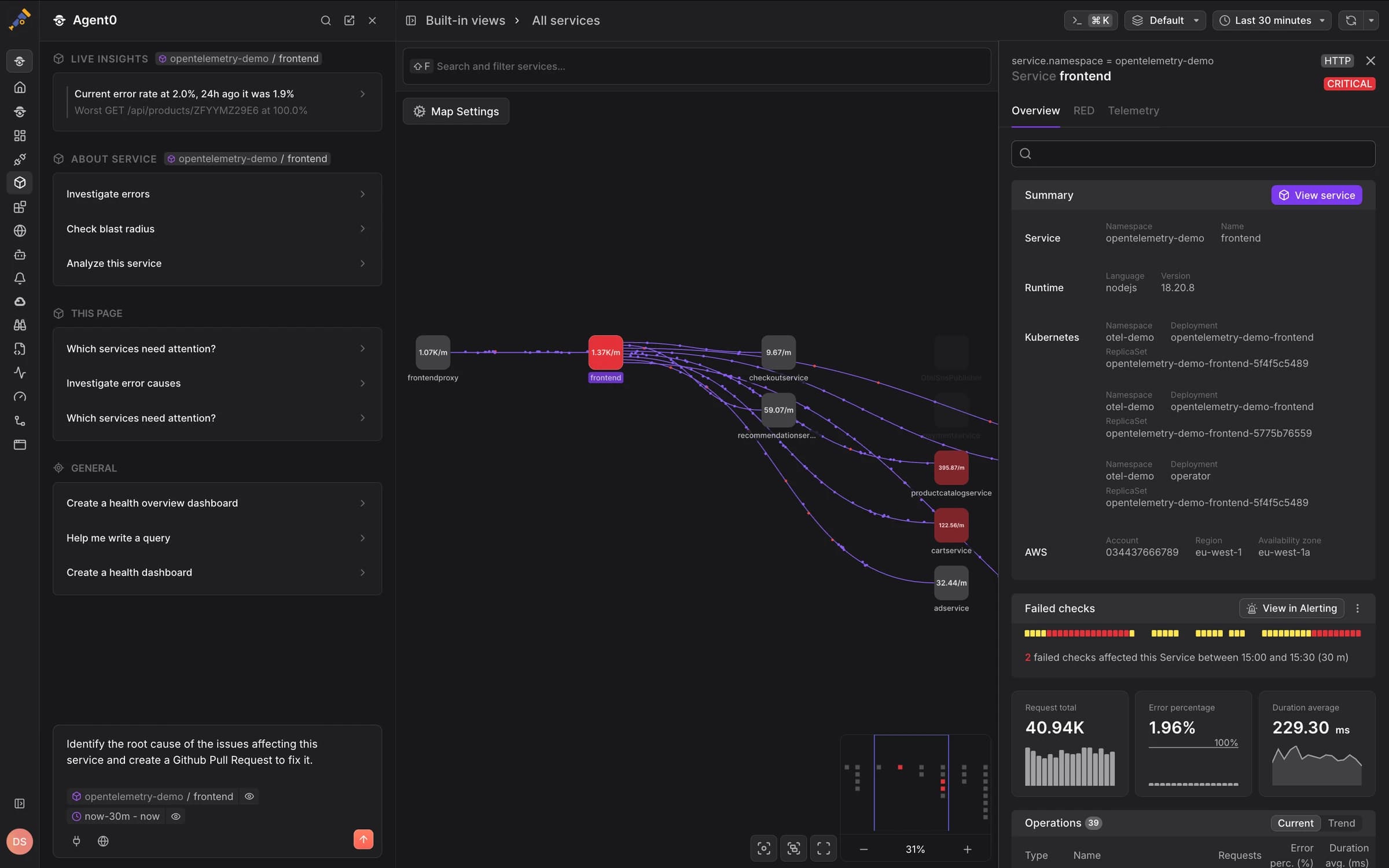
Agent0 appears contextually throughout Dash0, such as in the Service Map shown above. When you click this button, Agent0 understands your current context and can help create dashboards based on what you're viewing.
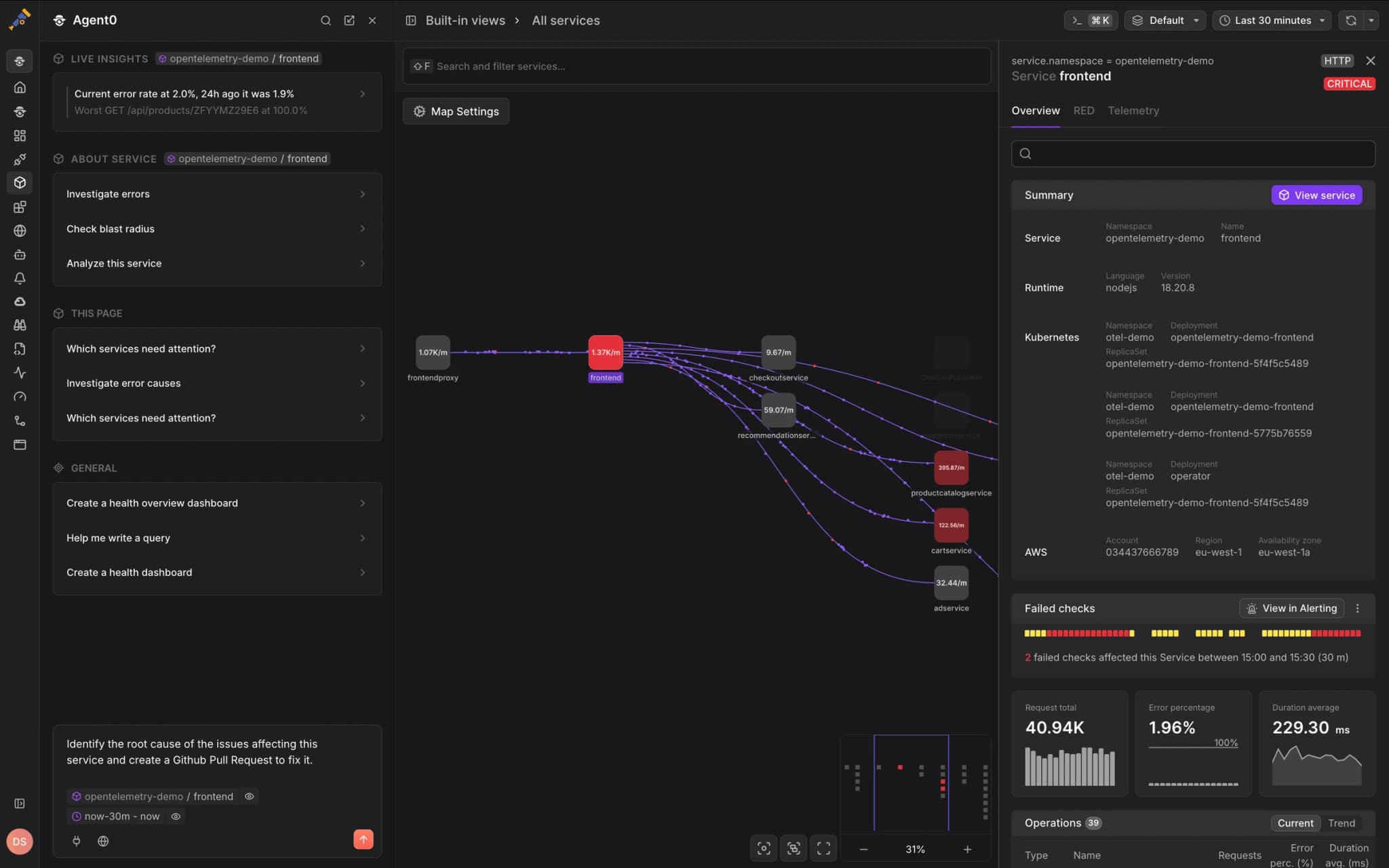
Select Dashboards & alerts → Creating a dashboard to start with a focused prompt.
Describe What You Want to Visualize
Be specific about:
- The services or components you want to monitor
- The metrics you want to track (latency, errors, throughput, resource usage, etc.)
- The time range or granularity
- Optional: visualization preferences (charts, gauges, tables)
Example prompts:
- "Create a dashboard showing RED metrics for the frontend service"
- "Build a dashboard tracking database performance with connection pool, query latency, and error rates"
- "Show me a dashboard for Kubernetes pod health with CPU, memory, and restart counts"
- "Create a service overview dashboard with latency, error rate, and throughput for all services"
- "Build a dashboard comparing p50, p95, and p99 latency across microservices"
- "Show infrastructure metrics for the payment service: CPU, memory, network, and disk I/O"
The more specific your prompt, the better Agent0 can configure the dashboard. Include service names, metric types, and visualization preferences for optimal results.
Review the Generated Dashboard
Agent0 generates a complete dashboard configuration:
- Panels — Individual visualizations with queries and display settings
- Layout — Panel positioning and sizing
- Queries — PromQL expressions validated against your telemetry
- Visualizations — Appropriate chart types for each metric
- Variables — Dashboard-level filters (e.g., service selector, environment)
Example for "Create a dashboard showing RED metrics for the frontend service":
- Panel 1: Request Rate — Time series chart showing requests per second
- Panel 2: Error Rate — Time series chart showing error percentage
- Panel 3: Latency — Time series chart showing p50, p95, p99 latency
- Variables — Service selector defaulting to "frontend"
Refine the Configuration
If the generated dashboard needs adjustments, iterate with Agent0:
- "Add a panel showing top 10 endpoints by latency"
- "Change the latency panel to show only p99"
- "Add memory and CPU usage panels"
- "Group panels by service instead of metric type"
- "Add a variable to filter by environment"
Save the Dashboard
Once satisfied with the configuration, click View dashboard in the Agent0 response.
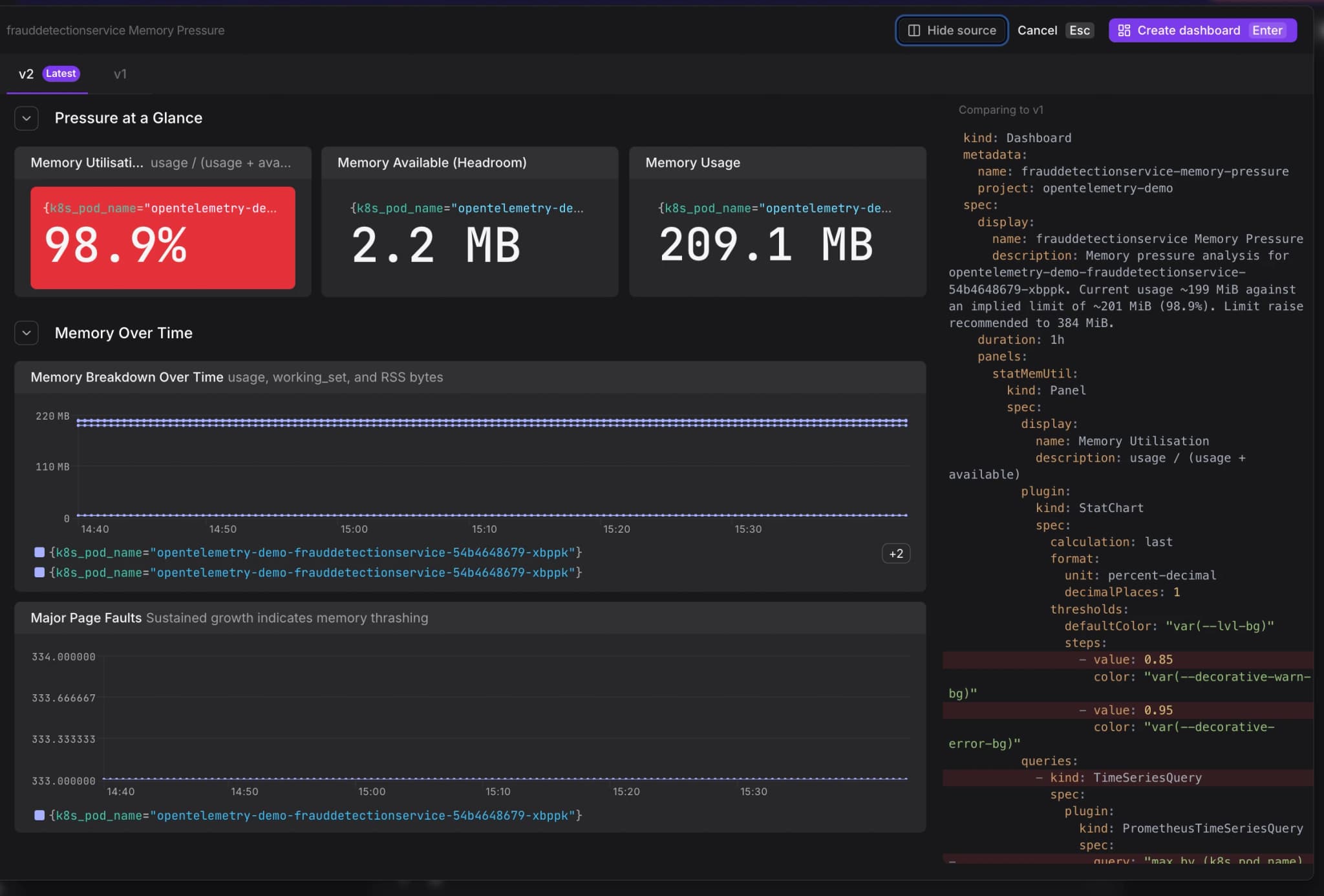
The dashboard opens in edit mode with all panels pre-configured. Review the layout and visualizations, then click Save dashboard to persist it.
The dashboard is immediately available in your dashboard list and can be shared with teammates through access control permissions.
Generate Infrastructure-as-Code
Agent0 can also generate the corresponding Terraform configuration for the dashboard and raise it as a pull request to your infrastructure repository, keeping your observability configuration in code.
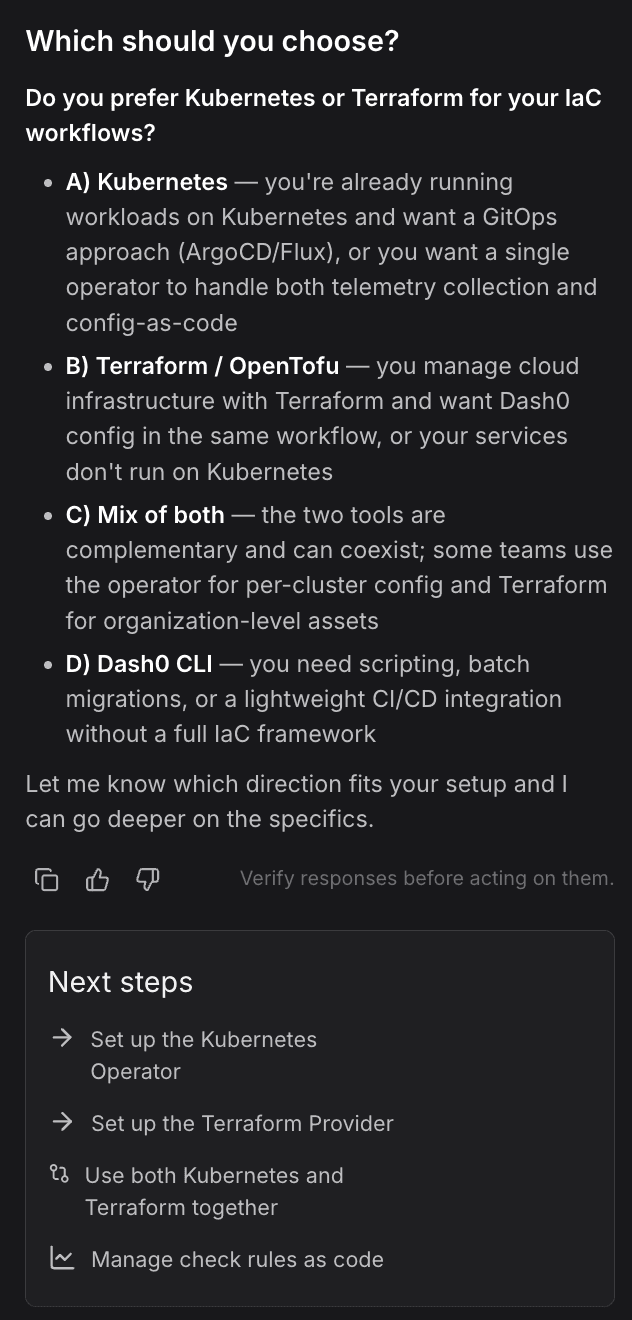
See Manage Dashboards as Code for details on version controlling dashboard configurations.
Further Reading
- About Agent0 — Overview of the AI layer built into Dash0
- About Dashboards — Overview of Dash0's dashboard capabilities
- Create Dashboards from Scratch — Step-by-step guide to creating dashboards
- Manage Dashboards as Code — Version control dashboard configurations