
Last updated: October 1, 2026
Use the Integrated Experience
Agent0 appears contextually throughout Dash0. The Ask Agent0 button is available on every page, and when you click it, Agent0 opens with context-aware prompts that match what you're looking at.
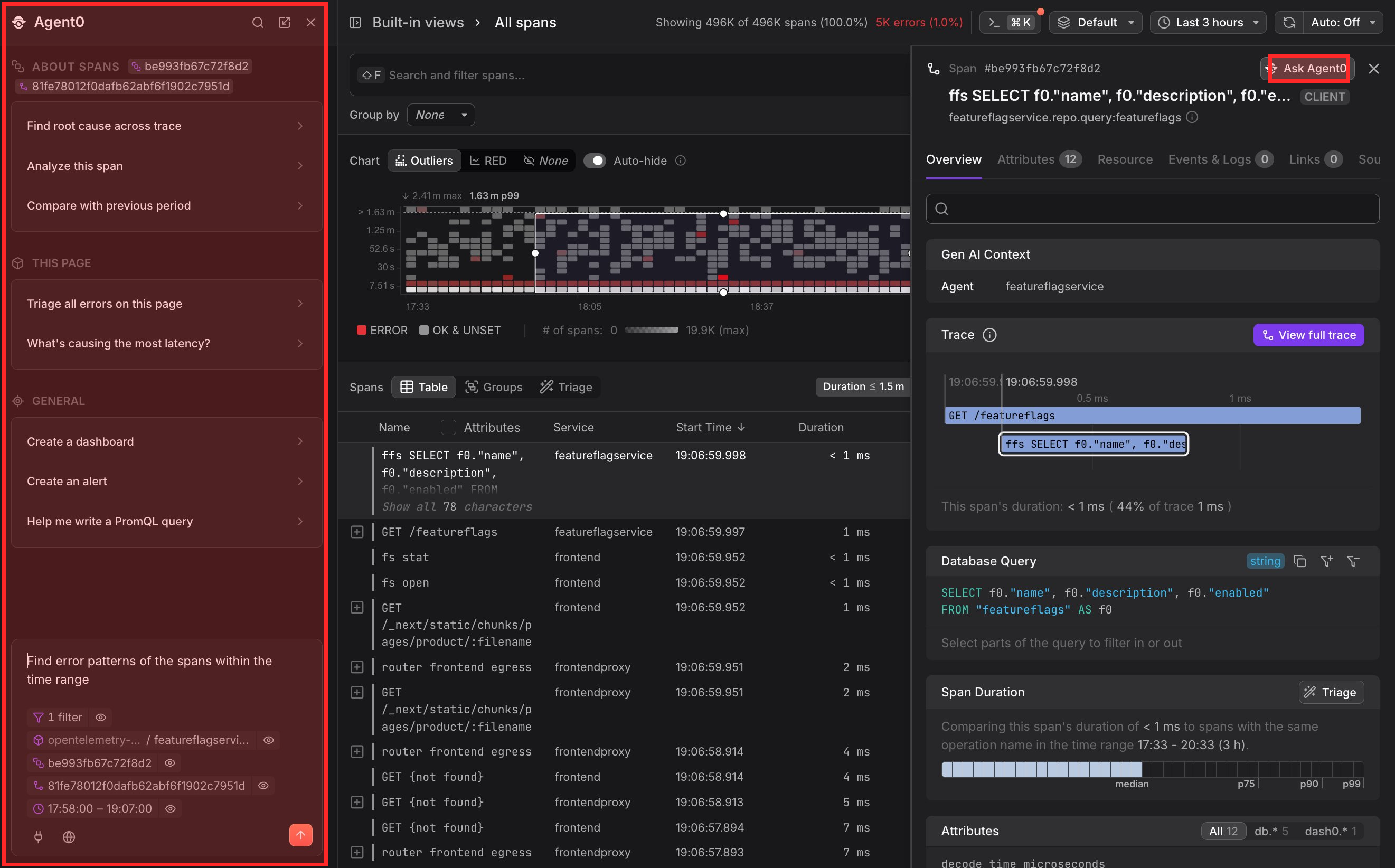
Open Agent0
You can open Agent0 from multiple locations throughout Dash0. Each entry point provides context-aware prompts based on where you are and what you're viewing.
Open from the navigation bar
Click Ask Agent0 in the navigation bar on the left to open the chat.
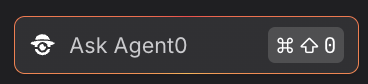
Agent0 opens as a sidepanel with suggested prompts tailored to your current view's timerange and filters.
Open from a chart
Click Ask Agent0 from a time selection in a chart or by clicking Analyze with Agent0 in the top right above a chart. When you click it, Agent0 opens as a sidepanel with suggested prompts tailored to your current view's timerange and filters.

Open from a sidepanel
Click Ask Agent0 in the top right of any detail sidepanel, such as when viewing a span, log entry, or metric. Agent0 opens with context from the specific item you're viewing.
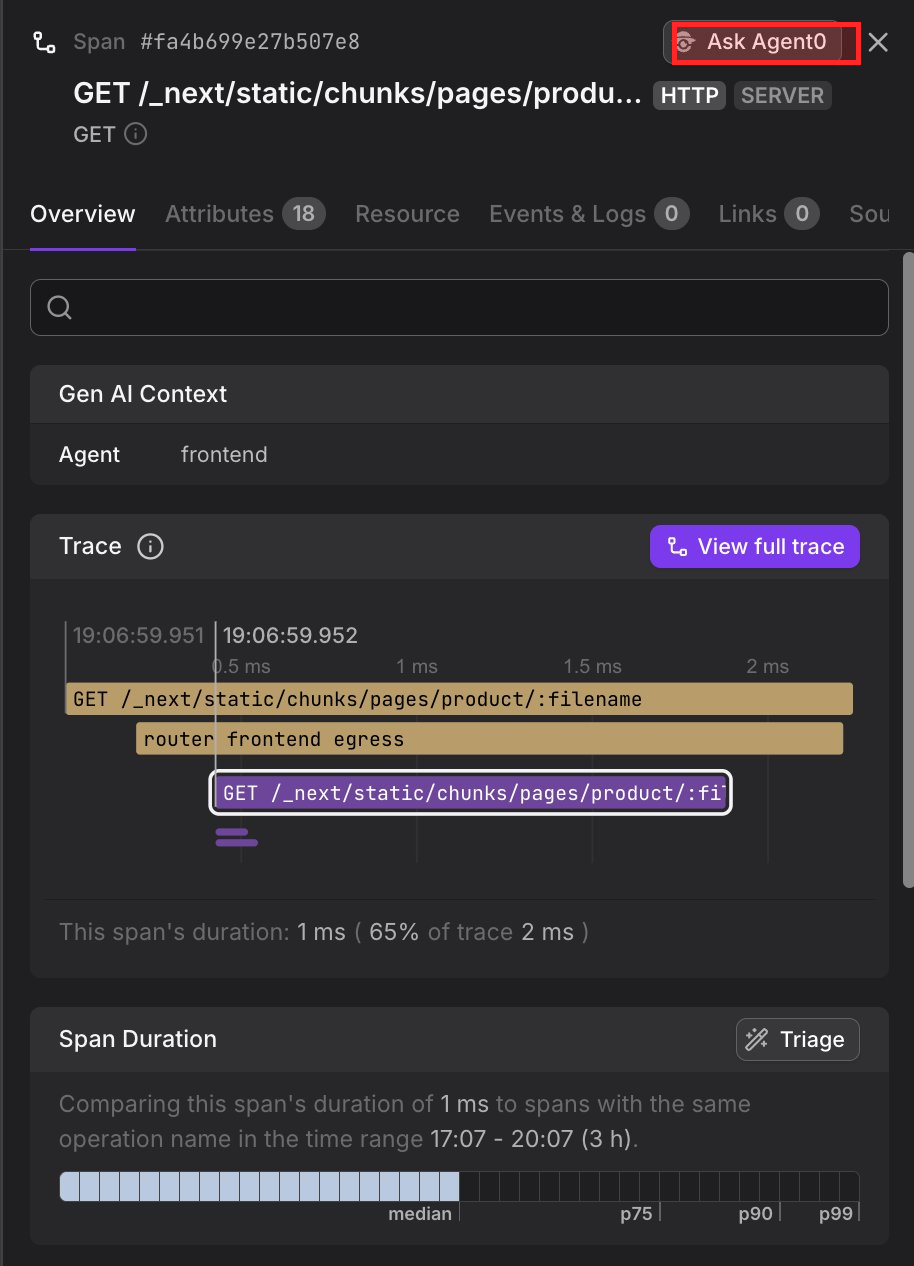
Use Agent0 Chat
The Agent0 sidepanel opens on the left side of the screen.
The Agent0 sidepanel shows:
- Context-aware prompts that match what you're viewing. When you have a span selected, you'll see prompts like "Find root cause across trace." On the logs explorer, you'll see prompts like "What's causing errors?"
- Your conversation history from the current session.
- Generated artifacts like dashboards, alerts, or queries that Agent0 creates for you.
The panel includes the context it detected at the top ("Gen AI Context" section), showing elements, such as the current agent, service, or trace that inform Agent0's understanding.
Working across pages
The sidepanel stays open as you navigate through Dash0. Your conversation and context persist across pages, so you can:
- Start an investigation in the Log Explorer.
- Navigate to a Trace Details View.
- Continue the conversation with Agent0 about both the logs and the trace.
Agent0 maintains awareness of your navigation and incorporates new context as you move between pages.
Where it works
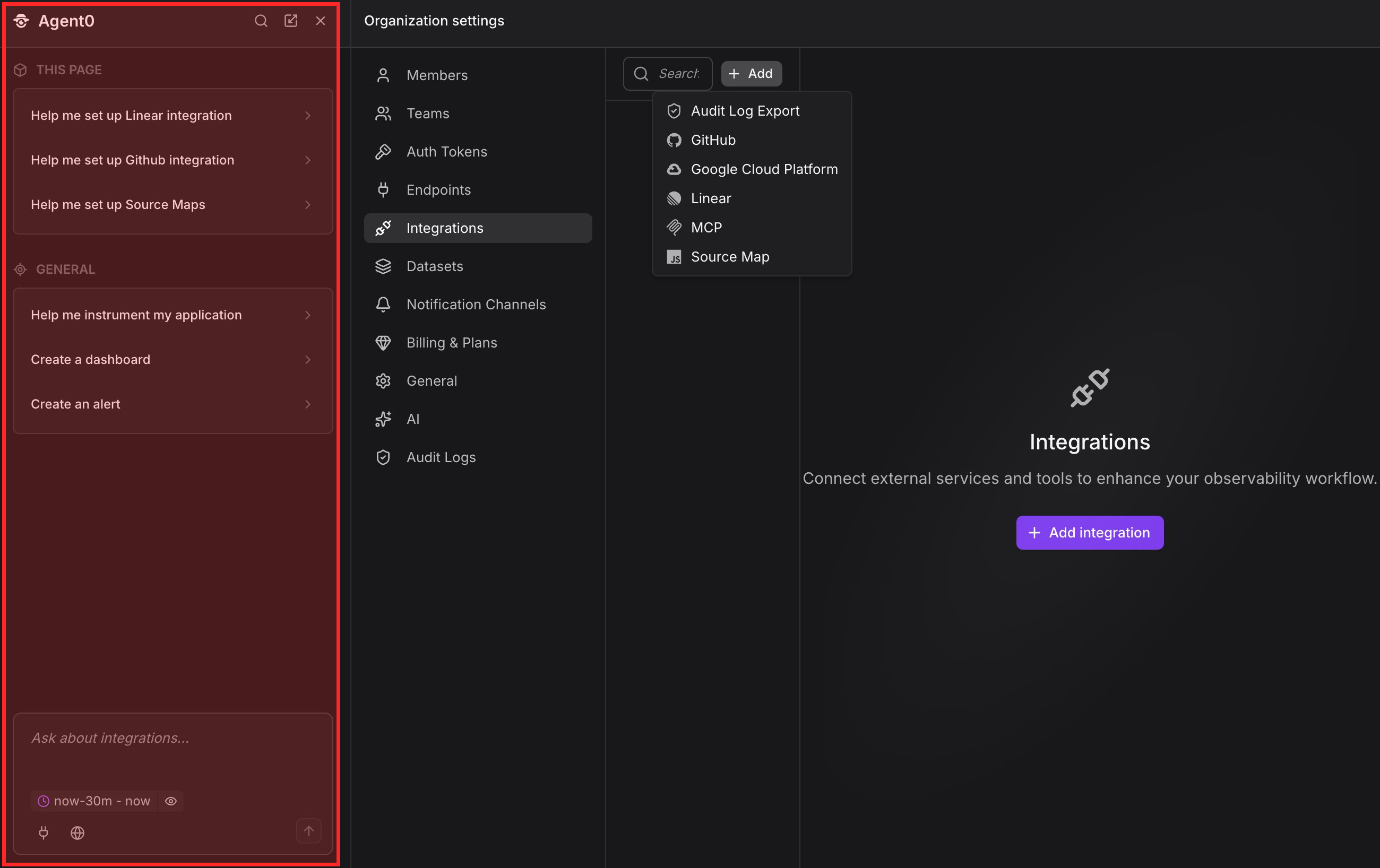
Agent0 is available on every page in Dash0, including logs, traces, alerts, metrics, dashboards, services, web monitoring, profiling, query builder, SQL editor, infrastructure pages, integrations, and settings.
For example, when you're setting up integrations, you can use Agent0 to help you.
Further Reading
- About Chat — Overview of Agent0 Chat features
- Investigate & Analyze — Natural-language queries and root cause analysis
- Get Live Insights — Identify active problems automatically