
Last updated: October 1, 2026
About Chat
Agent0 Chat combines multi-signal analysis across logs, traces, metrics, and infrastructure data with actions like creating alerts, dashboards, pull requests, and IaC.
Overview of Agent0's Chat Features
Agent0 Chat enables you to do the following:
-
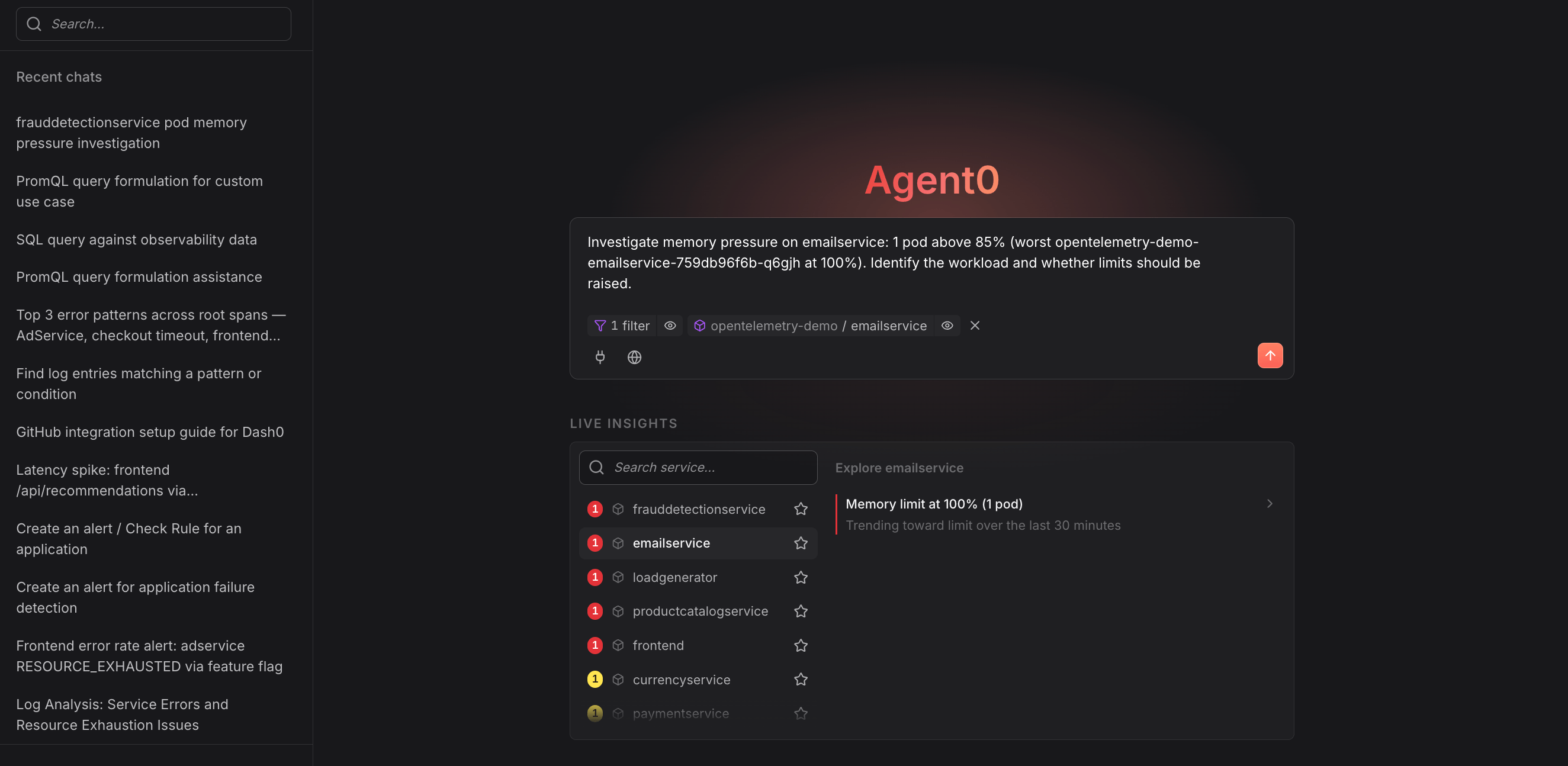
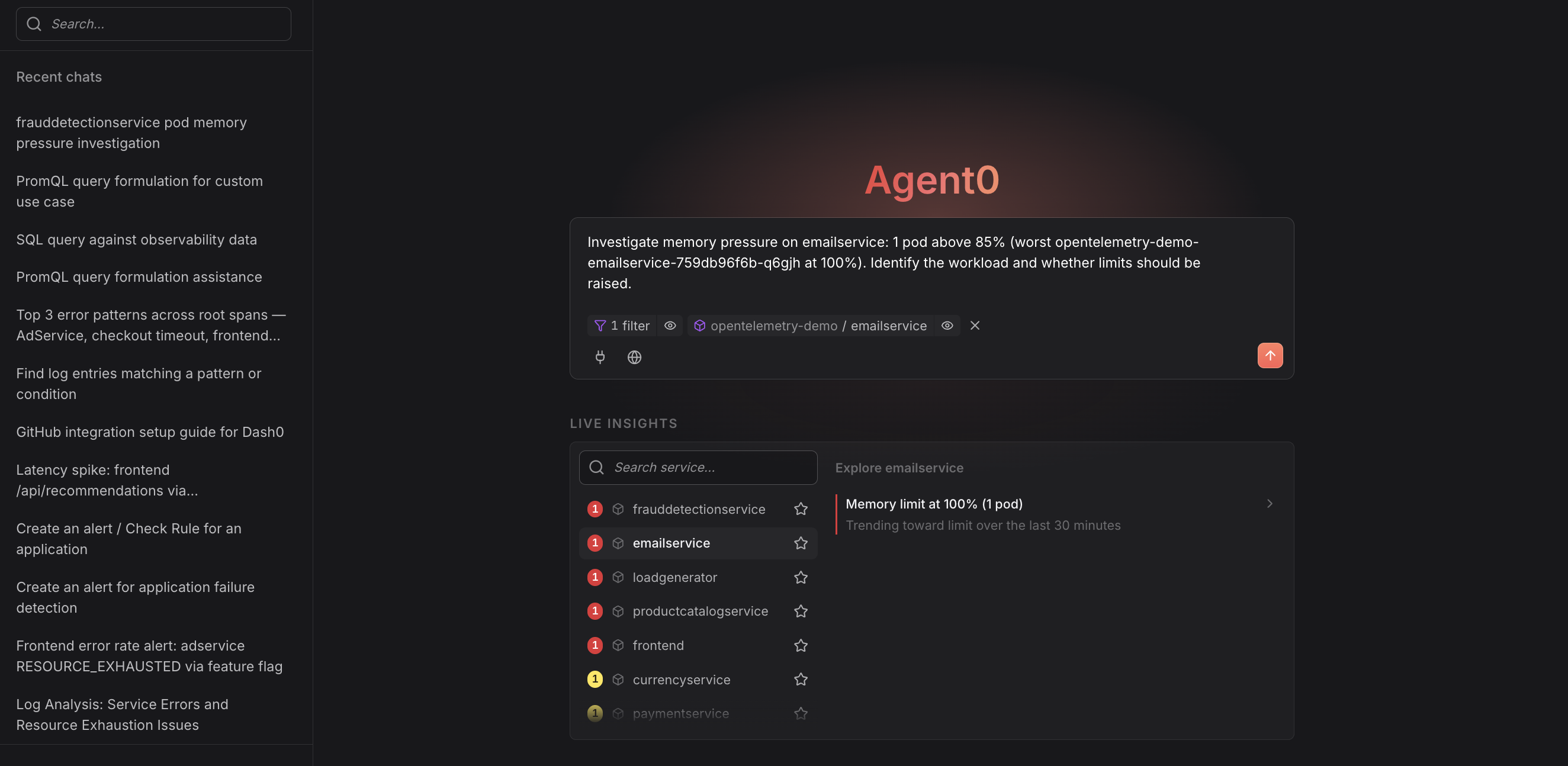
Investigate & Analyze — Reason across your telemetry to answer questions, identify root causes, and produce grounded conclusions backed by live data.
-
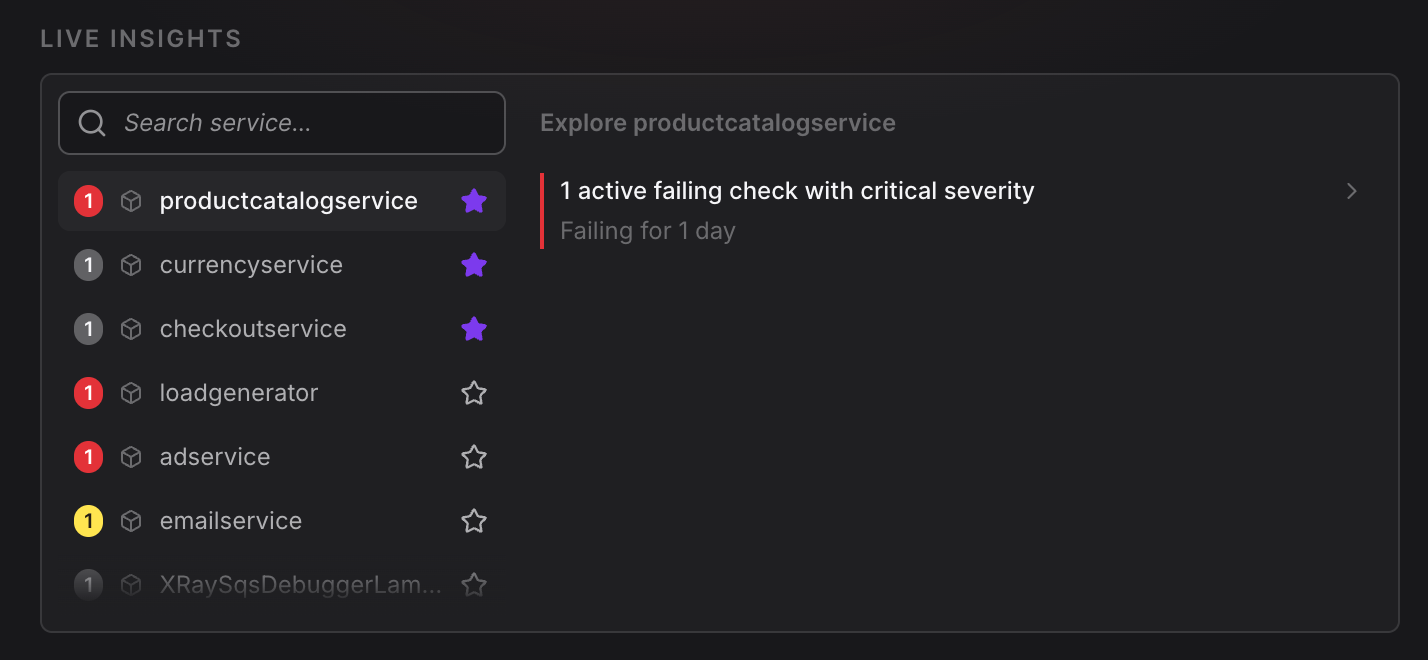
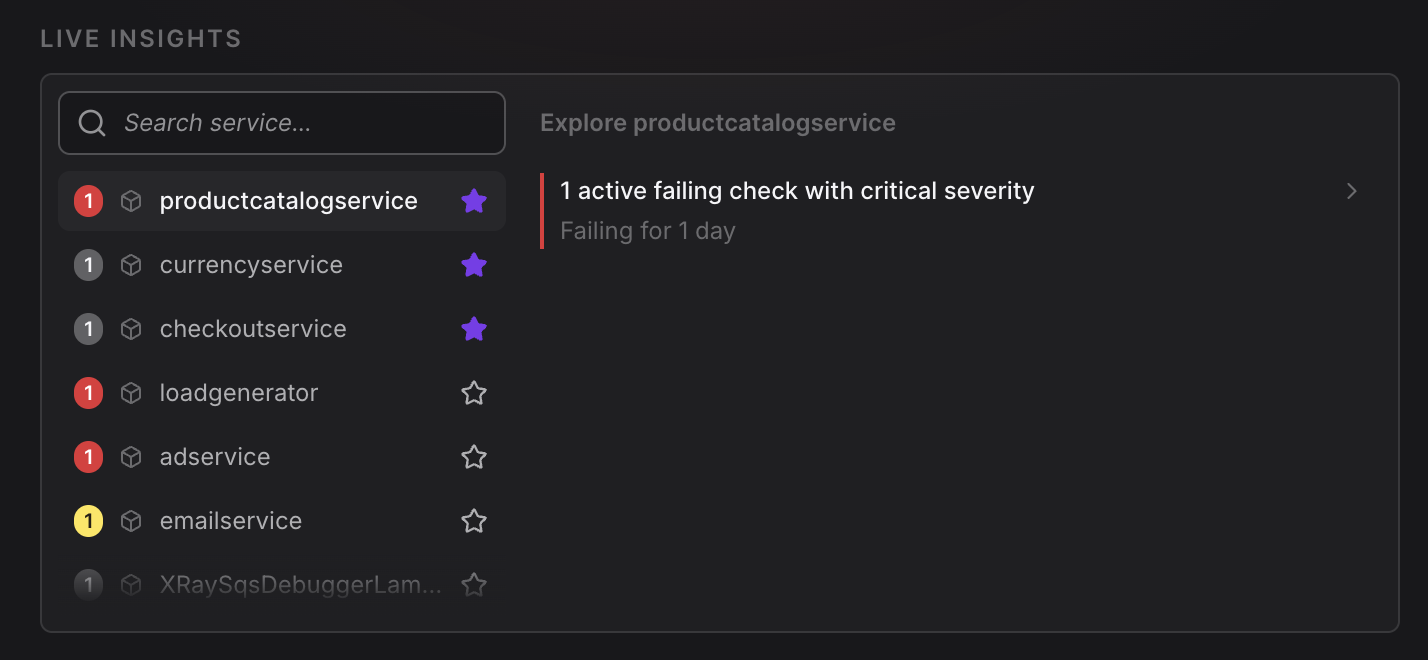
Get Live Insights — Identify active problems in your environment before you need to look for them, refreshed every 60 seconds.
-
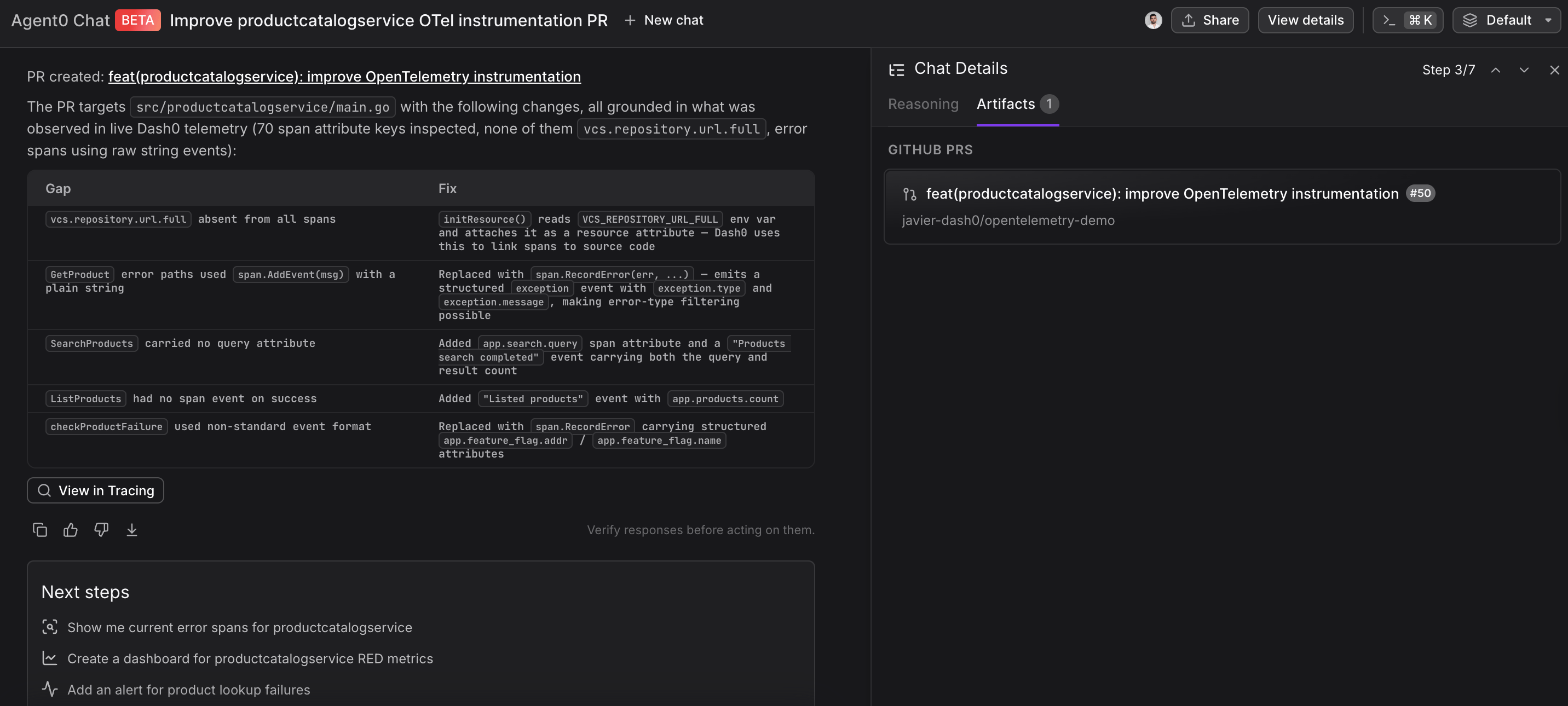
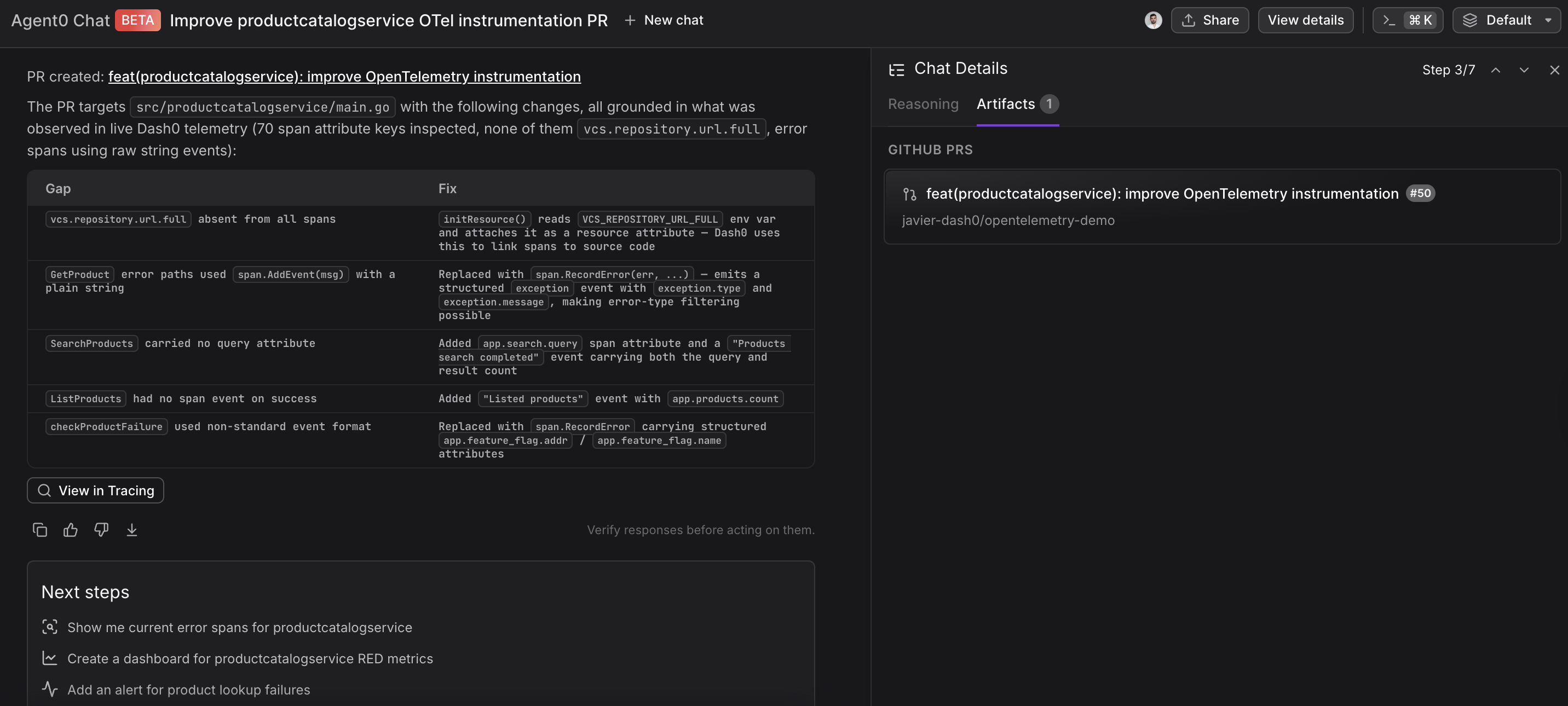
Access External Tools — Query databases, execute commands, and integrate with external systems like GitHub, GitLab, Linear, and MCP servers.
-
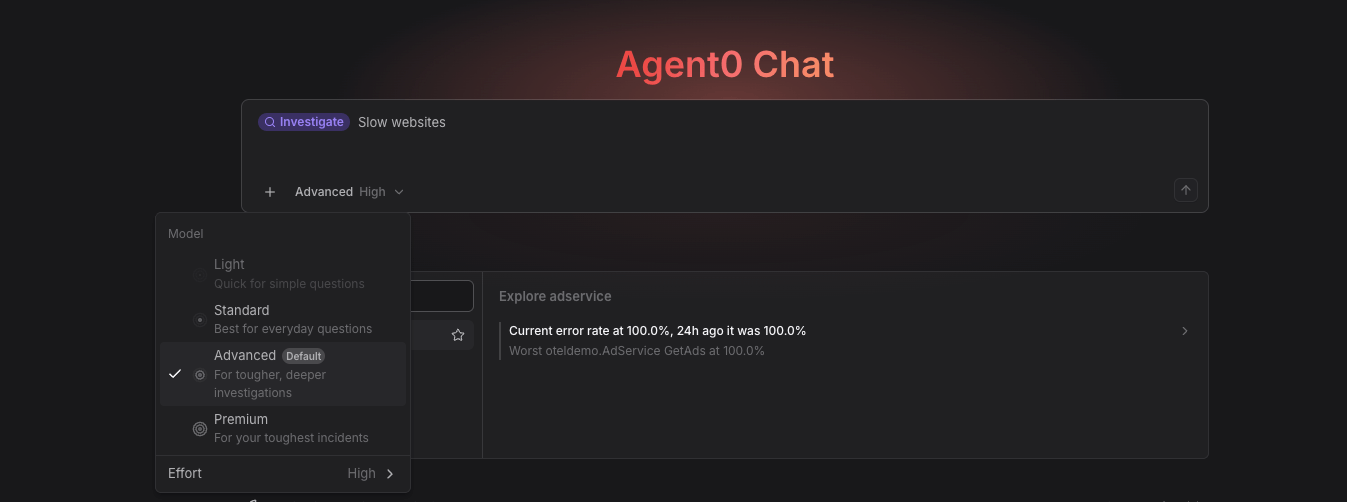
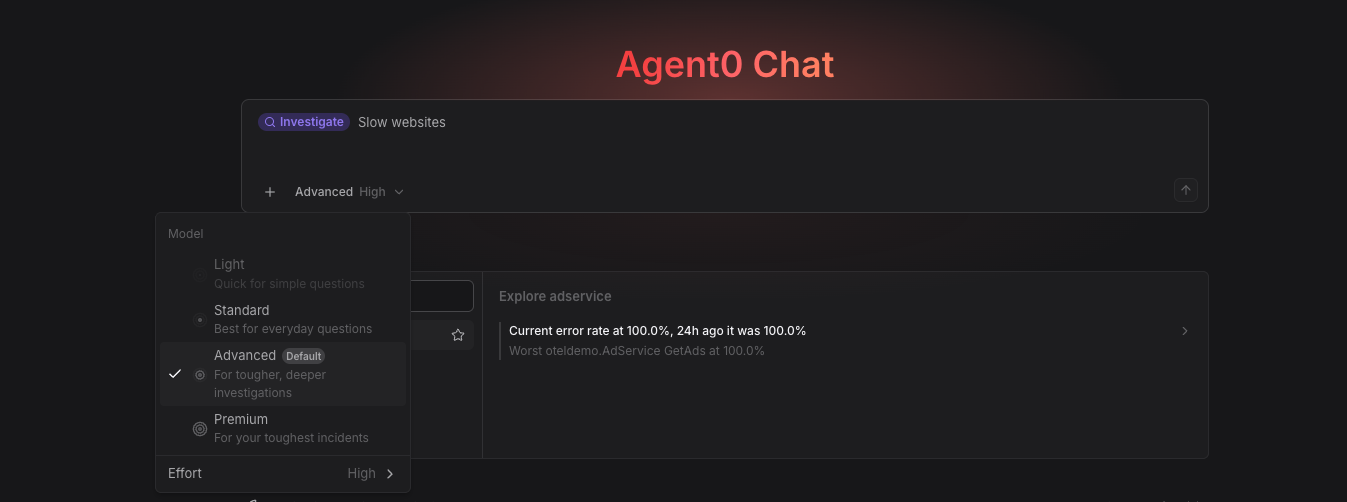
Pick the Model — Choose the model level and reasoning effort a thread runs with from the picker in the prompt toolbar.
You can also reach Agent0 from Slack: type @dash0 in a channel and Dash0 answers in the thread. See Ask Agent0 in a Slack Channel.
Configuration & Context
Agent0's behavior is configured through integrations, prompt templates, and organizational context that informs its responses.
-
Global information in prompt templates. Internal prompt templates use organization-level context — current health state, recent incidents, active deployments — as input. This powers the template prompts in Live Insights and the Agent0 Chat.
-
Tool call transparency. Every tool call Agent0 makes is visible in the conversation, with its status: succeeded, skipped, failed, or pending approval. You always know what Agent0 did and what it didn't do.
-
Settings → Integrations. The place to configure connectors. GitHub, GitLab, and Linear are set up here. Custom MCP servers are added by providing a server URL, validating the connection, and configuring authentication and tool access.
Further Reading
- About Agent0 — Overview of the AI layer built into Dash0
- Investigate & Analyze — Natural-language queries and root cause analysis
- Get Live Insights — Identify active problems automatically
- Use External Tools — Set up tools and connectors
- Approve Write Actions — Require approval before Agent0 changes anything
- Key Concepts — Reference terminology and mental model