
Last updated: October 1, 2026
Create Infrastructure as Code
Agent0 generates infrastructure-as-code configurations for dashboards and alerts, enabling you to version control and manage your observability dashboards, alerts, and more, through code.
After creating a dashboard or alert with Agent0, request the corresponding Terraform configuration or Kubernetes manifest.
How It Works
Agent0 analyzes created dashboards, alerts, and more and automatically:
- Generates valid Terraform HCL configurations using the Dash0 Terraform provider
- Creates Kubernetes manifests in Perses format for the Dash0 Operator
- Includes all panel configurations, queries, thresholds, and notification settings
- Validates the configuration structure before generating the code
- Provides ready-to-use files that can be committed to your repository
The generated code maintains full fidelity with the manually created dashboards and alerts, ensuring consistent behavior across manual and code-managed configurations.
Generate IaC from Existing Dashboards, Alerts, And More
After creating a dashboard or alert through Agent0, request the infrastructure-as-code configuration:
Example prompts:
- "Generate Terraform for this dashboard"
- "Create a Kubernetes manifest for this check rule"
- "Export this dashboard as infrastructure-as-code"
- "Give me the Terraform configuration for these alerts"
- "Convert this to a Perses dashboard resource"
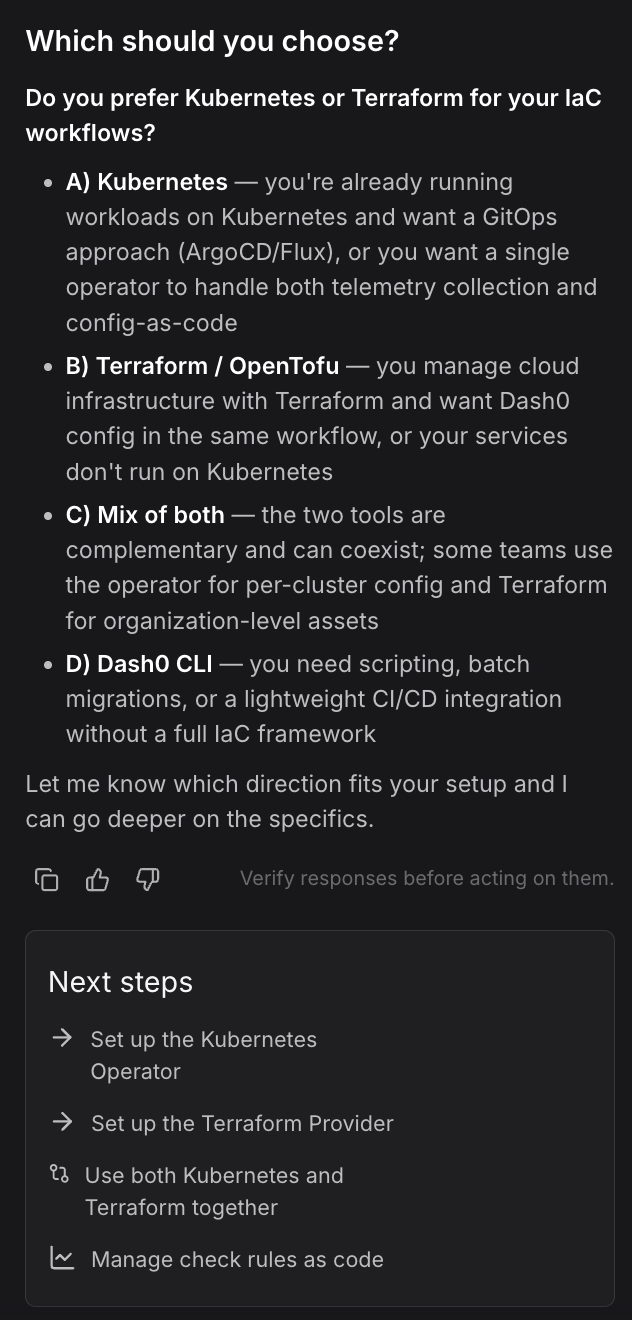
Specify whether you prefer Terraform or Kubernetes manifests. If you don't specify, Agent0 will ask about your infrastructure-as-code preference.
Review the Generated Configuration
Agent0 generates complete infrastructure-as-code:
- Terraform configurations — HCL files using the
dash0_dashboardordash0_check_ruleresources - Kubernetes manifests — YAML files using
PersesDashboardor Dash0 check rule custom resources - Complete definitions — All panels, queries, variables, thresholds, and notification channels
- Dependencies — Required provider versions and resource references
- Documentation — Inline comments explaining key configuration sections
Refine the Configuration
If the generated code needs adjustments, iterate with Agent0:
- "Add a variable for the service selector"
- "Split this into separate files for each panel"
- "Include the notification channel configuration"
- "Add comments explaining each query"
- "Generate the corresponding provider configuration"
Save and Apply
Copy the generated configuration and commit it to your infrastructure repository:
12345# For Terraformterraform apply# For Kuberneteskubectl apply -f dashboard.yaml
The configuration is ready to use in your infrastructure-as-code workflows, enabling version control, code review, and automated deployment pipelines.
Raise as Pull Request
Agent0 can also raise the generated configuration as a pull request directly to your GitHub repository. See Create Pull Requests for details on automated PR creation.
Further Reading
- About Agent0 — Overview of the AI layer built into Dash0
- Create Pull Requests — Raise IaC configurations as PRs
- Manage Dashboards as Code — Version control dashboard configurations
- Manage Check Rules as Code — Version control alert configurations