
Last updated:
Explore Your Schema
Browse available tables, columns, and data types in the SQL schema explorer.
Before you write a query, you can discover what data is available, directly in the SQL editor using two built-in commands.
Run either command as a regular query and the results appear in the output panel below the editor.
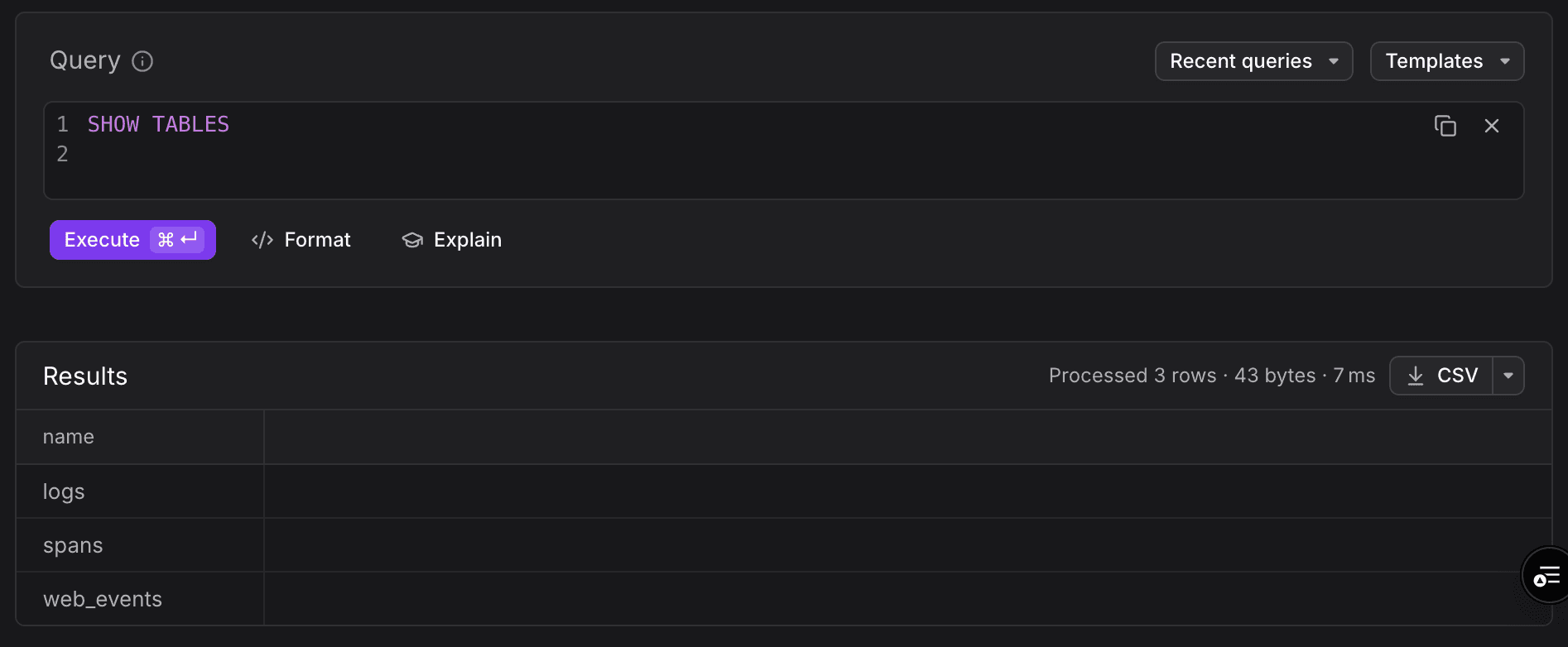
List Available Tables
sql
SHOW TABLESReturns all queryable tables in your Dash0 environment, such as logs, spans, and web_events.
Inspect a Table's Columns
sql
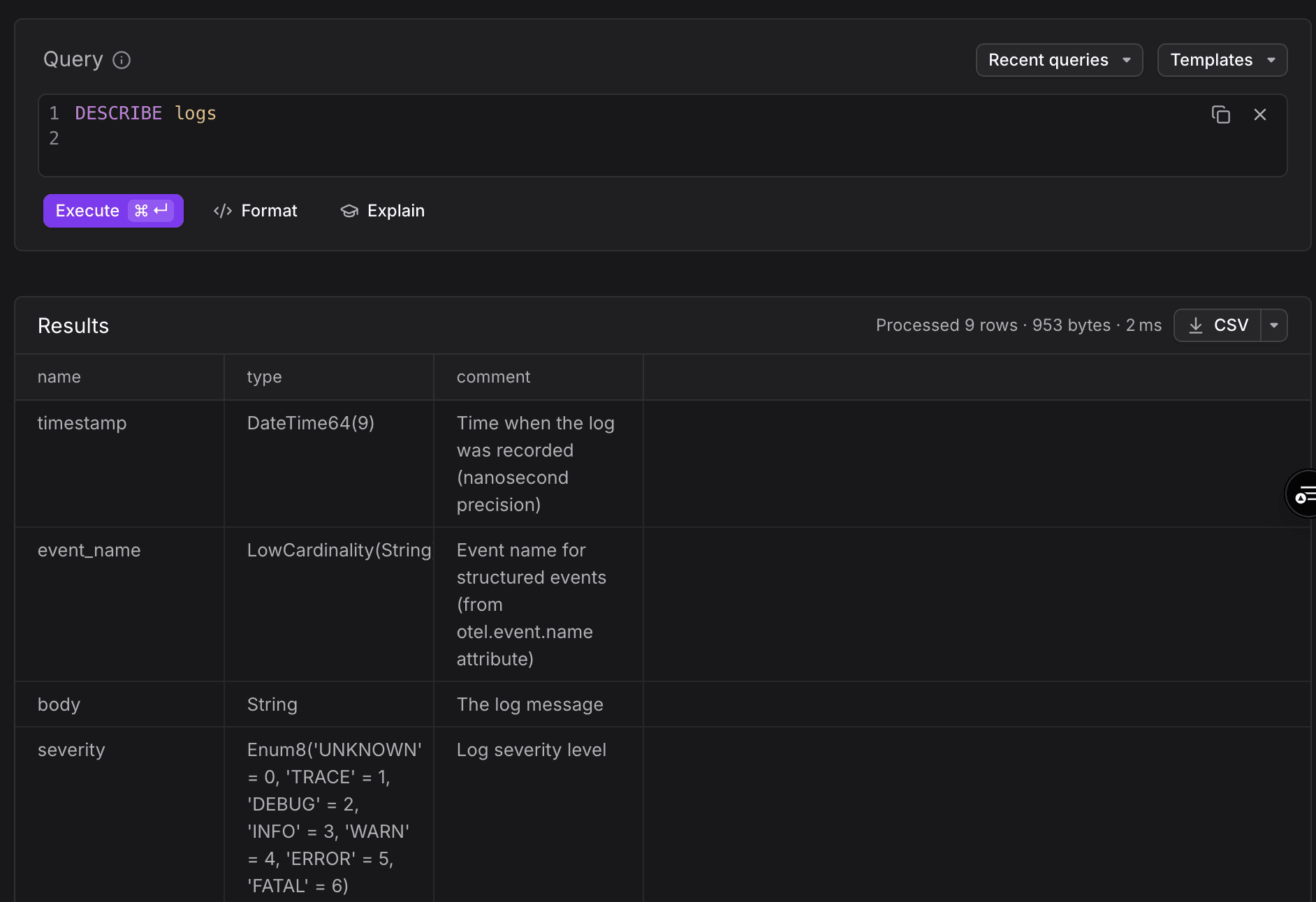
DESCRIBE logsReturns all available columns and their data types for the given table. Replace logs with any table name returned by SHOW TABLES.
Further Reading
- Write SQL Queries: the editor, time window behavior, and keyboard shortcuts.
- Use Supported Functions: explore the available functionality for querying SQL in Dash0.
- Use Query Templates: browse and run built-in templates by signal type.
- Manage Saved Queries: recent query history and saved views.
- Troubleshoot SQL Queries: common issues and fixes.