
Last updated: May 31, 2026
About Exploring Agent0
It combines multi-signal analysis across logs, traces, metrics, and infrastructure data with actions like creating alerts, dashboards, pull requests, and IaC.
Overview of Agent0's Features
Agent0 provides the following core capabilities:
-
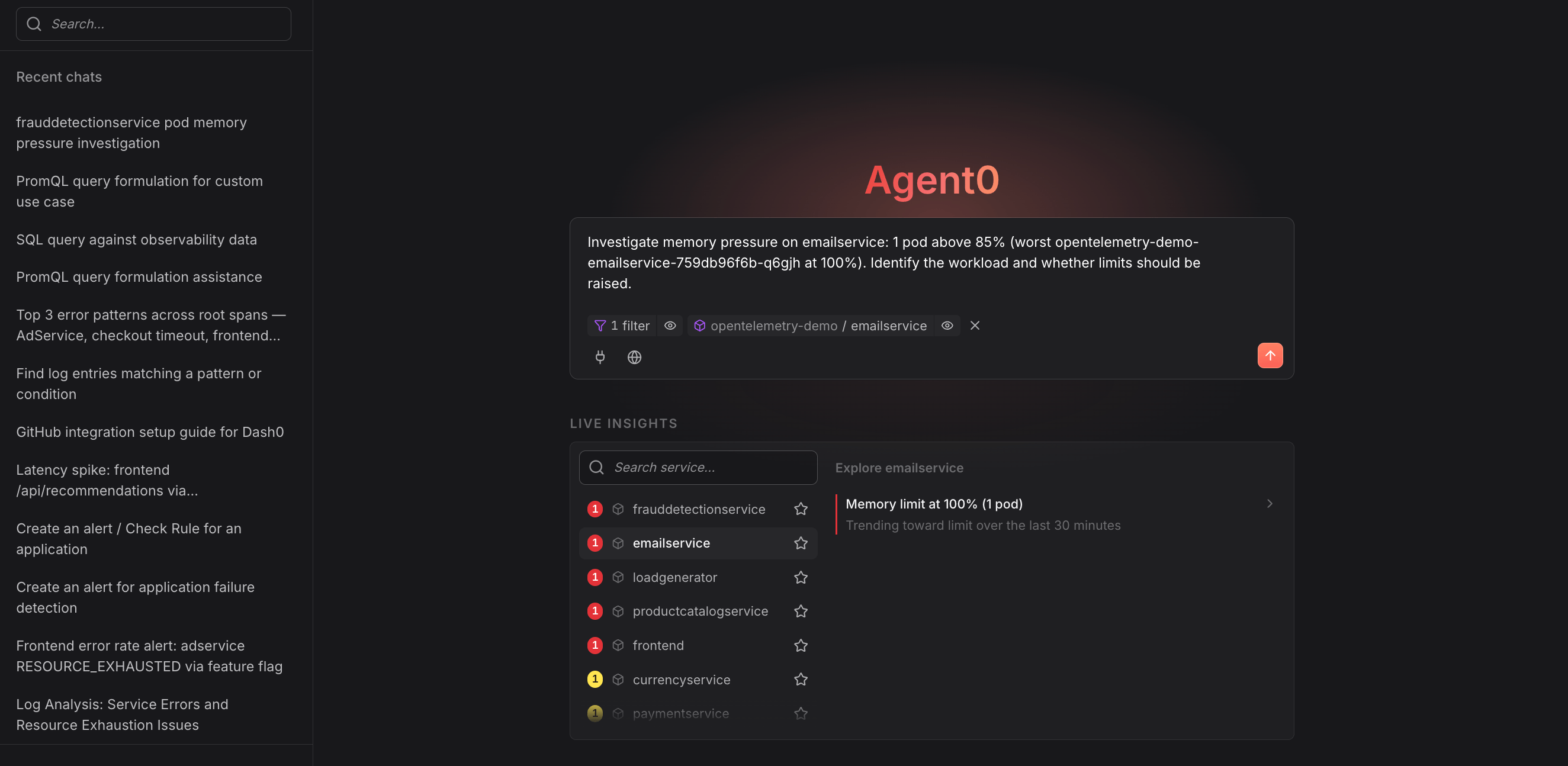
Investigation & Analysis — Reason across your telemetry to answer questions, identify root causes, and produce grounded conclusions backed by live data.
-
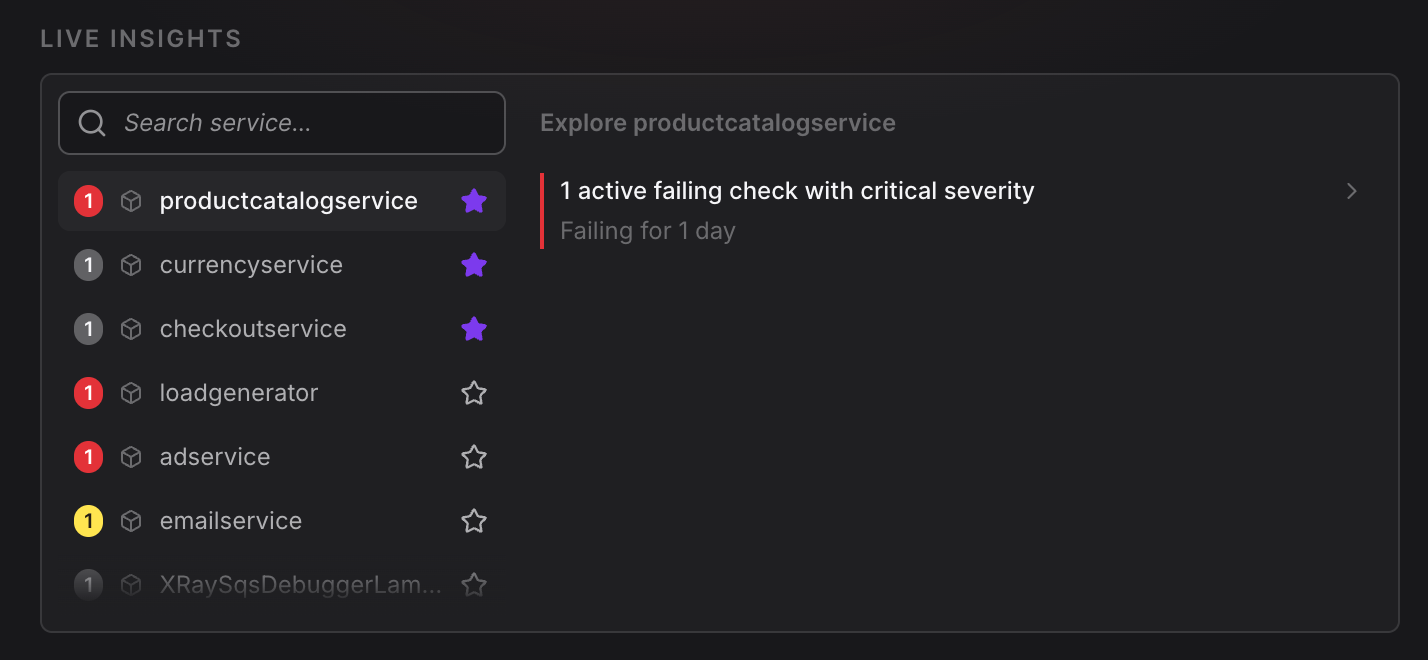
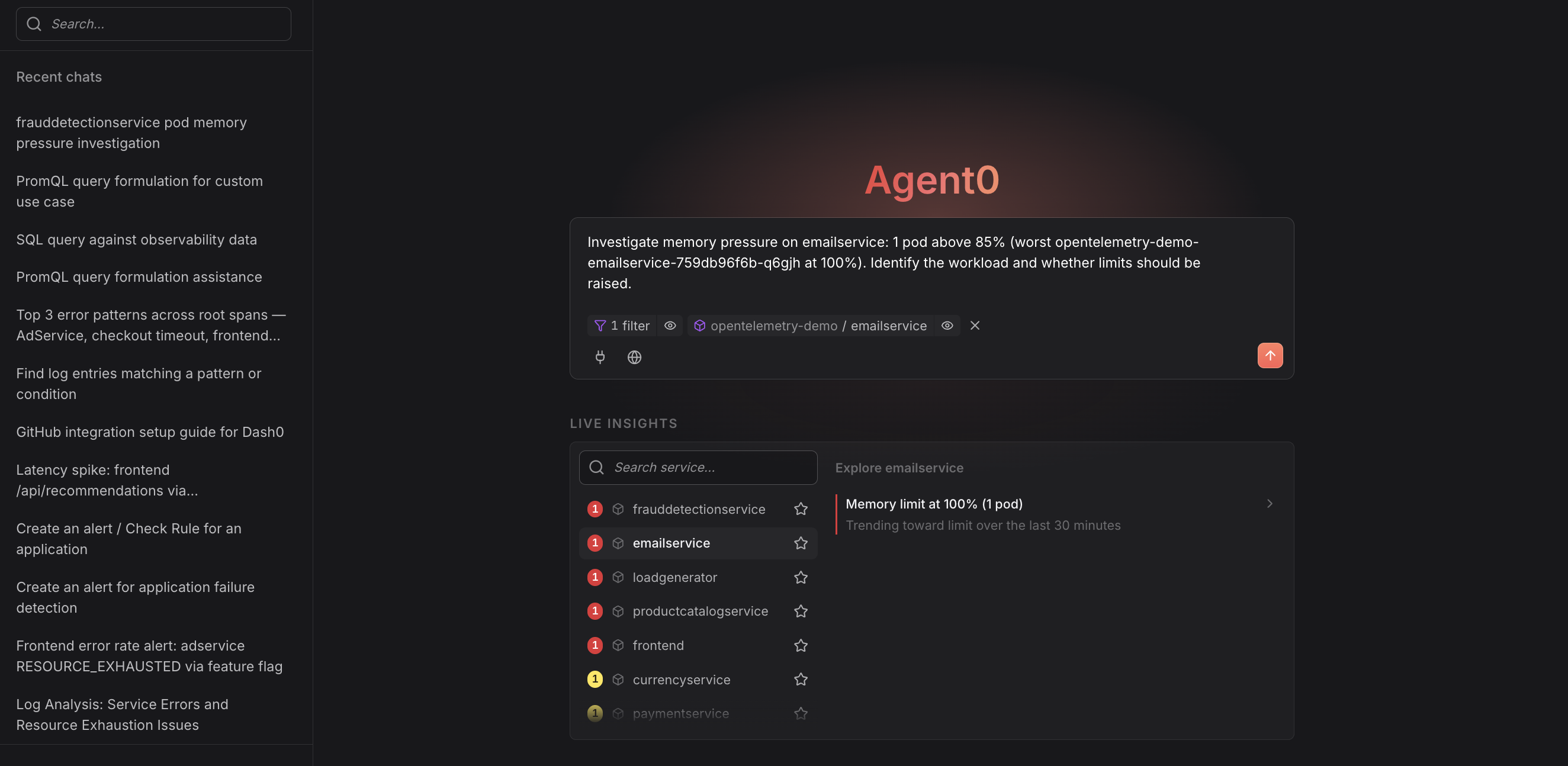
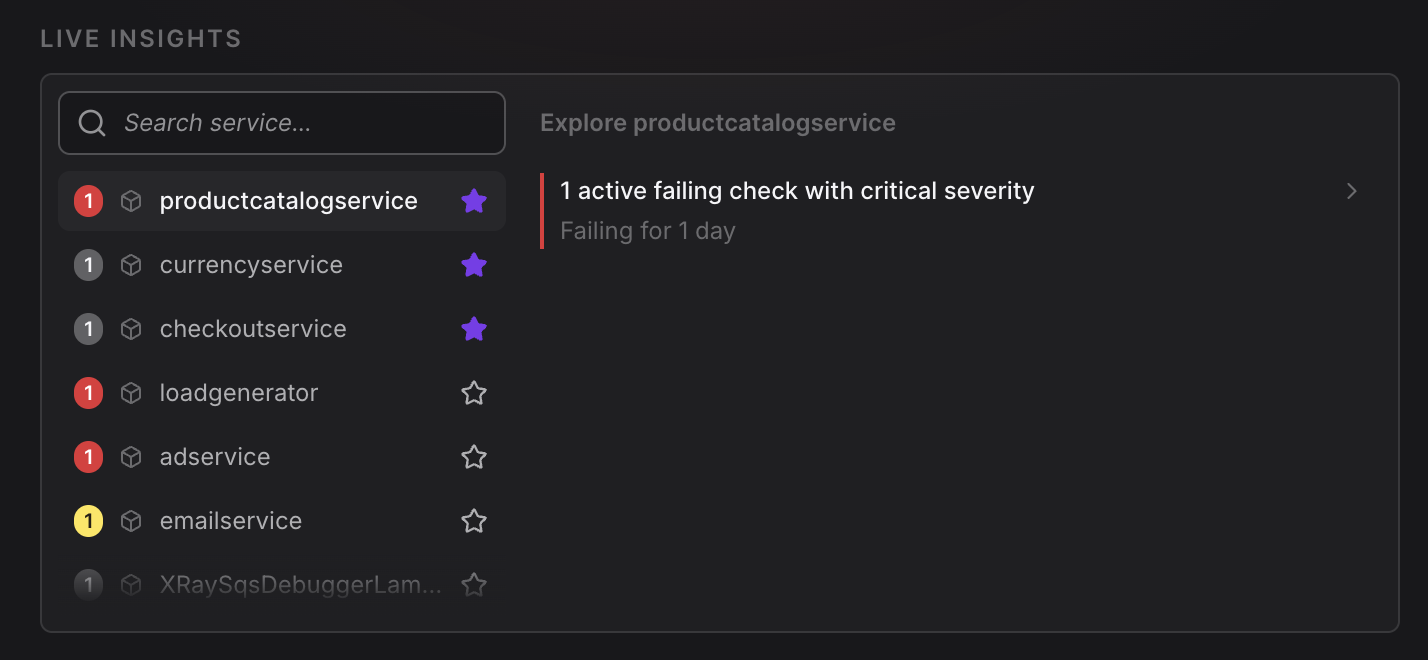
Live Insights — Surface active problems in your environment before you need to look for them, refreshed every 60 seconds.
-
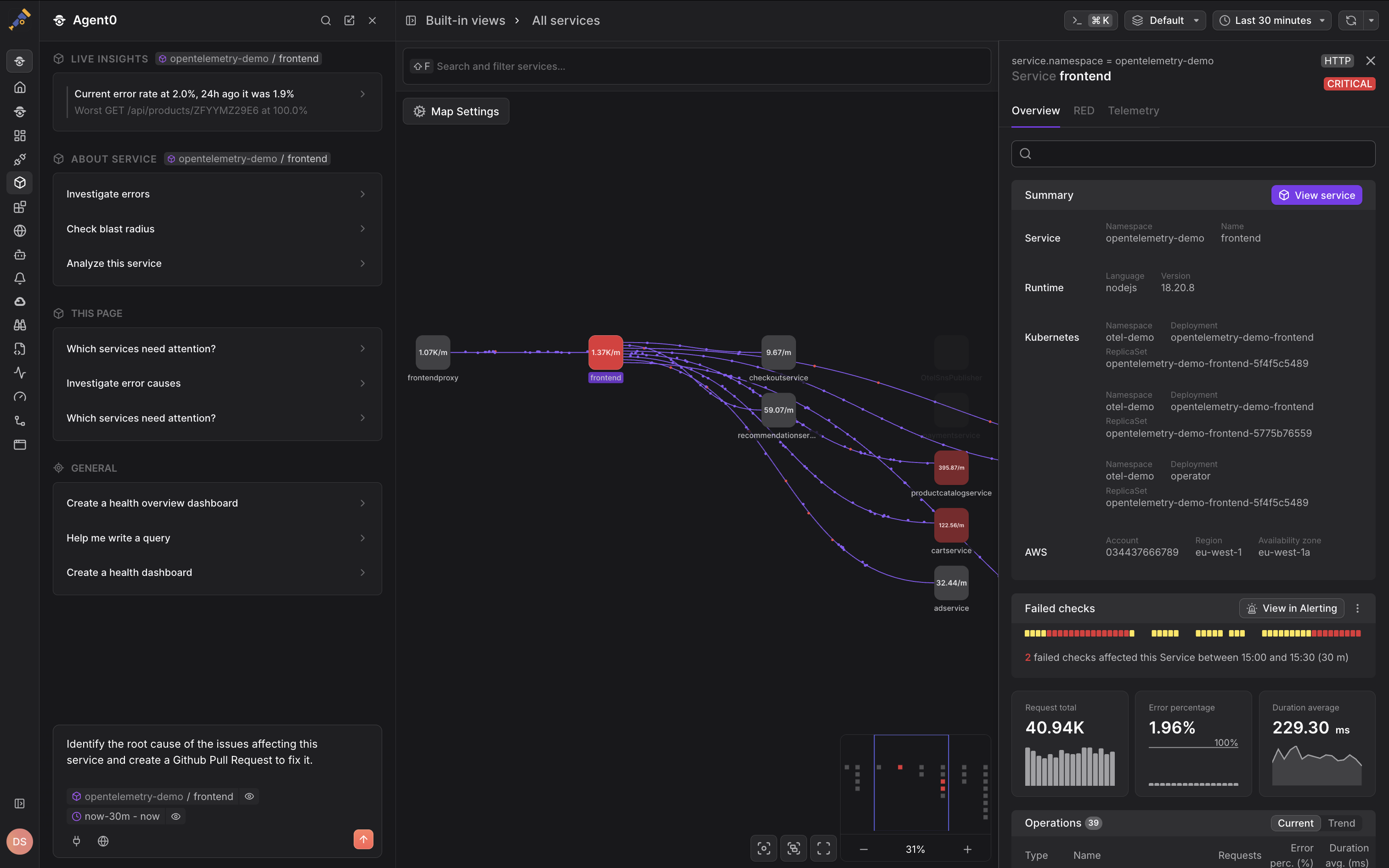
Integrated Experience — Access Agent0 contextually throughout Dash0, with prompts that adapt to what you're viewing.
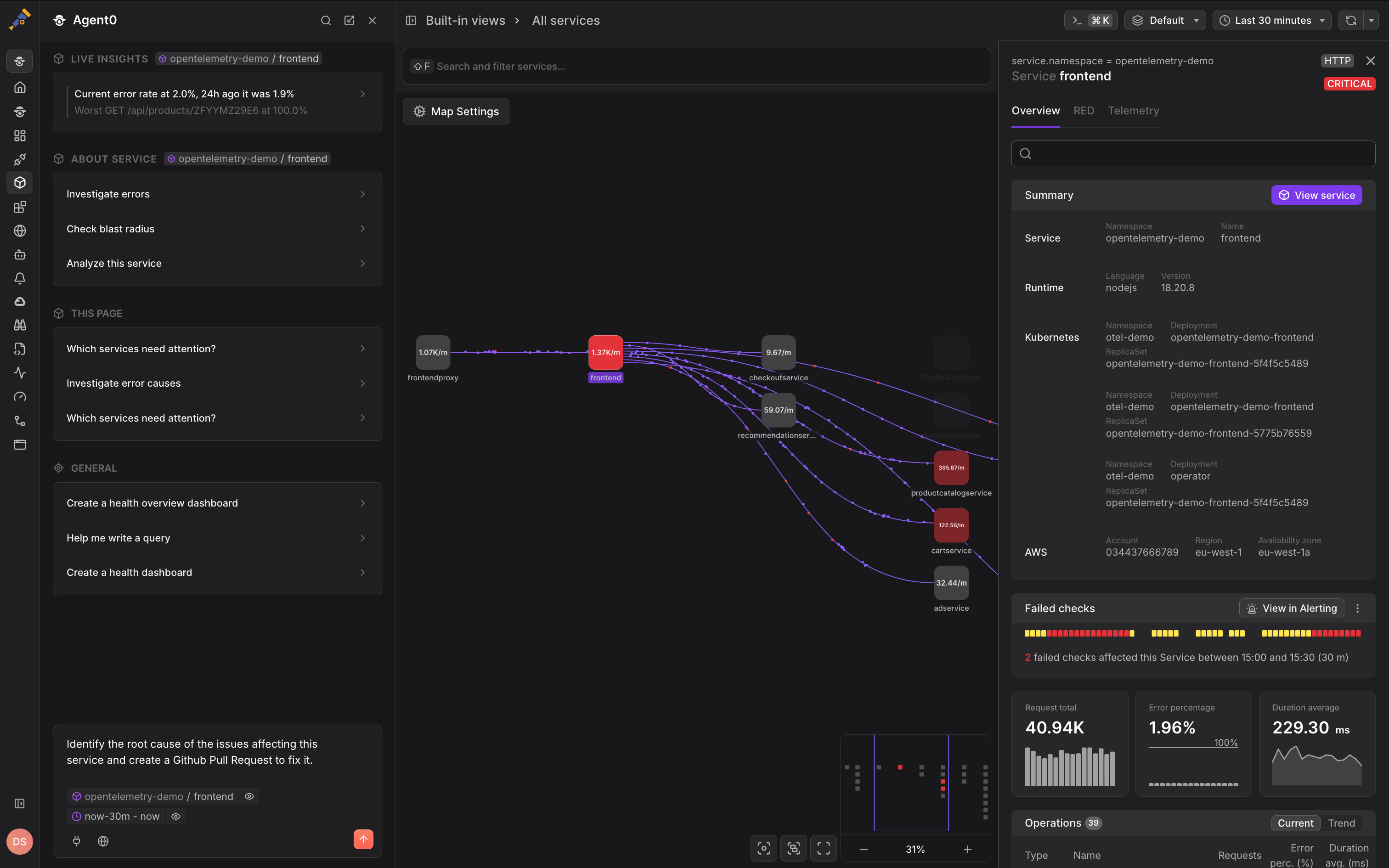
Agent0 appears contextually throughout Dash0, such as in the Service Map shown above, where it can investigate service dependencies and create monitoring assets based on the current view.
-
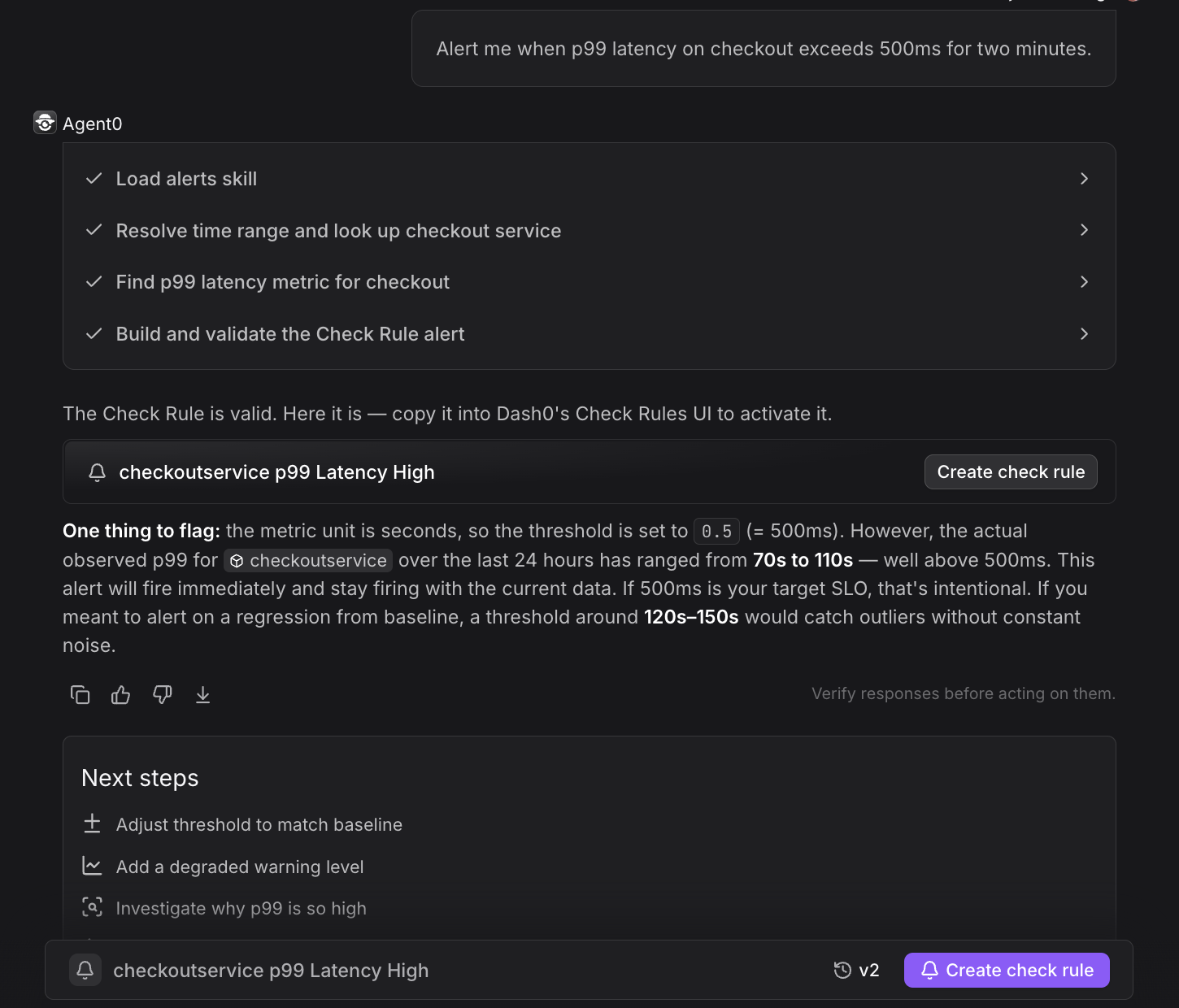
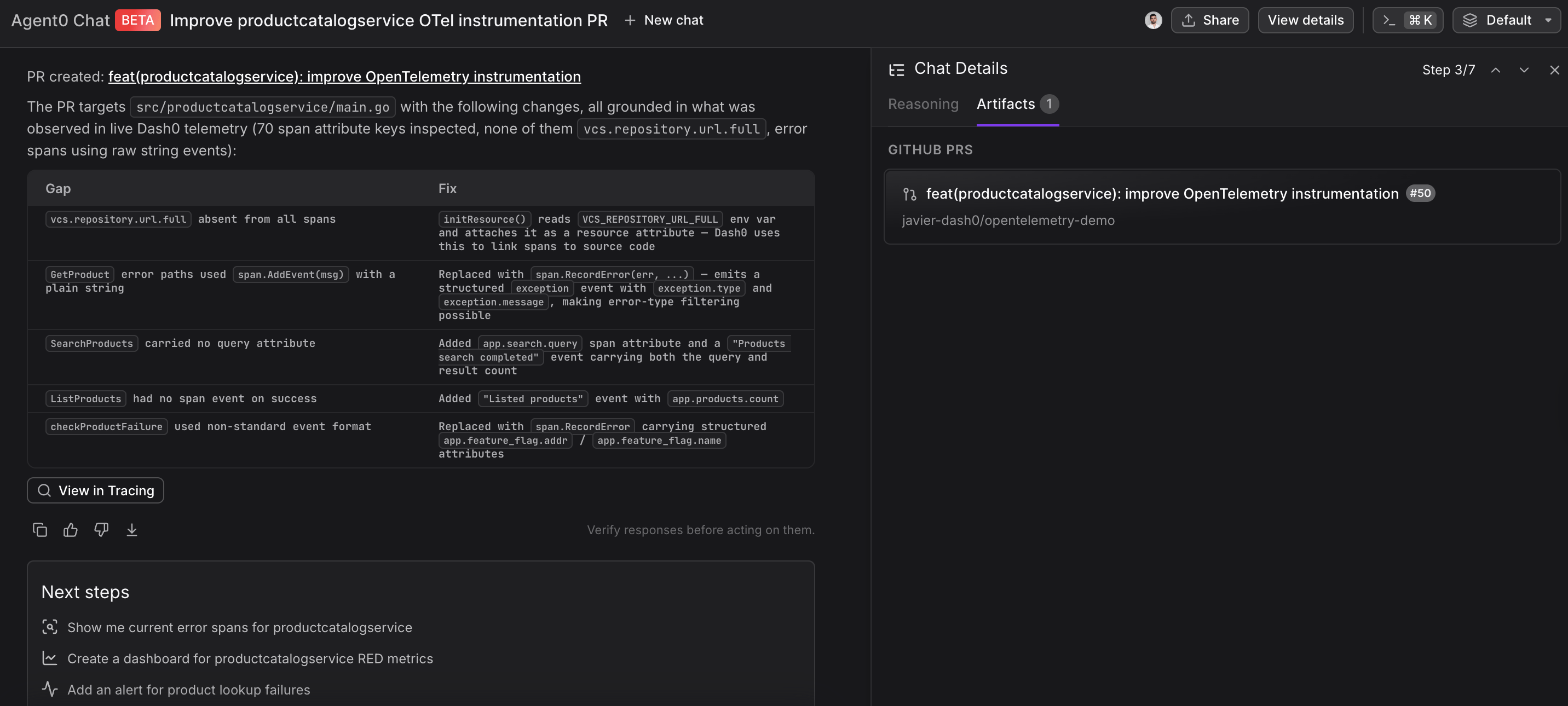
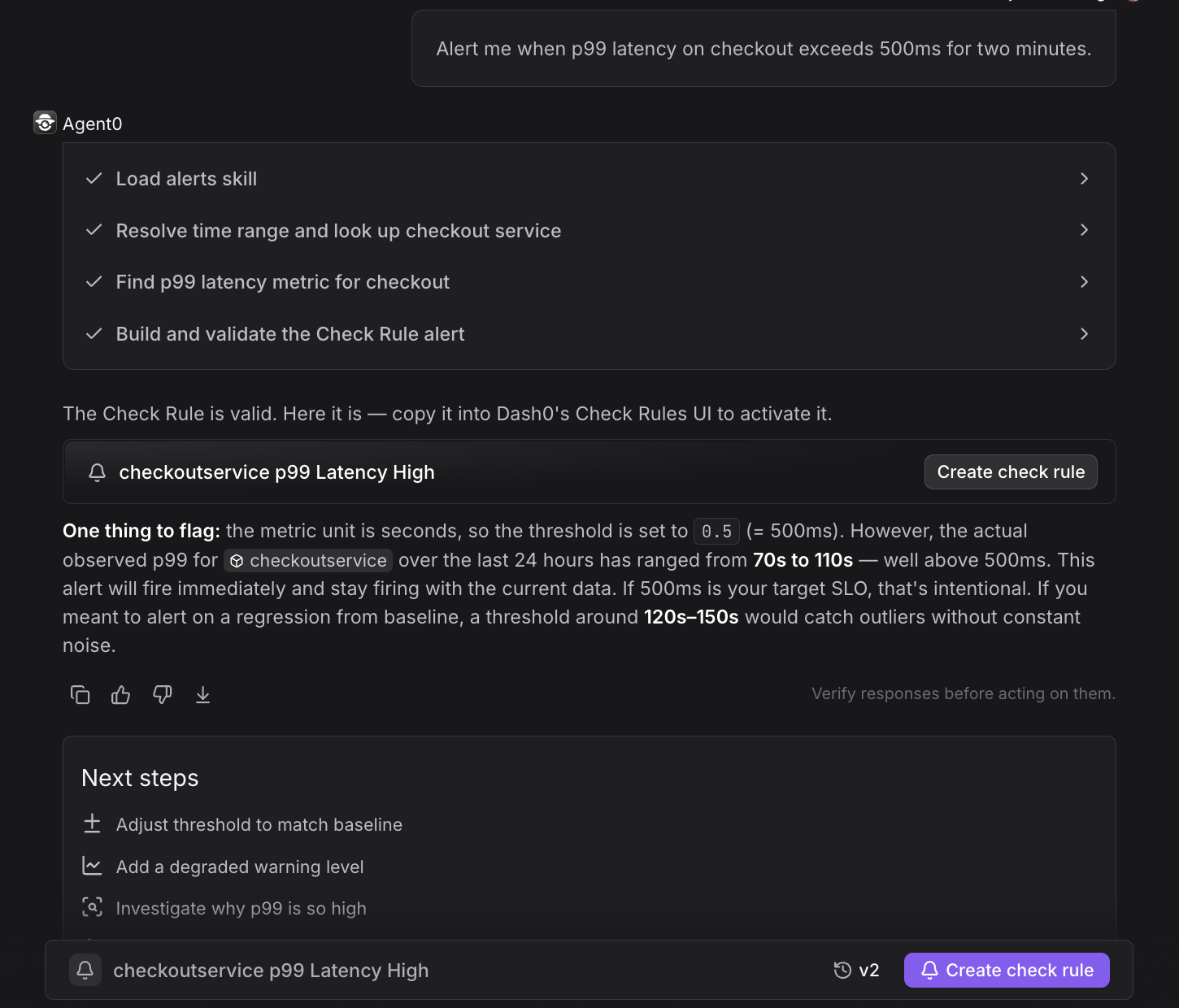
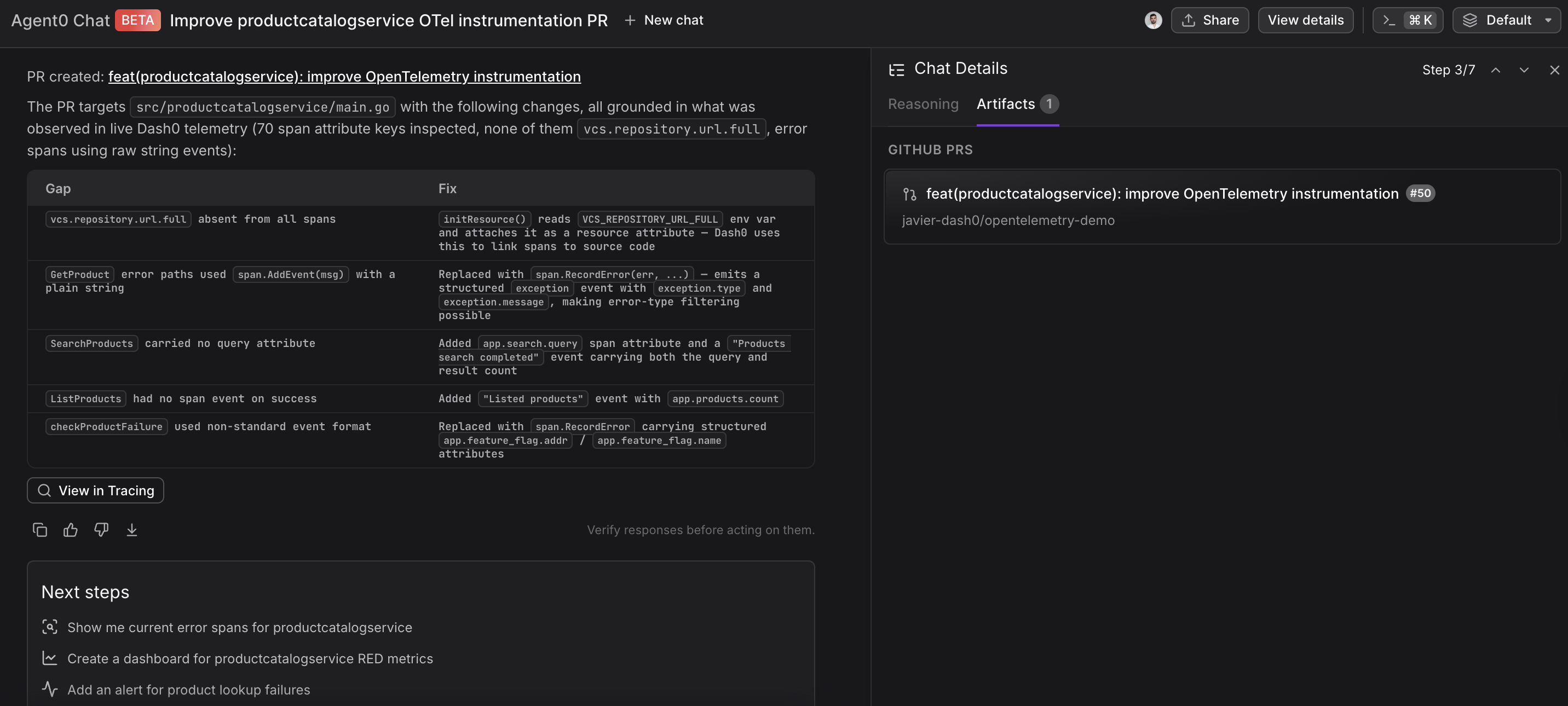
Asset Creation — Turn findings and natural-language requests into production artifacts like alerts, dashboards, PRs, and infrastructure-as-code.
-
Tools and Connectors — Query databases, execute commands, and integrate with external systems like GitHub, Linear, and MCP servers.
Configuration & Context
Agent0's behavior is configured through integrations, prompt templates, and organizational context that informs its responses.
-
Global information in prompt templates. Internal prompt templates use organization-level context — current health state, recent incidents, active deployments — as input. This powers the template prompts in Live Insights and the Integrated Experience.
-
Tool call transparency. Every tool call Agent0 makes is visible in the conversation, with its status: succeeded, skipped, failed, or pending approval. You always know what Agent0 did and what it didn't do.
-
Settings → Integrations. The place to configure connectors. GitHub and Linear are set up here. Custom MCP servers are added by providing a server URL, validating the connection, and configuring authentication and tool access.
Further Reading
- About Agent0 — The AI layer built into Dash0 for investigating issues and creating assets
- Asset Creation — Turn findings into production artifacts
- Integrated Experience — Access Agent0 contextually throughout Dash0
- Key Concepts — Understand the mental model and terminology
- Tools & Connectors — Set up external integrations