

Until now, anyone who could read a dataset could change or delete every automation in it.
Now only admins and the people you share an automation with can edit or delete it, and everyone who can read the dataset can still read it. Select Share on an automation's page to give edit access to a member, a team, or every member. In Settings, each team and member page has a new Automations tab that lists the automations shared with them directly.
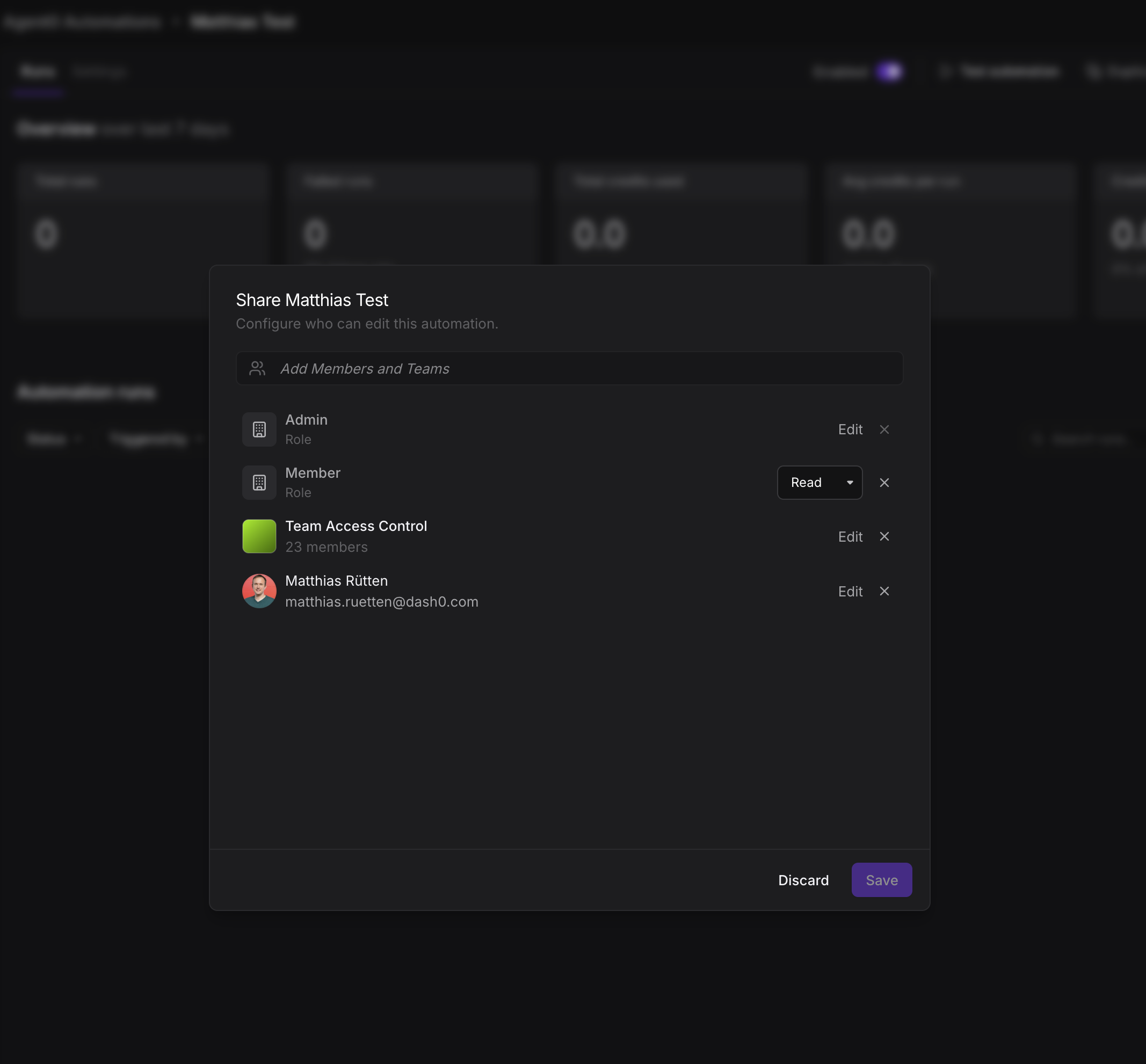
If you edited automations that someone else created, you can now only read them until someone shares edit access with you. The creator of an automation and admins keep their edit access.
Read the docs: Control Automation Sharing and Access