
The OpenTelemetry Collector is a standalone binary that sits between your instrumented services and your observability backend. It receives traces, metrics, and logs, processes them, and ships the data where it needs to go. You configure it with a YAML file; it does the rest.
Without a Collector, each service sends telemetry directly to a backend. That's workable for one service talking to one destination. It falls apart when you want to filter or enrich data before it leaves your environment, when you need to route to more than one backend, or when your backend changes and you'd rather not touch every service to update an endpoint. The Collector sits in front of all of that.
How the Collector works
Every Collector deployment is built around a pipeline, which chains three component types together.
Receivers accept incoming telemetry. The OTLP receiver (the one you'll use most) listens on port 4317 for gRPC traffic and 4318 for HTTP, and accepts data from any OpenTelemetry SDK. The Prometheus receiver works in reverse: it scrapes /metrics endpoints on a schedule. Either way, receivers translate whatever format they ingest into the Collector's internal representation before passing it downstream.
Processors transform data mid-flight. The batch processor groups spans or metric data points together before exporting, which cuts network overhead significantly. It's fine for getting started, though for production you'll want exporter-level batching with persistent storage, since the batch processor can silently drop data during a Collector restart. The memory limiter keeps the Collector from crashing under load. The attributes processor lets you add, remove, or rename attributes on any signal type. You can also use processors to drop telemetry you don't need, strip PII before it hits your backend, or attach Kubernetes metadata to every span your cluster produces.
Exporters send data out. An OTLP exporter targets any OTLP-compatible backend. Configure multiple exporters in a single pipeline and the Collector fans the data out to all of them, which is handy when migrating backends or splitting traffic between a cheap long-term store and a higher-retention tool.
A minimal config looks like this:
12345678910111213141516171819receivers:otlp:protocols:grpc: {}http: {}processors:batch:exporters:otlphttp:endpoint: https://your-backend.example.comservice:pipelines:traces:receivers: [otlp]processors: [batch]exporters: [otlphttp]
The service.pipelines section is where you wire everything together. A receiver can feed multiple pipelines, and multiple pipelines can share an exporter. You'll want separate pipelines for traces, metrics, and logs, since they tend to have different processing and retention requirements, and this is how you express that.
Why bother with a Collector?
For a quick demo or a side project, sending directly from your SDK to a backend is fine. Production is a different story.
The biggest practical win is decoupling. Without a Collector, your application has backend credentials and endpoint configuration baked in. Swap backends and you're editing application code. With a Collector, your services point at localhost:4317 (or whatever the cluster-internal address is), and the Collector figures out where the data goes. Your backend becomes an implementation detail your application doesn't know or care about.
There's also the operational side. Batching cuts the number of outbound connections your services hold open. Built-in retry logic reduces data loss during transient backend outages. Queue management absorbs traffic spikes. These are things your application would otherwise have to handle itself, or, more likely, just not handle.
The subtler benefit shows up over time: you get a single place to manage telemetry policy. What gets sampled, what gets redacted, which attributes get normalized. Without a Collector, those decisions live across every service's instrumentation setup and become very hard to change consistently.
Deployment patterns
The Collector runs either as an agent sitting close to each service or as a centralized gateway that aggregates traffic from many agents.
In agent mode, you run one Collector per node, typically as a Kubernetes DaemonSet. Each instance collects telemetry from services on that node and can enrich spans with node-level metadata (Kubernetes node name, availability zone, cloud region) that the application itself doesn't have access to.
A gateway sits further back and receives data from agent Collectors. Tail-based sampling, cross-service metric aggregation, fan-out to multiple backends: this is where that work goes. Run several gateway instances behind a load balancer for reliability.
Most teams end up using both. Agents collect and enrich locally, then hand off to a gateway fleet for centralized processing and export.
The tail sampling trap
If you're planning to run tail-based sampling, there's one non-obvious requirement: all spans from the same trace need to arrive at the same Collector instance. Run multiple gateway replicas behind a round-robin load balancer and spans scatter across instances. The sampler sees an incomplete trace and makes bad decisions.
The fix is a loadbalancingexporter at the first tier. It routes by trace ID, so all spans for a given trace land on the same gateway. People miss this at setup time and discover it later when sampled traces show up with chunks missing. Not a fun debug session.
Final thoughts
The Beginner's Guide to OTel Collector Pipelines covers the configuration model in depth. Top 10 OpenTelemetry Collector Components is worth a read once you want to go beyond the basics. If you're reaching for the contrib distribution and want to understand what's actually in it, OpenTelemetry Collector Contrib: A Beginner's Guide breaks down the options. The official Collector documentation is the authoritative reference for configuration details and supported components.
Once your pipeline is flowing, you'll want a backend that handles OTLP natively, not one that translates it into an older schema and loses fidelity along the way. Dash0 is built on OTLP end to end, so what the Collector sends is what you query.
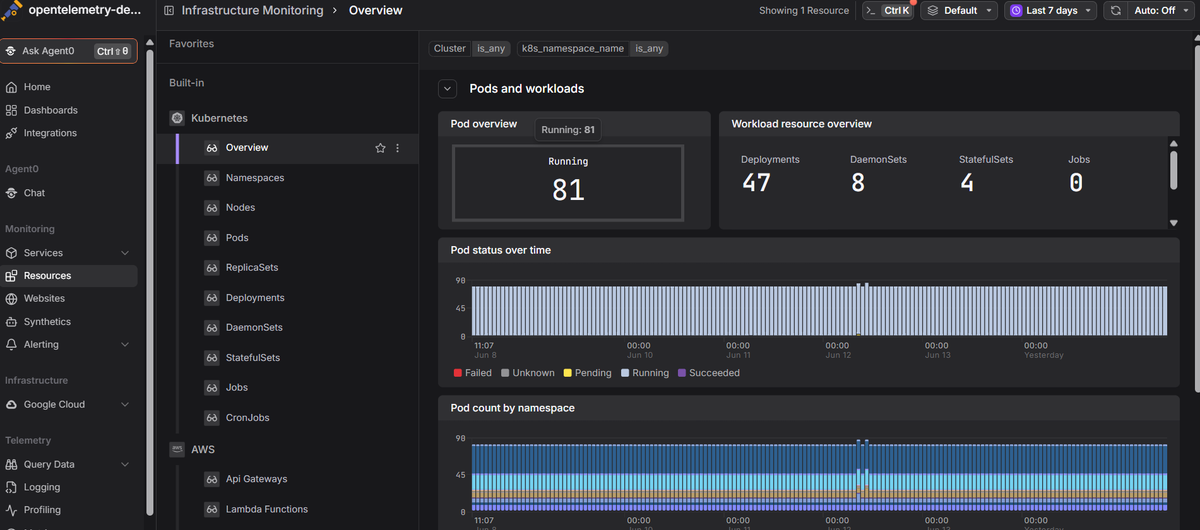 Start a free trial to connect your Collector and see traces, metrics, and logs together. No credit card required.