
Last updated: October 10, 2026
Export Notification Channels
Build notification channels visually in Dash0, then export them as YAML for version control and deployment.
Once you have created notification channels as defined in Set Up Notification Channels, do the following:
-
Navigate to Settings > Notification Channels or click Notification Channels here to go directly to the list.
-
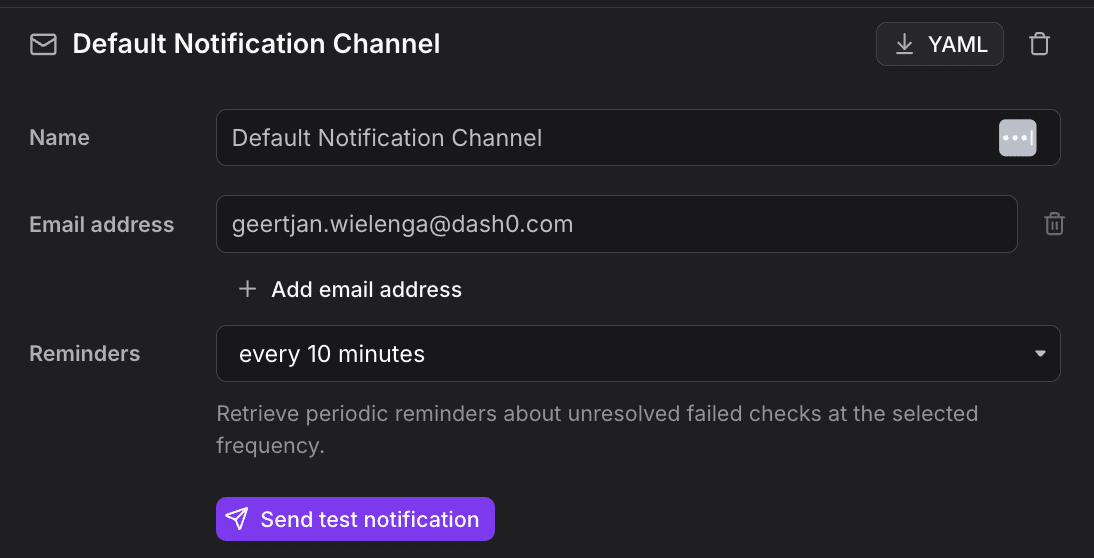
Select a notification channel and click YAML in the navigation bar at the top.
Export Format
The exported YAML follows the Dash0NotificationChannel format.
The spec.type field selects the channel type (one of the supported integrations), and spec.config holds the type-specific settings such as webhook URLs or Slack channel names.
Notification channels are organization-level resources, so no dataset is required.
yaml
123456789101112131415apiVersion: v1alpha2kind: Dash0NotificationChannelmetadata:name: platform-team-slackspec:type: slack_botconfig:channel: "#platform-team"teamId: T04QG2LAK7Xfrequency: 6h0m0srouting:filters:- - key: teamoperator: isvalue: platform
Further Reading
- About Notification Channels — Create and configure notification channels in Dash0.
- Manage Notification Channels as Code — Deploy notification channels using the Dash0 Operator for Kubernetes, the Dash0 Terraform Provider, or the Dash0 CLI.