
Last updated: October 1, 2026
About Automations
Automations are event-driven AI workflows that trigger in response to external events such as Slack messages, GitHub pull requests, failed checks, or scheduled times. Each automation defines what triggers it, what Agent0 should do, and what constraints ensure safe execution.
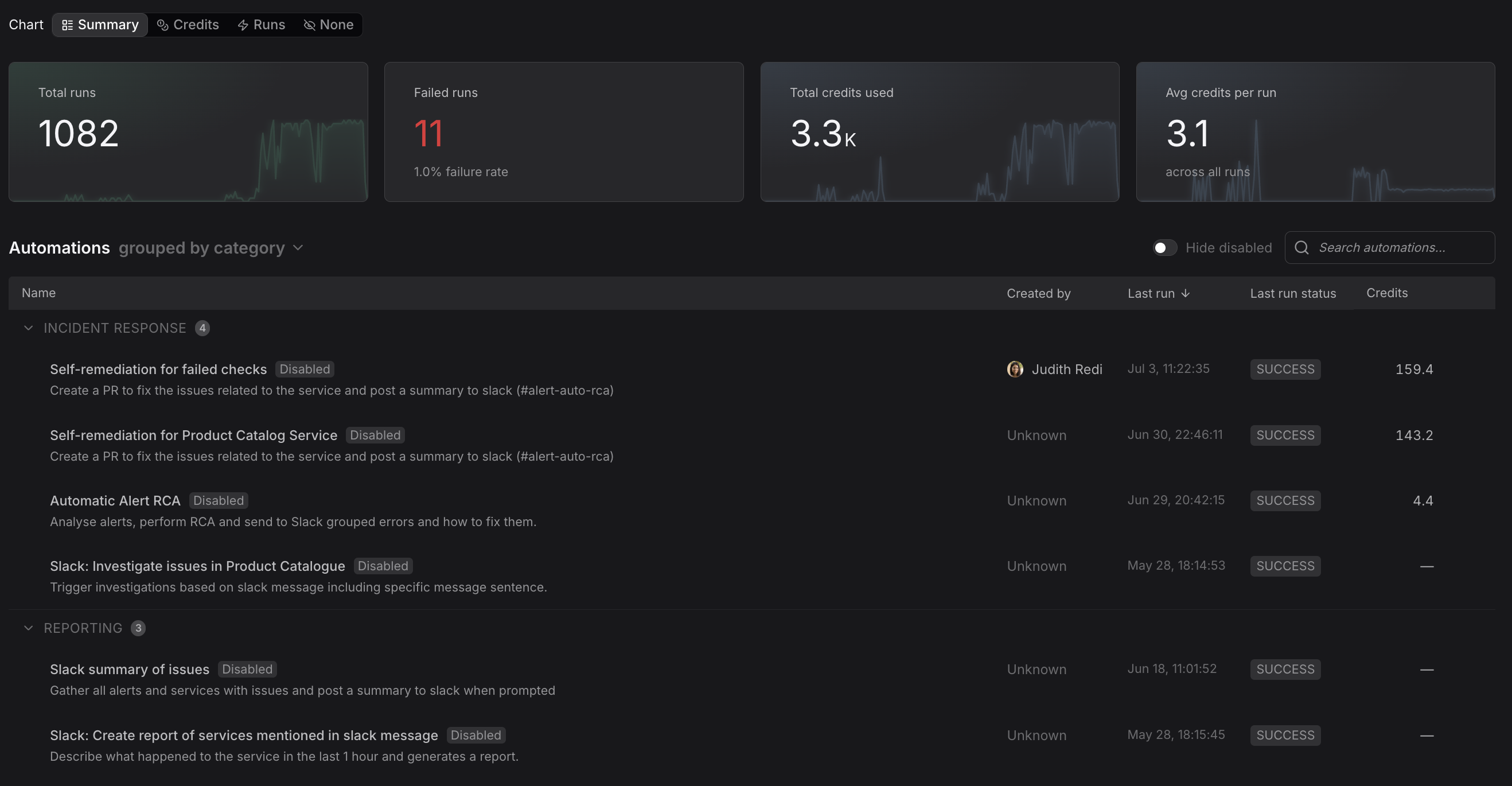
What Are Automations?
Automations combine Agent0's intelligence with event-driven execution to handle routine observability and DevOps tasks automatically. When an event occurs that matches an automation's triggers, Agent0 analyzes context, queries your Dash0 data, and takes appropriate actions.
The system handles the infrastructure: reliable execution, concurrency control, retries, and auditability.
Key Capabilities
- Event-driven triggers: Respond to Slack messages, GitHub events, GitLab events, failed checks, Linear comments, or run on a schedule.
- AI-powered execution: Agent0 analyzes context, queries observability data, and takes appropriate actions based on your instructions.
- Safety controls: Guardrails control what Agent0 can access and do with tool restrictions, timeouts, required actions, and rolling credit budgets.
- Concurrency management: Define how multiple simultaneous triggers are handled with parallel, queue, skip, or supersede policies.
- Notifications: Use Dash0's existing notification system to receive alerts when an automation completes or fails.
- Templates: Start quickly with pre-built automations for common use cases like incident root cause analysis, PR reviews, deployment health, and telemetry coverage audits.
Common Use Cases
- Incident triage: Automatically investigate failed checks by querying metrics, logs, and traces, then post findings to Slack.
- PR review assistance: Analyze pull requests for potential performance issues by checking service dependencies and historical metrics.
- Scheduled reporting: Generate daily or weekly summaries of service health, error rates, and performance trends.
- SLO monitoring: Track SLO compliance and alert stakeholders when thresholds are approaching.
- Slack-driven queries: Let team members ask questions about system behavior directly in Slack, with Agent0 responding with data from Dash0.
How It Works
-
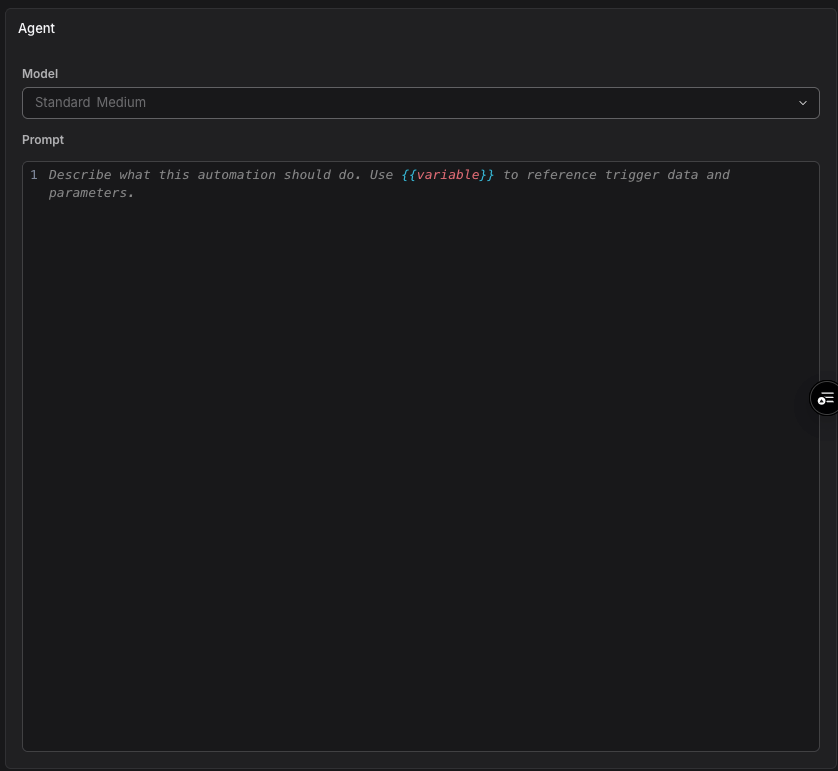
Create an automation: Define triggers, write a prompt for Agent0, pick the model it runs on, set guardrails, and configure permissions.
-
Events arrive: External systems send events — a Slack message, a GitHub PR, a failed check, or a scheduled time arrives.
-
Trigger matching: Dash0 matches the event against all enabled automations.
-
Execution: Agent0 receives your instruction with variables filled in from the event, queries Dash0 data, and executes with access to approved tools.
-
Results: View run history, summaries, tool calls, and provide feedback to improve future executions.
Further Reading
- Understand Concepts — Core concepts and terminology for understanding Dash0 Automations.
- Create Automations — Overview of automation creation methods.
- Use Templates — Pre-built automation templates for common observability and incident response scenarios.
- Control Automation Sharing and Access — Choose who can edit an automation by sharing it with members, teams, or every member.