


If your team keeps runbooks and agent skills in Git, next to the code they describe, Agent0 couldn't use them directly. Until now, bringing them to Agent0 meant copying each one into Dash0 by hand, and the copies drifted as soon as someone changed the original.
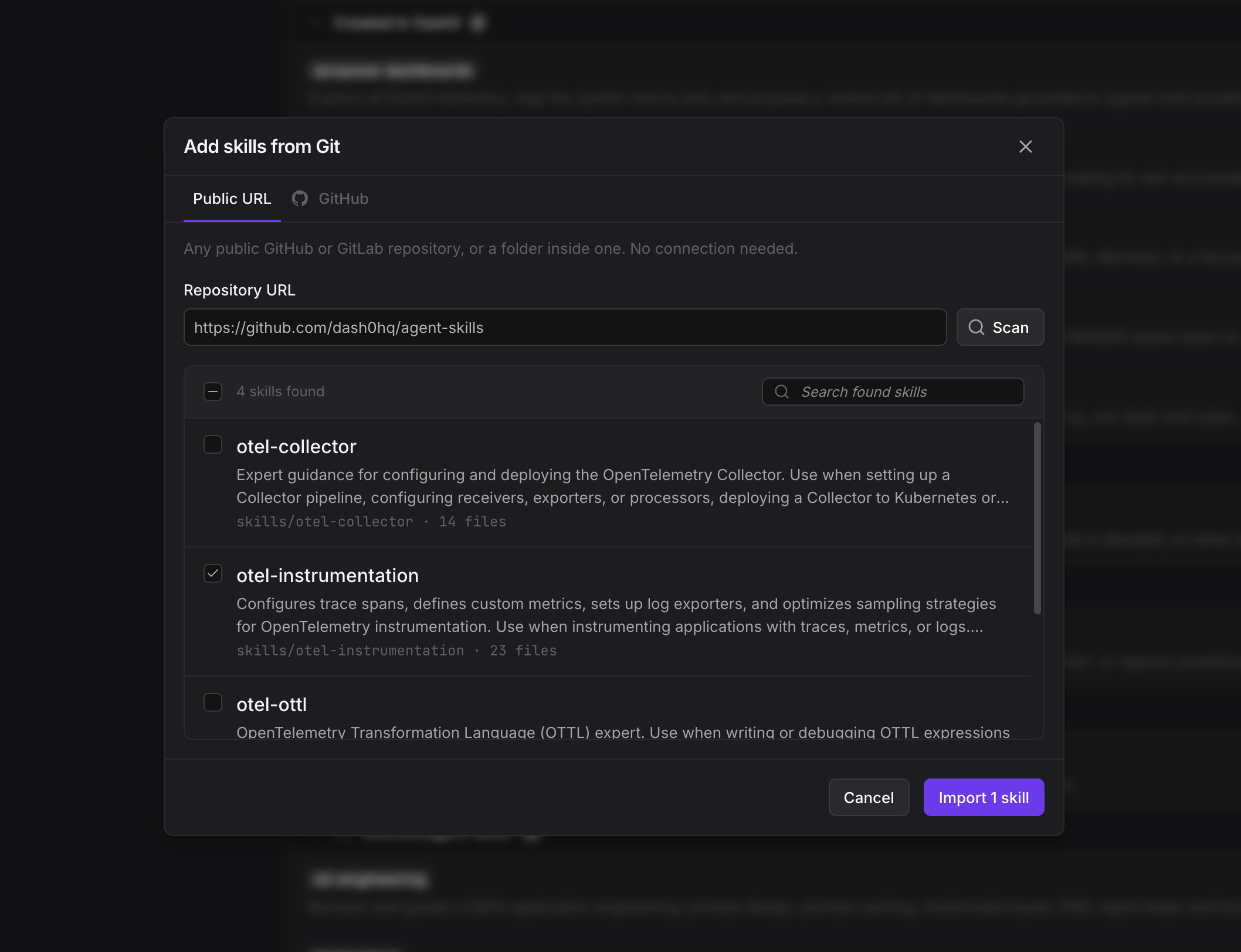
Now an admin can import them. In Organization Settings > Agent0 > Skills, select Import from Git. Scan any public GitHub or GitLab repository, or a private GitHub repository through the GitHub integration. Dash0 finds every SKILL.md, including skills with supporting files, and imports the ones you select. When a skill changes in the repository, select Update and Dash0 reads it again from the branch or tag you imported from.
Read the docs to import your first skills: Import Custom Skills from a Git Repository