


What's New
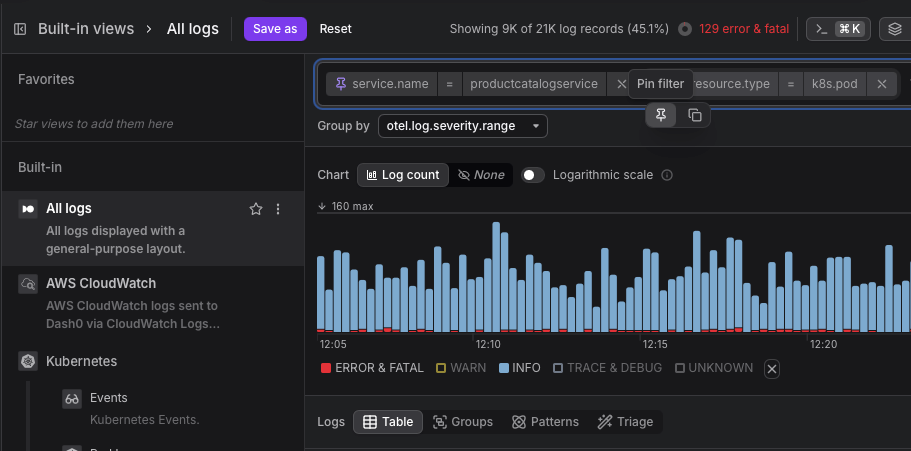
Pin filters: Pin any filter to carry it across pages. Navigate from Trace Explorer to Log Explorer, Services, or Resources and your pinned filters are already there. No need to re-enter the same context on every page.
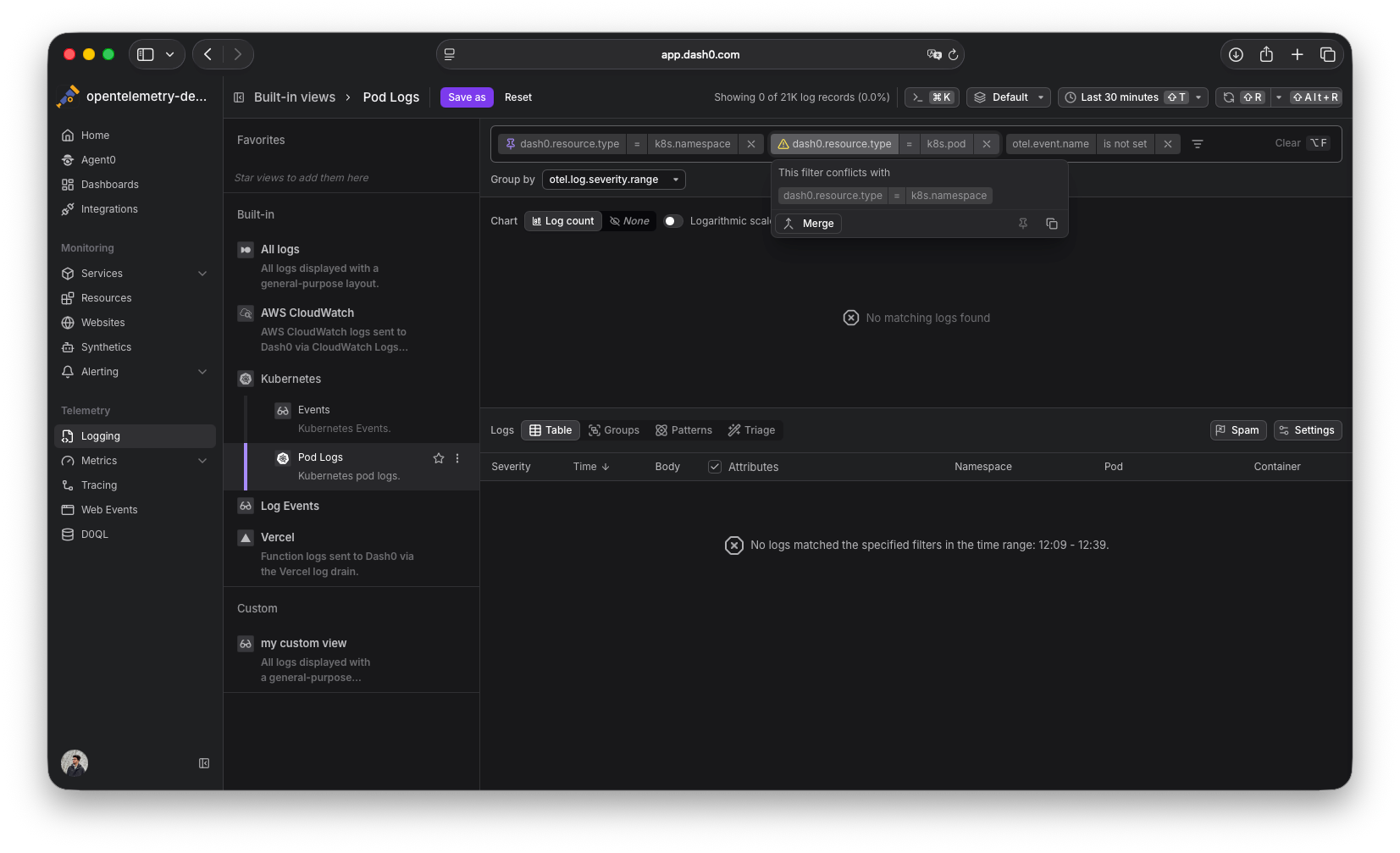
Conflict detection: The filter bar now detects when two active filters check the same key with different values and shows a warning. This commonly happens when opening a link from a teammate that has filters already applied.
Conflict resolution: When a conflict is detected, Dash0 offers a merge — the conflicting values become a single filter that matches any of them. Accept with one click.
Copy individual filters: Copy a single filter without copying your entire filter list. Expand a filter and click the copy icon.
Updated filter bar: Filters are more compact by default and expand on interaction to show available actions (pin, copy). They auto-collapse when not in use.
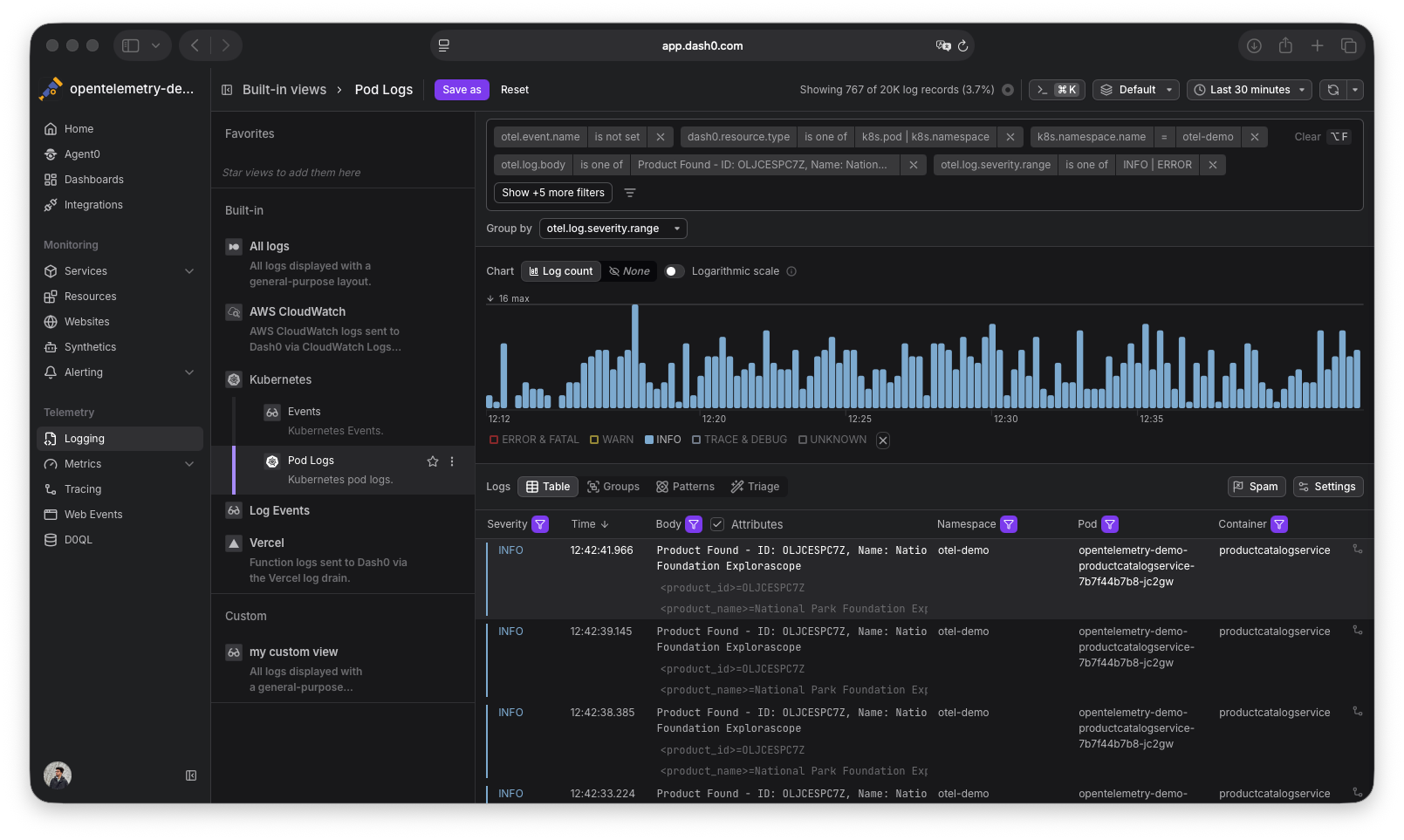
Available in: Trace Explorer, Log Explorer, Services, Resources, Websites, and Failed Checks.
\