


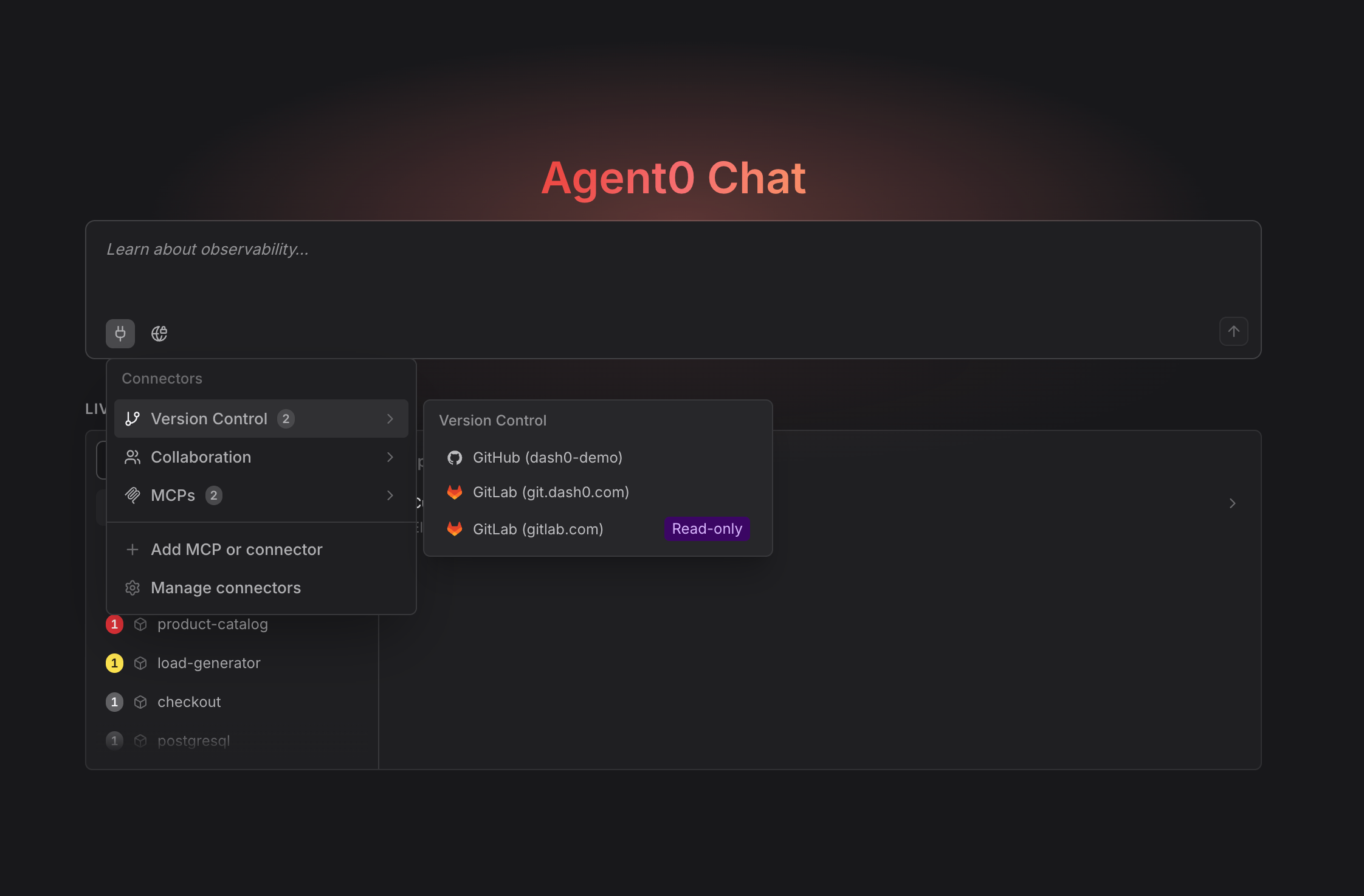
Connecting GitLab gives Agent0 the code behind your telemetry. It reads diffs, issues and pipeline results while it investigates, so a root cause lands against the change that caused it rather than against a metric on its own. Ask what changed in merge request !412 and it reads the diff, in the thread rather than in another tab.
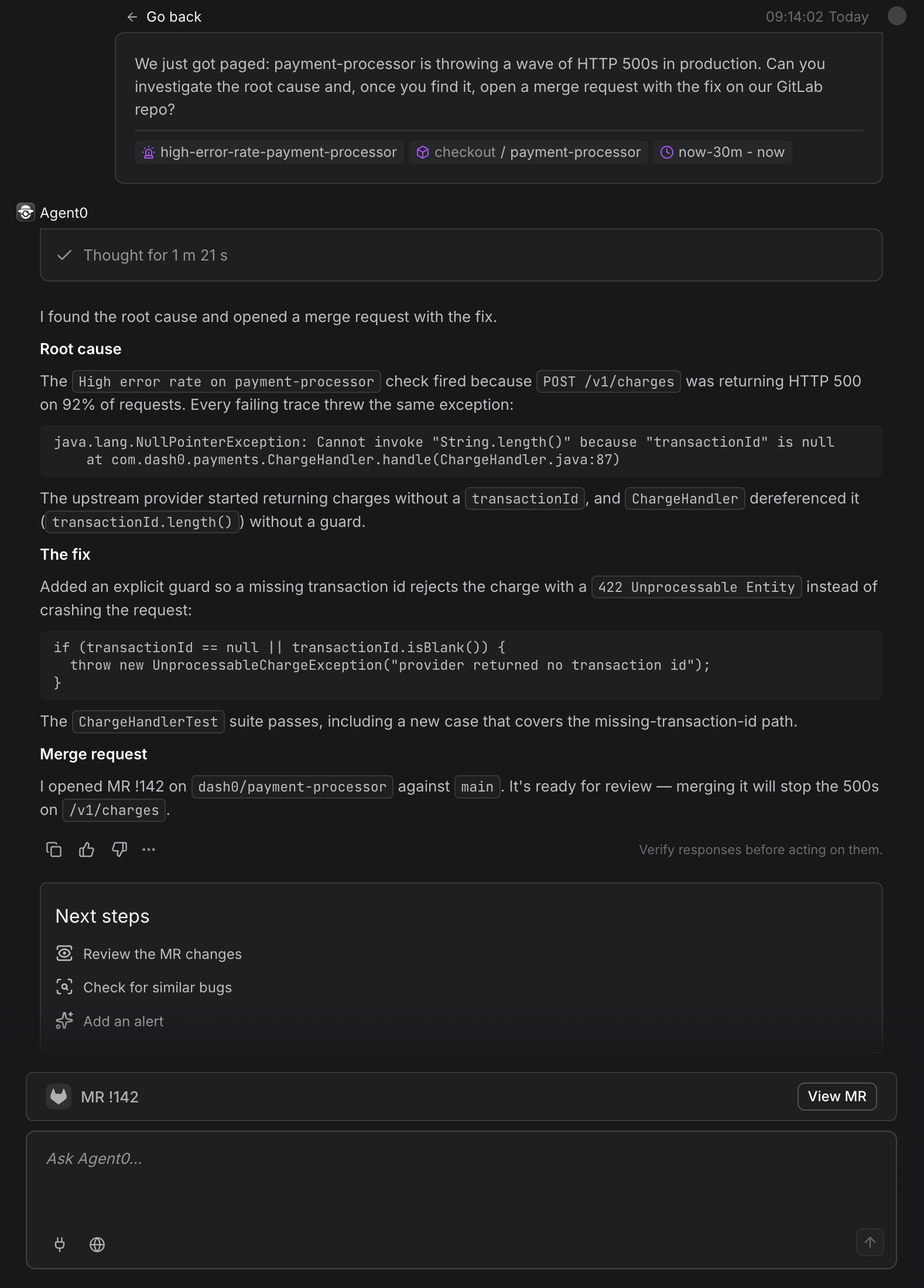
That context is also what lets it act. Ask Agent0 to fix the bug and it clones the project, commits to a feature branch, pushes, and opens a merge request with deep links back to the telemetry that prompted it.
Getting started
Setup takes two steps. An admin adds the GitLab connector under Settings → Integrations and connects the organization, then every member connects their own account.
Set Up GitLab Integration has the service account, self-managed and webhook detail.
Use GitLab in Chat covers how Agent0 behaves once you are connected.
Your name, your permissions
Agent0 works in GitLab through the account you connect yourself. A merge request it opens is yours, not a bot's, and it reaches exactly what you can reach. If a project is invisible to you, it stays invisible to Agent0.
Nothing falls back to a shared Dash0 identity, and that holds in automations too. An automation acts as the person who created it, so the merge requests it opens are theirs. One exception: an automation that records no creator has nobody to act as, which covers those made by Terraform, the CLI, the API, or by another automation.
One limit worth stating plainly: Agent0 will not push to a default branch. Changes arrive as a merge request from a feature branch, every time.
Controls
-
Disconnect your account from the integration page, or revoke Dash0 from GitLab's authorized applications.
-
Admins can delete the integration, which takes the organization's stored credentials with it. The webhook survives in GitLab, so delete that there too.
-
**No new charge. **The GitLab integration is not billed.