
The Dockerfile itself has no instruction for setting the image name. That's a common point of confusion, since almost every other piece of image configuration (the base image, environment variables, entry point, exposed ports) lives in the Dockerfile. The image name is set at build time, by the tool doing the build, and the convention packs a lot of information into a single colon-separated string.
This article covers how naming works with docker build, what the parts of an image name actually mean, how to re-tag an existing image, and why LABEL inside the Dockerfile is not what you're looking for.
Use docker build -t to name the image
The name is set with the -t (or --tag) flag when you build:
1docker build -t my-app:1.0.0 .
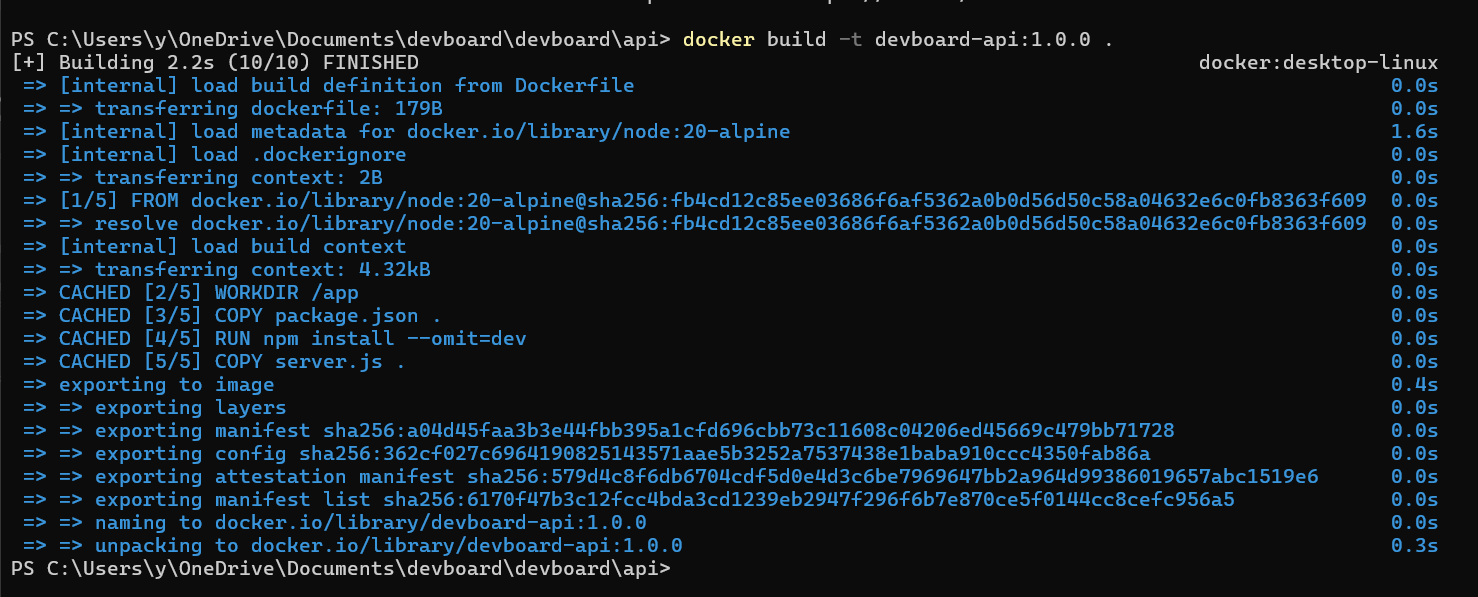 The trailing
 . is the build context: the directory Docker sends to the daemon. It looks like a Dockerfile path, but it isn't. The Dockerfile location is set with -f if you need it elsewhere. The -t flag attaches the name my-app and the tag 1.0.0 to the resulting image.
You can verify the result with docker images:
1docker images my-app

12REPOSITORY TAG IMAGE ID CREATED SIZEmy-app 1.0.0 a7e62c4d8e91 3 minutes ago 142MB
If you omit the tag, Docker uses latest:
1docker build -t my-app .
That produces an image named my-app:latest. The latest tag is just the default Docker uses when none is specified; it says nothing about which version is actually newest. There's more on that under pitfalls below.
You can attach multiple names at once by passing -t repeatedly:
1docker build -t my-app:1.0.0 -t my-app:latest -t my-app:stable .
All three names point to the same image ID, so they're aliases for the same bytes on disk.
The anatomy of a full image name
A full image name follows a structure defined in Docker's tagging reference:
1[HOST[:PORT]/]NAMESPACE/REPOSITORY[:TAG]
For example, ghcr.io/acme-corp/api:v1.4.0 breaks down as:
ghcr.iois the registry hostnameacme-corpis the namespace (typically a user or org)apiis the repository namev1.4.0is the tag
If you leave the host off, Docker assumes docker.io (Docker Hub). If you leave the namespace off, it assumes library, which is the namespace for official images. So nginx, docker.io/nginx, and docker.io/library/nginx:latest all refer to the same image.
This structure matters as soon as you push to a registry. To push to your own Docker Hub account, the namespace component must match your username:
12docker build -t myusername/api:v1.4.0 .docker push myusername/api:v1.4.0
For a private registry like GitHub Container Registry, AWS ECR, or a self-hosted Harbor, prefix the hostname:
12docker build -t ghcr.io/acme-corp/api:v1.4.0 .docker push ghcr.io/acme-corp/api:v1.4.0
Without the hostname prefix, docker push will try to send your image to Docker Hub and fail with an unauthorized error.
Naming rules to know
Two sets of rules apply. The repository component (everything before the :) must use lowercase letters, digits, and the separators ., _, __, or one or more -. A component can't start or end with a separator. Hostnames follow standard DNS rules but can't include underscores.
The tag, which comes after the :, accepts uppercase and lowercase letters, digits, underscores, periods, and dashes, up to 128 characters total. It can't start with a period or a dash. So v1.4.0, 1.4.0-alpine, 2026-05-25, and main-a1b2c3d are all valid tags, while .v1 or -rc1 would be rejected by the Docker daemon.
Re-tagging with docker tag
If you've already built an image and want to give it another name (for example, before pushing to a registry), use docker tag instead of rebuilding:
1docker tag my-app:1.0.0 ghcr.io/acme-corp/my-app:1.0.0
This creates a new reference pointing at the same image ID. No rebuild, no extra disk space. You can confirm both names exist by listing images:
1docker images
 Both names share the same image ID. This is the standard pattern in CI pipelines: build once with a short local name, then re-tag for each registry destination before pushing. If you ever want to clean up the local copies after pushing,
 docker rmi removes the references without deleting the underlying image until the last reference is gone.
Setting the name in compose.yml
If you don't want to type docker build -t every time, Docker Compose can do it for you. In your compose.yml, the image key sets the resulting image name, and build tells Compose to build it locally instead of pulling:
1234services:api:build: .image: ghcr.io/acme-corp/api:v1.4.0
Running docker compose build produces an image tagged ghcr.io/acme-corp/api:v1.4.0 using the Dockerfile in the current directory. This is the cleanest way to keep image names declarative without putting them in the Dockerfile itself, which keeps the Dockerfile portable across environments.
For more complex build pipelines that produce several images with different tags, docker buildx bake lets you define every target and its tags in a single docker-bake.hcl file. For most projects, the Compose approach above is enough.
Common pitfalls
The biggest one is reaching for LABEL when looking for a way to set the image name. LABEL adds metadata key-value pairs to the image, things like a maintainer email, a build date, or the git commit it was built from. None of it shows up as the image's name or tag, and none of it influences how docker pull or docker push resolve the image:
12LABEL org.opencontainers.image.title="my-app"LABEL org.opencontainers.image.version="1.0.0"
After building, the image still has whatever name you gave with -t, or no name at all if you skipped the flag. The labels are inspectable with docker inspect, but the registry doesn't care about them. Labels are useful for traceability in your container observability tooling, but they aren't a substitute for -t. The same applies to FROM: that sets the base image your build starts from, not the name you're producing.
The second pitfall is treating :latest like it means "newest." It doesn't. latest is just the default tag Docker uses when you don't specify one. If you build a v0.1 image with -t my-app six months ago and then build v2.0 today without a tag, the v2.0 build overwrites the latest reference, but nothing about Docker enforces that latest ever points at the actual newest version. For production deployments, tag with explicit version strings (semantic versions, git SHAs, build numbers) so rollbacks and audits are unambiguous.
The third one bites people during pushes: forgetting the registry prefix. docker build -t my-app:1.0.0 followed by docker push my-app:1.0.0 will try to push to docker.io/library/my-app, which you don't own. The push fails with denied: requested access to the resource is denied. Either build with the full name (docker build -t ghcr.io/acme-corp/my-app:1.0.0 .) from the start, or re-tag before pushing. The same naming mistakes also surface on the pull side, where mistyped registry paths show up as Kubernetes ImagePullBackOff errors when a deployment references an image at a path the cluster can't resolve.
Final thoughts
Tags tell you which build is running. They don't tell you how it's behaving. Once your images are named consistently and pushed to a registry, the real question becomes whether a container is actually healthy under load — whether requests are slowing down, whether memory keeps climbing, whether GC pauses are spiking, whether a downstream call is timing out.
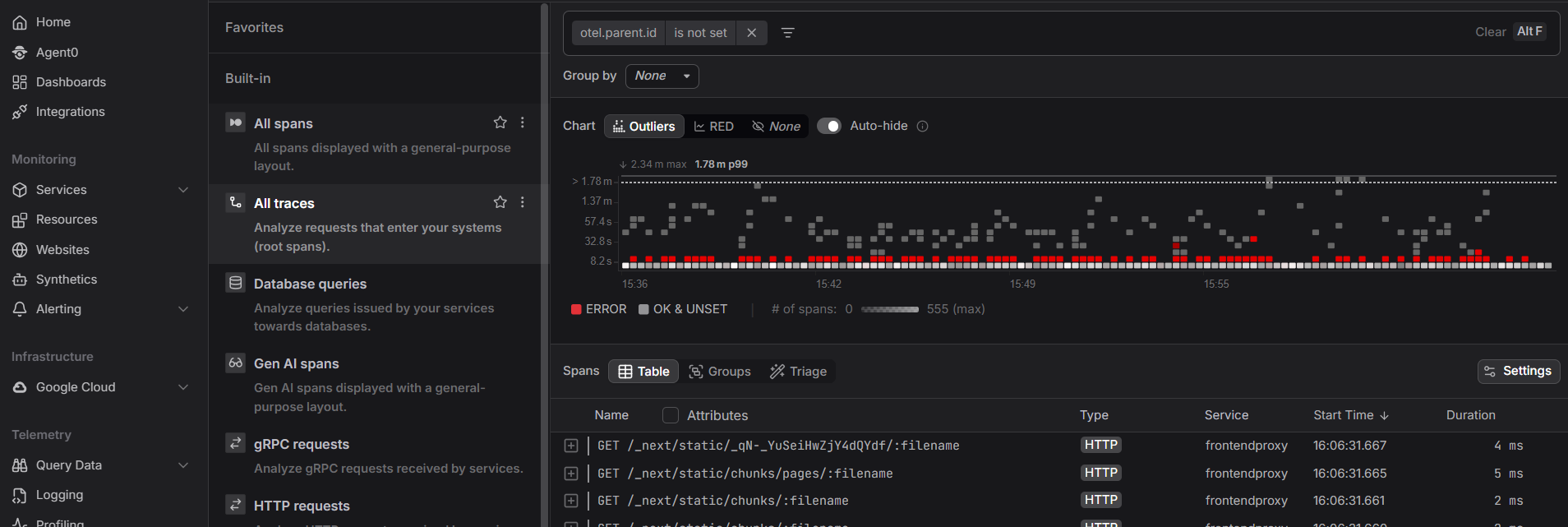
Dash0's infrastructure monitoring pulls image tag, version, and commit metadata into the same view as container metrics, logs, and distributed traces, so a regression at runtime points straight back to the build that introduced it.
 Start a free trial to see your container metrics, logs, and traces in one place. No credit card required.