
400 Bad Request – Request Header Or Cookie Too Large means nginx read the incoming headers into a fixed-size buffer, they didn't fit, and it rejected the request before your application ever saw it. Unlike a generic 400, this one names the culprit: the header block, almost always the Cookie header, is bigger than nginx is configured to accept.
Clearing cookies for the domain unblocks you immediately, but it just resets a counter that fills right back up. This article covers that quick unblock, how to confirm cookies are actually the cause, and the two fixes that stick: enlarging the nginx buffers and trimming whatever is inflating the headers.
The immediate unblock
If you're locked out of a site right now and just need in, clear the cookies for that specific domain. In Chrome, open DevTools, go to Application > Cookies, right-click the domain and choose Clear. In Firefox, go to Settings > Privacy & Security > Cookies and Site Data > Manage Data, find the domain, and remove it. The page loads again right away.
There's a faster way to confirm the cause first, though: open the site in an incognito or private window. Incognito starts with zero cookies, so if the site works there but fails in your normal session, accumulated cookies are the problem. Do this before you touch any server config. It tells you whether you're chasing client-side bloat or a genuinely undersized buffer, and those lead to different fixes.
Confirm what's actually too large
Before changing anything, measure the header block. Open DevTools, go to the Network tab, reload the page, click the request to your domain, and look at the Cookie header under Request Headers. The raw byte length of that value is what nginx is checking against its buffer.
You can also read it straight from nginx, since it logs these rejections in the error log. A quicker check is to reproduce the request with curl and watch what comes back. First, copy the full Cookie header value from the Network tab above and save it into a file named huge_cookie.txt (or paste it directly after Cookie: in the command below). Then run:
1curl -sI -H "Cookie: $(cat huge_cookie.txt)" https://your-domain.example.com
If the header block is over the limit you'll get HTTP/1.1 400 Bad Request with nothing from your upstream, which confirms nginx rejected it at the edge rather than your app returning the 400 itself.
The server-side fix: enlarge the buffers
Two directives control how much header nginx will accept. client_header_buffer_size is the initial buffer for the request line and headers, and it defaults to 1KB. When headers don't fit there, nginx falls back to large_client_header_buffers, which defaults to 4 buffers of 8KB each. Here's the subtlety that catches people: these are two separate limits, and a single oversized header line has to fit inside one large_client_header_buffers buffer, not the sum of all four. Four 8KB buffers don't give you 32KB for one giant Cookie header. They give you 8KB, available four times over, for different header lines.
Edit the http block in your nginx configuration:
1234http {client_header_buffer_size 4k;large_client_header_buffers 4 16k;}
The first line raises the initial buffer to 4KB so most normal requests skip the fallback path. The second raises each large buffer to 16KB, which is the number that matters for a bloated Cookie header. Test the config, then reload rather than restarting so you don't drop live connections:
1nginx -t && nginx -s reload
A clean parse prints this:
1nginx: configuration file /etc/nginx/nginx.conf test is successful
If it complains about the directive being in the wrong context, check that both directives sit in the http block. They aren't valid inside a location block.
The real fix: find what's bloating the cookies
Raising the buffer treats the symptom. If your cookies are big enough to blow past 8KB, they're usually bigger than they need to be, and they'll keep growing until they clear whatever new ceiling you set. So do both. Bump the buffer to stop the immediate bleeding, then trim the cookies so you aren't back here next month.
Open the Application tab in DevTools and go through every cookie set on the domain, noting which script set each one. Authentication is usually the biggest single source. A JWT stuffed with claims can run 1-2KB on its own, and once you add OAuth state and CSRF tokens the total climbs fast. On a WordPress or WooCommerce setup, the logged-in and session cookies form a baseline that every active plugin and analytics script then piles onto. Third-party trackers are the other reliable offender, since each one sets its own cookie and they all get concatenated into the single Cookie header that rides along on every request.
Deactivate plugins you aren't using, drop third-party integrations you don't need, and for the ones you keep, check whether they offer a cookie-free or server-side-session mode. Moving session state server-side, keyed by a short session ID cookie, is the durable fix for auth-heavy apps. The browser then carries a few dozen bytes instead of kilobytes of serialized state.
Common pitfalls
The buffer count isn't additive, and this is the one that trips almost everyone. large_client_header_buffers 4 16k does not mean nginx will accept a 64KB header block. Each buffer holds one header line, and your Cookie header has to fit inside a single one. If you've got one genuinely enormous cookie, raise the size (the 16k), not the count.
Watch for a proxy in front of nginx with its own limits. If nginx sits behind Cloudflare, an AWS ALB, or another nginx acting as a reverse proxy, that upstream layer may reject the headers before your nginx ever sees them, or forward headers your nginx then rejects. Fix the buffers on one layer while another stays at its default and you get an intermittent 400 that's genuinely hard to track down. Check every hop, not just the nginx closest to your app.
A 414 Request-URI Too Large is the same root cause wearing a different number. When the bloat is in the URL instead of the cookies, that's what nginx returns, and large_client_header_buffers governs it too. Long query strings, OAuth redirect URLs with encoded state, and deep pagination links are the usual way URLs get there.
Finally, be careful that clearing cookies "fixing" it doesn't hide the real problem. Because the clear always works temporarily, it's tempting to write this off as a browser issue and close the ticket. But if several users report it independently, the cookies are being set server-side and every new visitor is on a countdown to the same failure. Reproduce it in a fresh incognito session after logging in. If it comes back, the fix belongs on the server.
Final thoughts
Once the buffers are sized right and the cookie bloat is under control, the last piece is catching the next occurrence before your users do. A spike in 400s that never reach your upstream is invisible in application logs, because your app never runs to log anything. You need that signal from the proxy layer, tied back to the requests that triggered it.
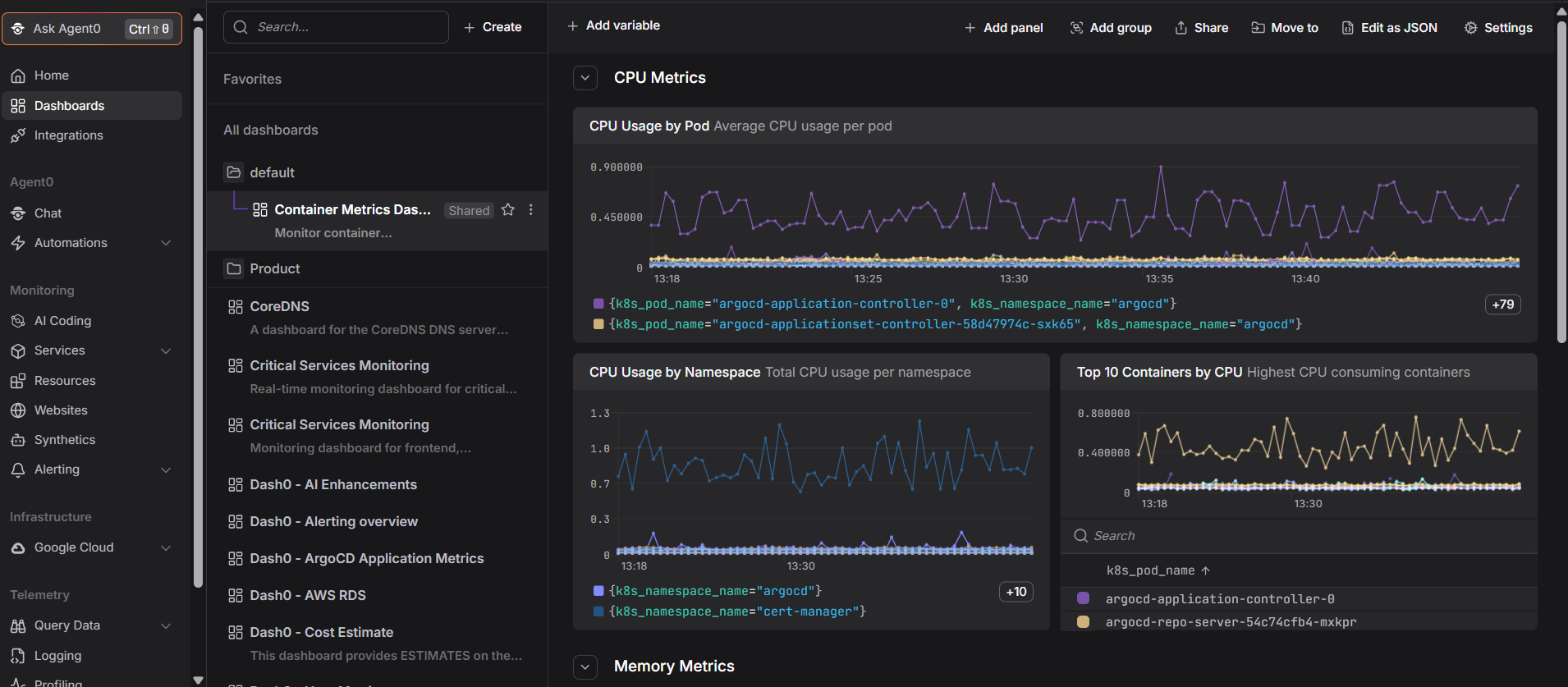
Dash0's OpenTelemetry-native observability surfaces nginx-level logs and metrics next to your application traces, so an edge-layer 400 shows up in the same view as the request behind it instead of falling through the gap between layers.
 Start a free trial to see your proxy and application telemetry in one place. No credit card required.