


What's New
-
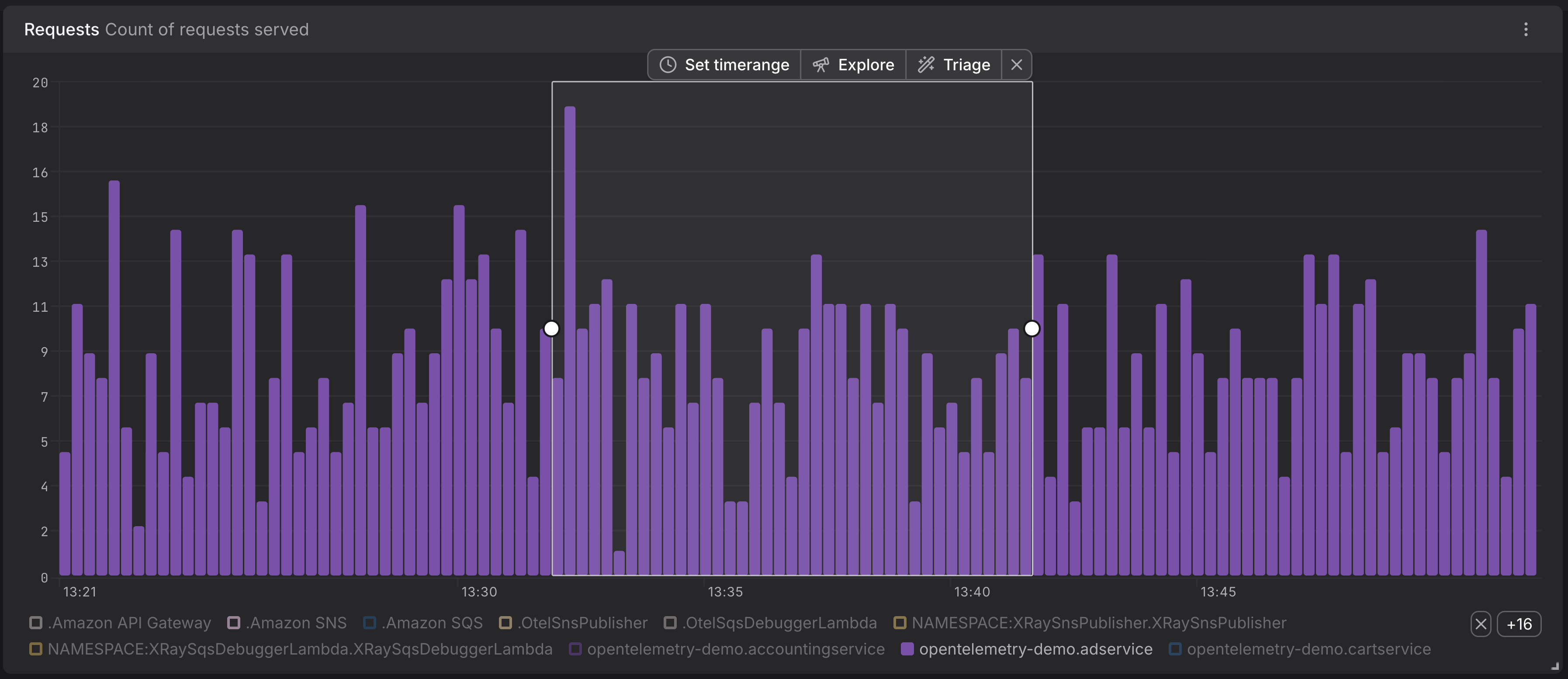
**Inline drilldown from any chart **— Time-series, pie, gauge, stat, and tree-map charts now drill straight into the records behind them.
-
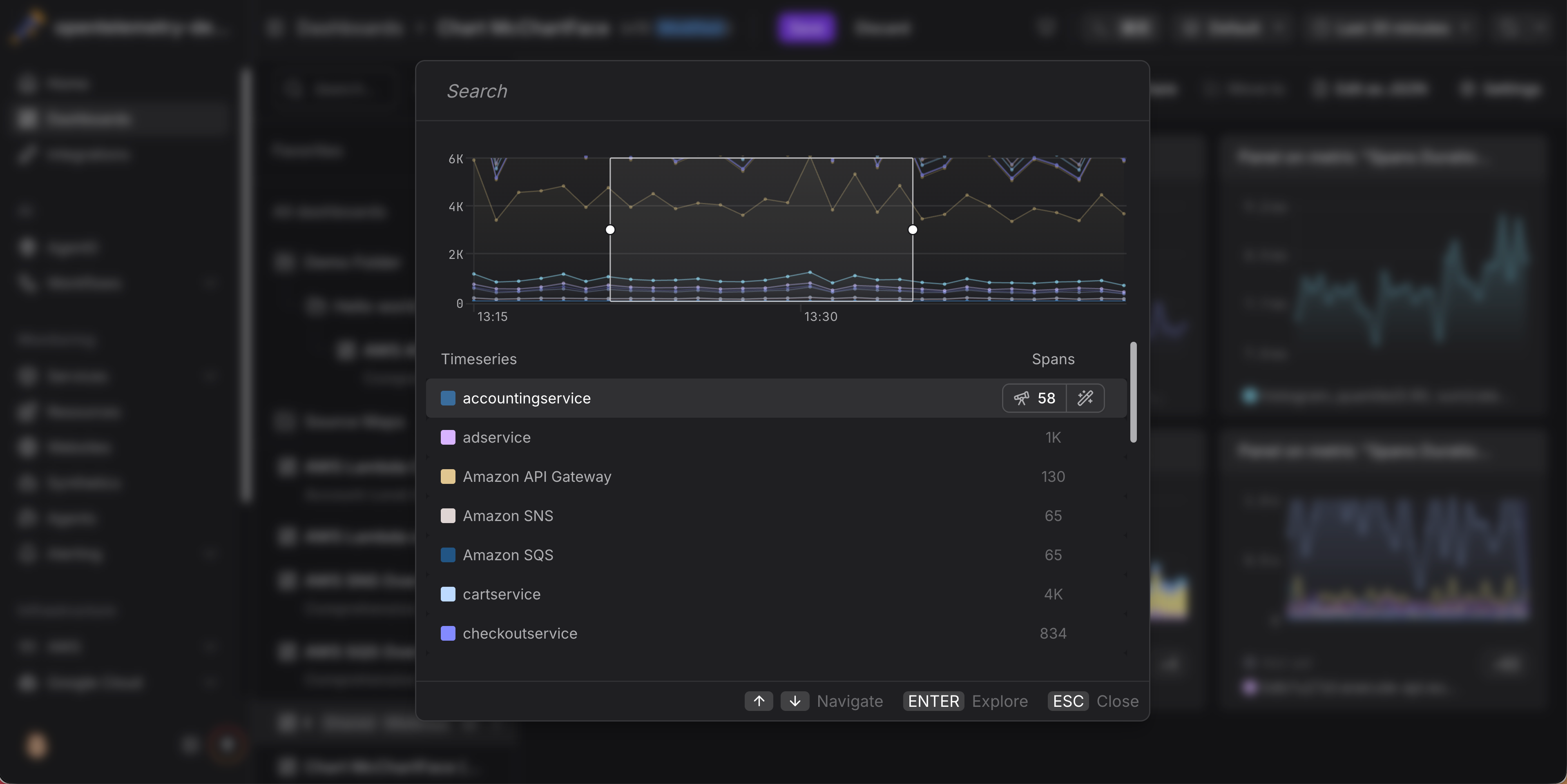
**Searchable picker for multi-time-series charts **— Charts with many series open a dialog with live counts of matching records per series and full keyboard navigation.
-
**Per-(series × signal) drilldowns **— Multi-series and multi-signal charts produce independent drilldowns, each scoped to its row's labels and its signal's filters.
-
**Explore and Triage modes **— Read records with Explore, or surface what differentiates them with Triage. Available for spans, logs, and web events.
-
**Filter and time-range carry-over **— Filters from PromQL and series labels and your selected time range follow you into the destination explorer with no manual setup.
Why This Matters
Explore data behind a chart used to mean hopping between a dashboard, the spans explorer, the logs explorer, and a metric drilldown — copying filter values and time ranges across each step. Drilldown collapses that sequence into a single click. You can spot a misbehaving series, drill straight into its underlying data, and keep visual context throughout, without any manual filter setup.
Try It
Open any dashboard, select a time range on one of your charts, and pick **Explore **or Triage in the action bar. For pie, gauge, stat, and tree map panels, click a segment instead.
The Drill Down from Charts documentation covers every entry point per chart type, keyboard shortcuts, the Explore vs. Triage decision, and the filter translation rules.
Kudos Are Due
The logic to decide which telemetry is used in a PromQL query has been devised together with Julius Volz, one of the founders of Prometheus and the mind behind PromLabs. If you want to learn Prometheus, we cannot recommend the self-paced courses enough, they are effectively a rite of passage at Dash0.