
Coding agents changed how software gets written. Cursor, Claude Code, and GitHub Copilot turned specs into pull requests and pull requests into deployments, and a lot of teams now ship a real share of their code this way. The front half of the software development lifecycle has gone agentic, and it's mostly solved.
The back half has not. When you deploy ten times more often, the work after deployment grows with it: more commits to reason about, more services nobody fully owns, more ways for things to break. Observability has always been good at showing you this is happening. It has not been good at doing anything about it. That part still lands on your engineers. An agentic SDLC needs both halves to run themselves, and so far only the front half does.

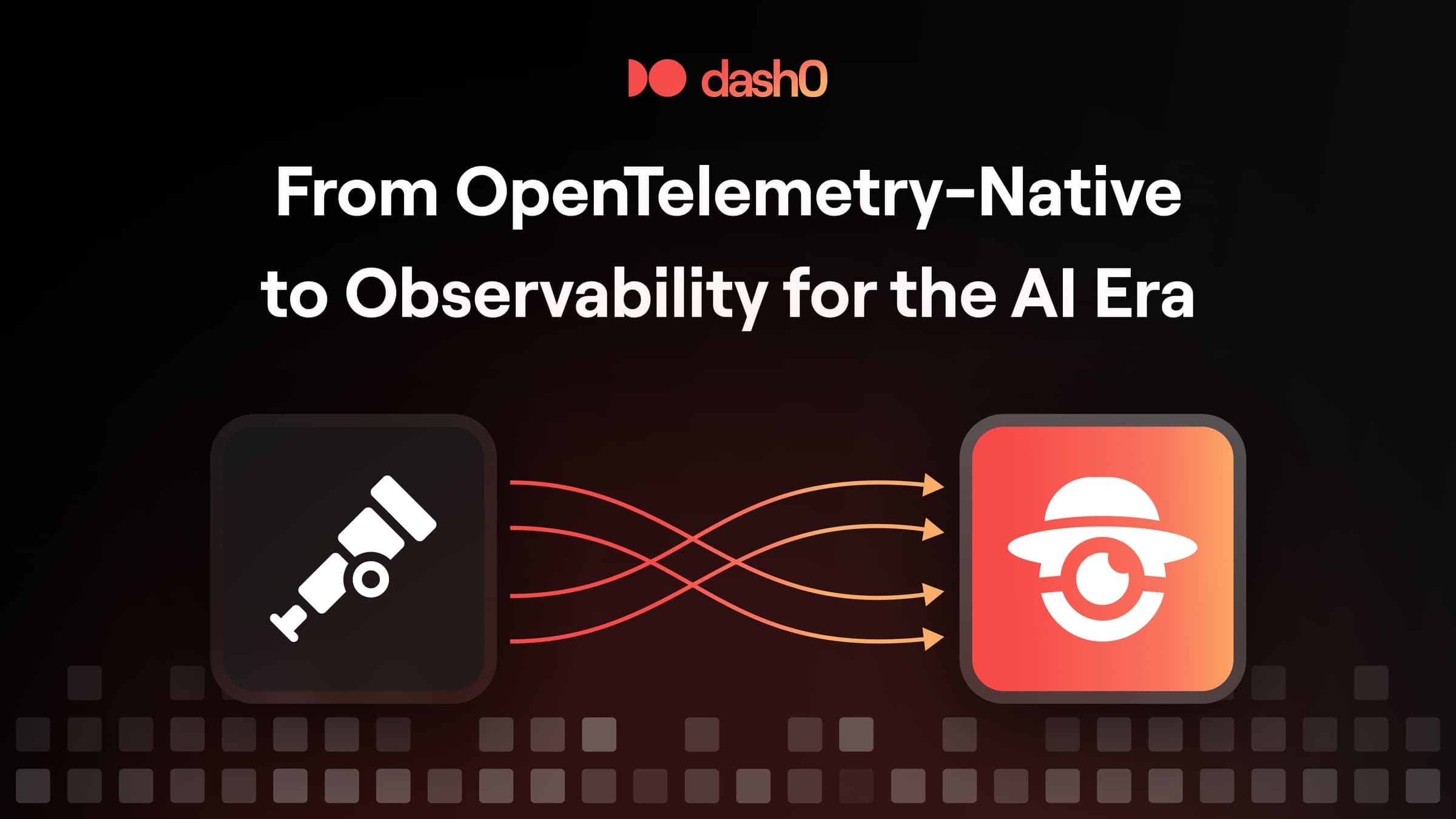
Look at the loop between the two panels. When Agent0 produces a fix, the output is a pull request, routed straight into the review flow your team already uses, not a recommendation you still have to act on. That closes the loop, and the agentic SDLC runs end to end.
The other day we shared where this is heading, and why we're repositioning Dash0 around Observability for the AI Era. The first concrete piece of that shift is Agent0, now generally available (GA) to every Dash0 customer. This post is a closer look at what it does.
Meet Agent0
Agent0 is Dash0's autonomous production AI. At GA, you direct that autonomy. You open it, ask what's wrong, and it goes to work: correlating signals, following a problem into your code, and drafting the fix as a pull request you review and merge. Because Dash0 is OpenTelemetry-native, Agent0 works on the telemetry you already send, with no new collector to install and no separate pipeline to wire up. It works alongside your engineers, not in place of them.
The important word is "you." At GA, Agent0 is something you reach for, and it's present everywhere you already work in Dash0. The part where it runs on its own, against schedules and events, is close. More on that below.
Why we stopped calling it an AI SRE
When we started building Agent0, we called it an AI SRE. It was the obvious category. Incidents are visible, MTTR is measurable, and the before-and-after is easy to show.
The frame was wrong. Watching how teams actually used Agent0 (during Beta), the moments that mattered most were rarely the ones where something had already broken. They were the ones in between. A new engineer asking how the payment service handles a failed transaction. A team lead checking instrumentation quality before a Friday deploy. Someone noticing latency drift on a Thursday afternoon and wanting to understand it before it turned into a weekend incident.
None of those are exactly on-call moments. They happen every day, on every team, for every engineer. It is part of their operations. An AI that only activates when an alert fires is solving maybe twenty percent of the problem. The other eighty percent is everything that happens before and after.
So that is what Agent0 is: production made understandable and operable for everyone on your team, every day, not just for whoever is holding the pager.
Three things that set Agent0 apart
Live insights
Open the Agent0 view and the first thing you see is what's actually wrong. Services with elevated error rates or latency. Infrastructure under pressure. Recent deployments that line up with a regression. Including the services failing with no alert defined for them at all, the blind spots you didn't know to look for. It reads across every telemetry signal at once, not one at a time. You don't write a query. You look at the list and pick what to dig into.

From instrumentation to code fixes
Agent0 covers a production service end to end. Before something ships, it can check whether a new service is instrumented well enough to debug later and propose what's missing. When something breaks, it investigates, correlates logs, traces, and metrics, follows the trace into your repository to the code behind the problem, and drafts a pull request on its own branch with the diff and the trace evidence attached. It generates the alert, dashboard, or runbook that should have existed too. You review and merge. One place, instead of five tools stitched together to close a single issue.

It keeps your context
The integrated experience, via "Ask Agent0", lives on every surface in Dash0. Whatever you're looking at, a trace, a dashboard, a service, a stream of logs, you can ask Agent0 about it and it reasons over that exact context. It will surface hidden patterns, but you can start an investigation, or turn what's in front of you into an alert or a dashboard, right where you are. Exactly when you need it. You don't lose your context and copy to your clipboard to go ask a separate tool.

You stay in control
Everything Agent0 generates is checked against your live telemetry before it reaches you. A generated alert is validated against your live telemetry, so it fires on the right condition and not on noise. A dashboard renders against metrics that actually exist. A fix arrives with the trace evidence that justifies it. Agent0 drafts; you decide. It does not merge code or change your system on its own.
That's deliberate. The path to autonomous production runs through trust, and trust is earned one validated artifact at a time. Today a human approves the work. As that trust builds, more of it moves to Agent0, on the services and workflows you choose.
Where this is going: Agent0 Automations, coming soon
Today you invoke Agent0. Soon, Agent0 starts running on its own.
We're adding Automations: Agent0 triggered by a deployment, an anomaly, or a schedule, doing the same work without you opening anything. An anomaly fires at 2:17am. An Agent investigates, traces it to a config change deployed at 20:43, and has the pull request waiting before the on-call engineer has finished opening Slack. You'll also be able to build your own automations, with your skills, your knowledge, and your own MCP servers behind any trigger you want.

The mental model stays the same whether a human or a trigger starts the work. Agent0 is the brain. It reasons over context: the facts it can draw on, like your telemetry, your code, your docs, and its memory of past work, and the behaviors that tell it how to act, like skills and runbooks. From that it produces outputs you can use: dashboards, alerts, runbooks, and pull requests. And the list will keep growing.
Pricing
Agent0 is priced with task-based credits at $0.60 a credit. No commitments, no per-seat AI fees, and no charge per investigation. A simple task like a service health check costs a fraction of a credit; a full investigation or a drafted pull request runs one to two credits.
During June 2026 it's free, every task, so you have the rest of the month to run Agent0 against your real production data before billing starts in July.
Final thoughts
Most observability tools were built to make production visible. We built Agent0 to make it resolvable, and to do that work alongside every engineer on your team, not just whoever is on call.
It's generally available in Dash0 today. The fastest way to understand it is to point it at your own telemetry and watch what it surfaces things you didn’t even know about.